Content
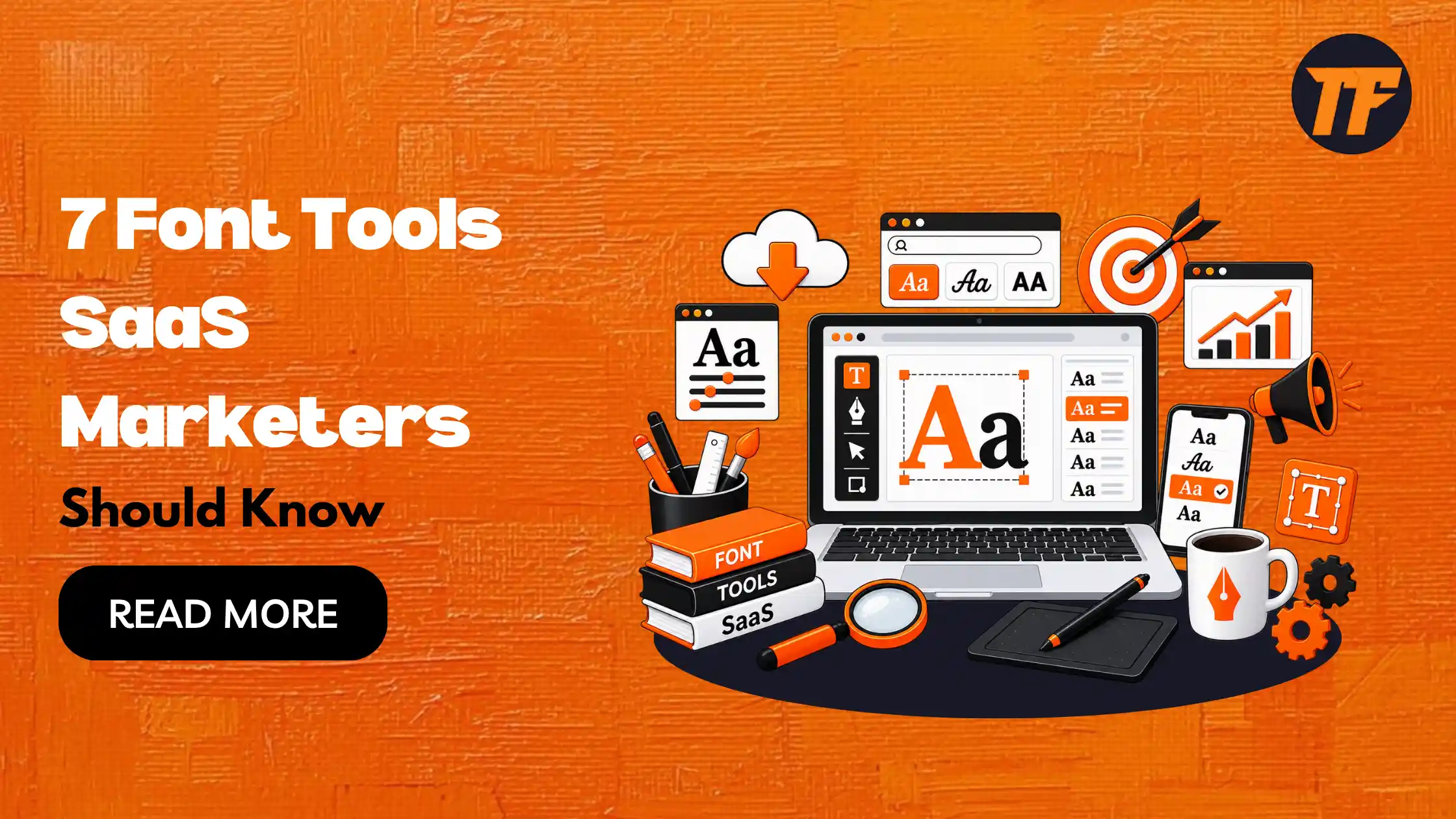
7 Font Tools SaaS Marketers Should Know
Choosing the right font can shape how trustworthy, modern, or approachable your SaaS brand feels before a visitor reads a single word of copy. Yet most marketers aren't trained designers, and picking, pairing, or identifying fonts by hand is slow and easy to get wrong.
The good news is you don't need a design degree to get typography right. You just need the right tools. Here are seven font tools every SaaS marketer should have on hand, what each one solves, and how to pick the one that fits your team.
1. Text to Font
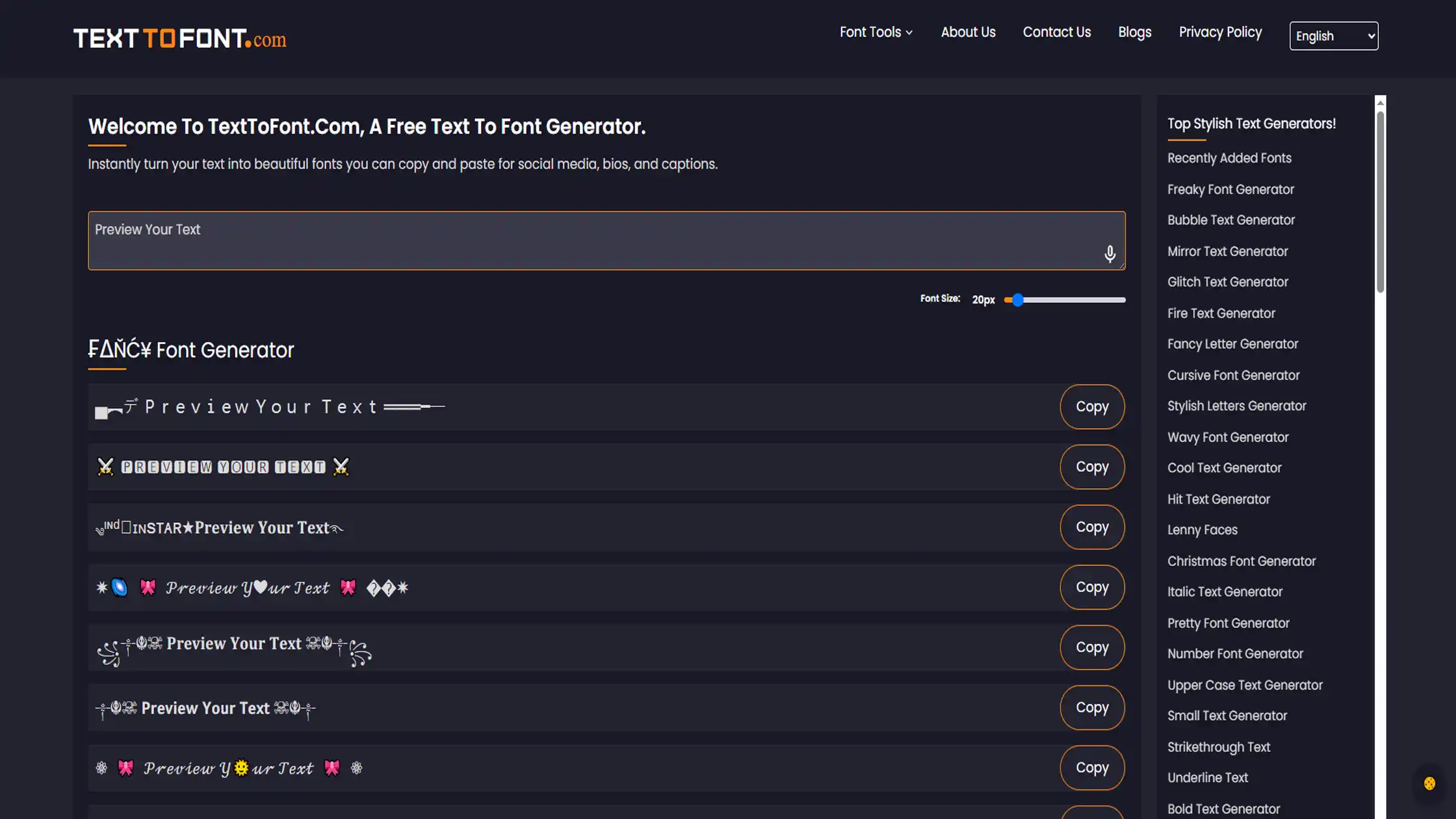
Text to Font is a fancy font generator and text stylizer that turns plain text into stylized, copy-paste-ready fonts.
Instead of pairing or identifying existing typefaces, it lets marketers instantly transform headlines, captions, or bios into eye-catching text styles. This works well for social media profiles, ads, and promotional graphics, with no design software required.
It's built for quick, on-the-spot styling rather than long-term brand typography systems.
Best Features
Instantly generates dozens of stylized font variations from typed text
Copy-paste output works anywhere, no downloads or installs needed
Free to use
No design skills or software required to use
Best for: Marketers who need quick, attention-grabbing stylized text for social media, ads, or promotional content without touching design software.
2. Google Fonts
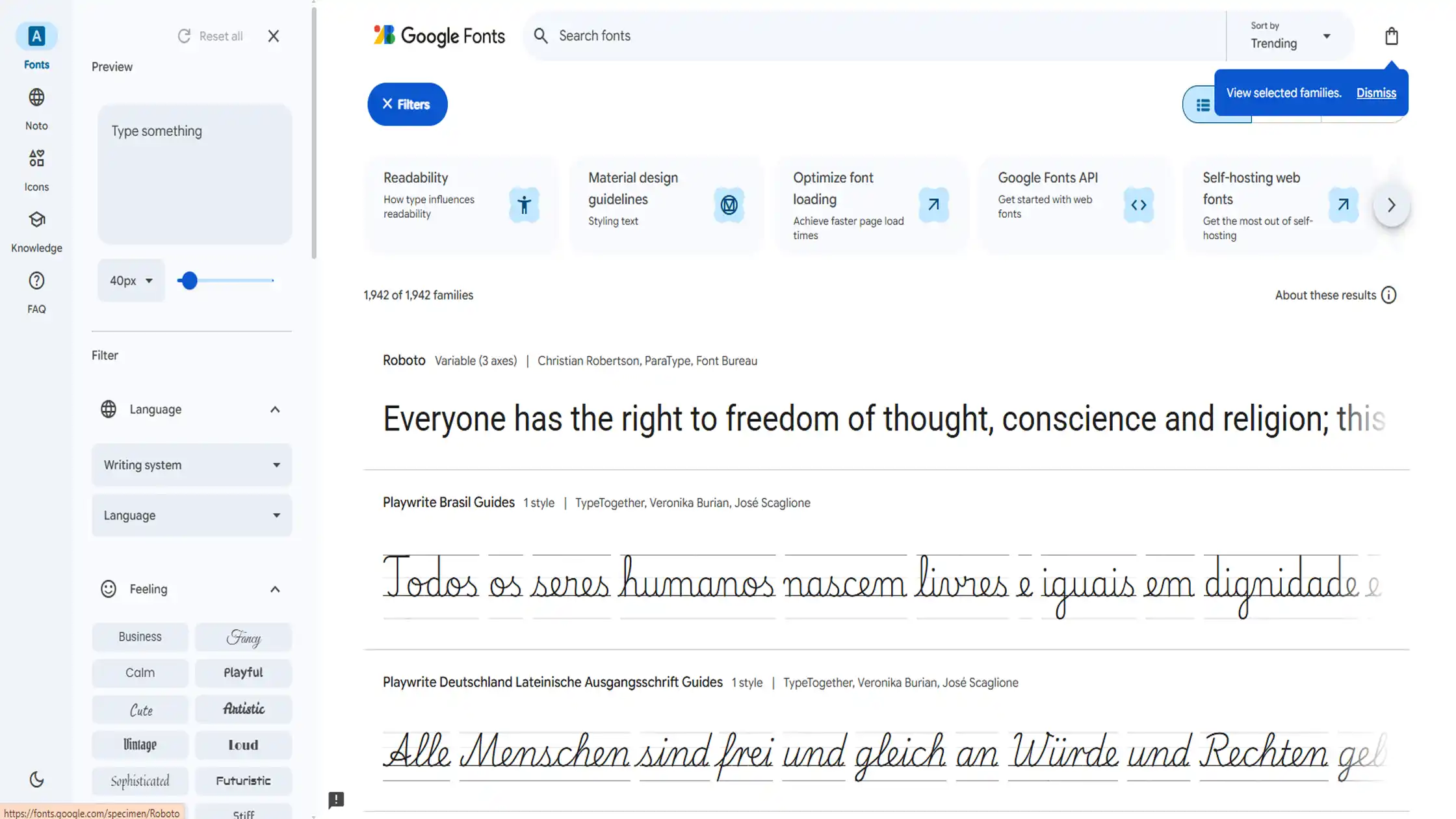
Google Fonts is a free, open-source library that hosts hundreds of web-optimized typefaces. It's the default starting point for most SaaS marketing teams because every font is free for commercial use and loads quickly across devices.
Fonts can be previewed directly in the browser, making it easy to test combinations before committing them to a live page or template.
Best Features
Fully free for commercial use, no licensing fees
Fonts are pre-optimized for fast web performance
Live preview lets you test pairings before publishing
Huge library covering nearly every style and tone
Best for: Marketers who need a reliable, no-cost font library for landing pages, blogs, and email templates.
3. Adobe Fonts
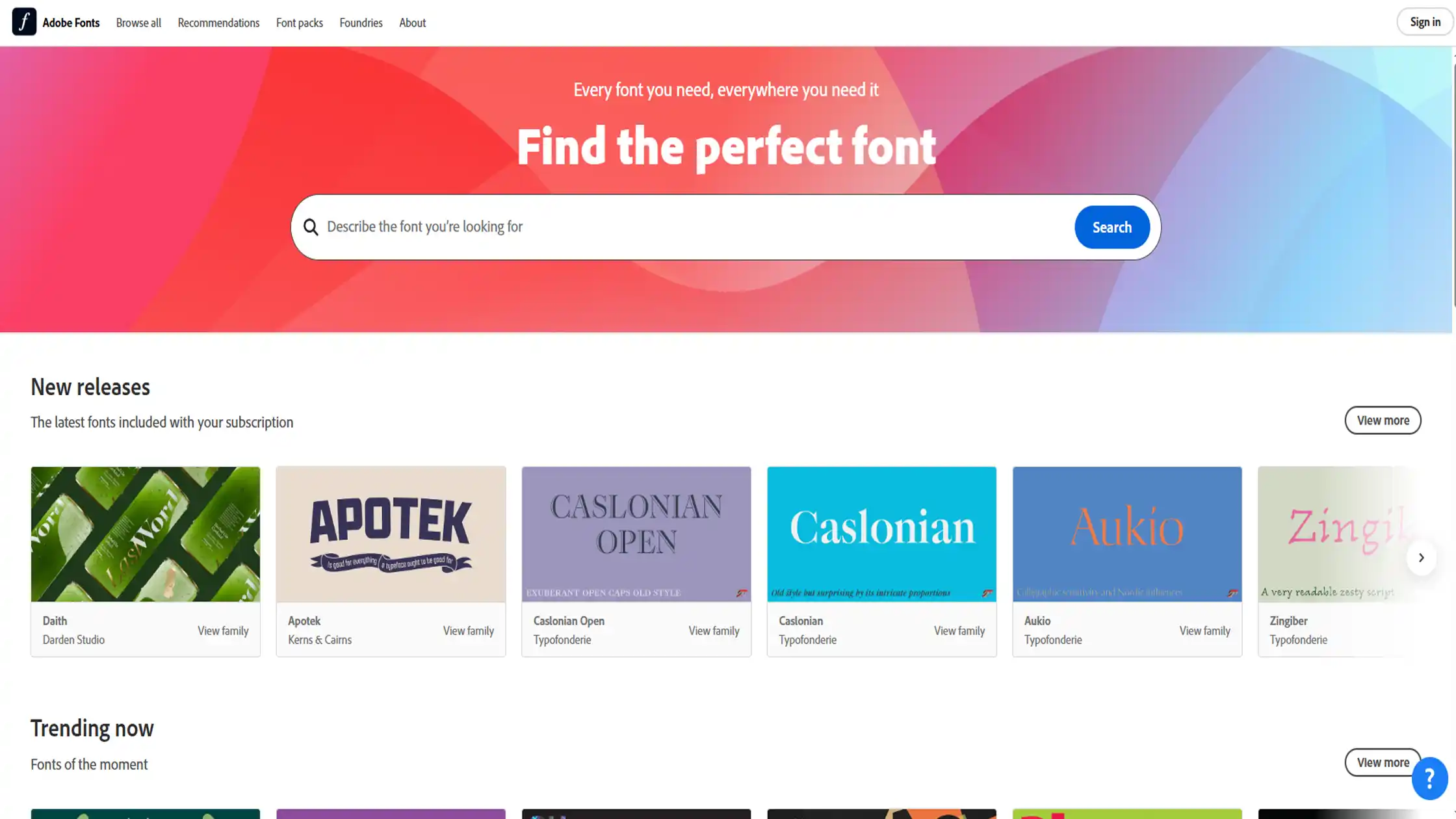
Adobe Fonts is a premium font library bundled with Adobe Creative Cloud, giving marketing teams access to professionally designed typefaces beyond the free options. It's especially useful for SaaS brands that want a more distinctive typographic identity and already work inside the Adobe ecosystem.
Fonts sync automatically across design and marketing tools, keeping teams aligned without manual downloads.
Best Features
Large catalog of premium, professionally crafted fonts
Automatic syncing across Creative Cloud apps
Includes both web and desktop font formats
Regularly updated with new typeface releases
Best for: SaaS brands that already use Creative Cloud and want a more distinctive typographic identity.
4. Fontjoy
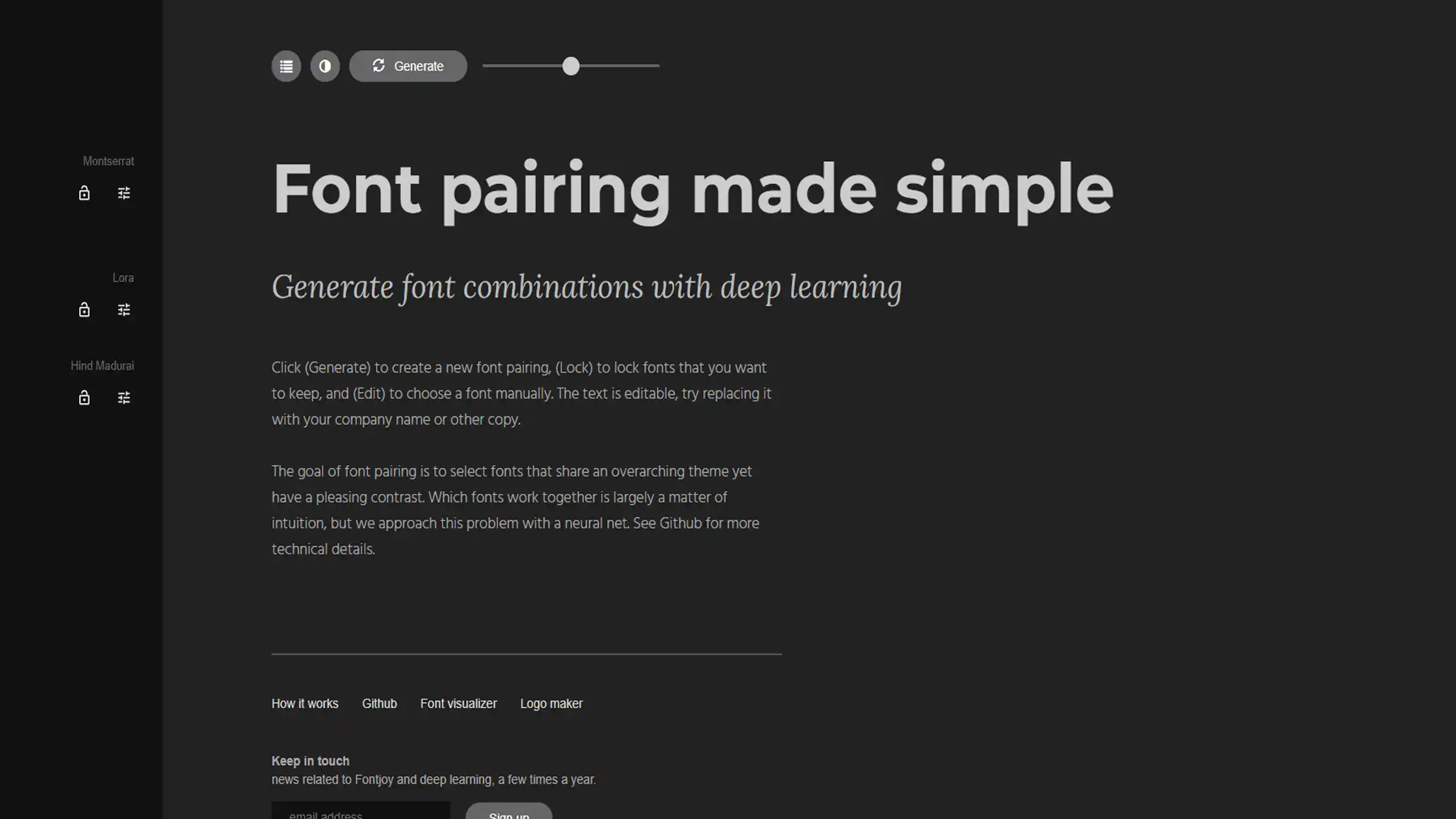
Fontjoy is a font pairing tool that uses a simple algorithm to generate heading and body font combinations.
It solves a common problem for marketers: two fonts that look fine individually but clash when placed together. With one click, it shuffles through new pairings, making it a fast way to experiment before settling on a final combination for a page or campaign.
Best Features
Instant pairing suggestions, no design skill needed
Shuffle option to explore multiple combinations quickly
Free to use with no account required
Simple interface built for fast experimentation
Best for: Quickly generating heading-and-body font pairs for landing pages or ad creative.
5. Fontpair
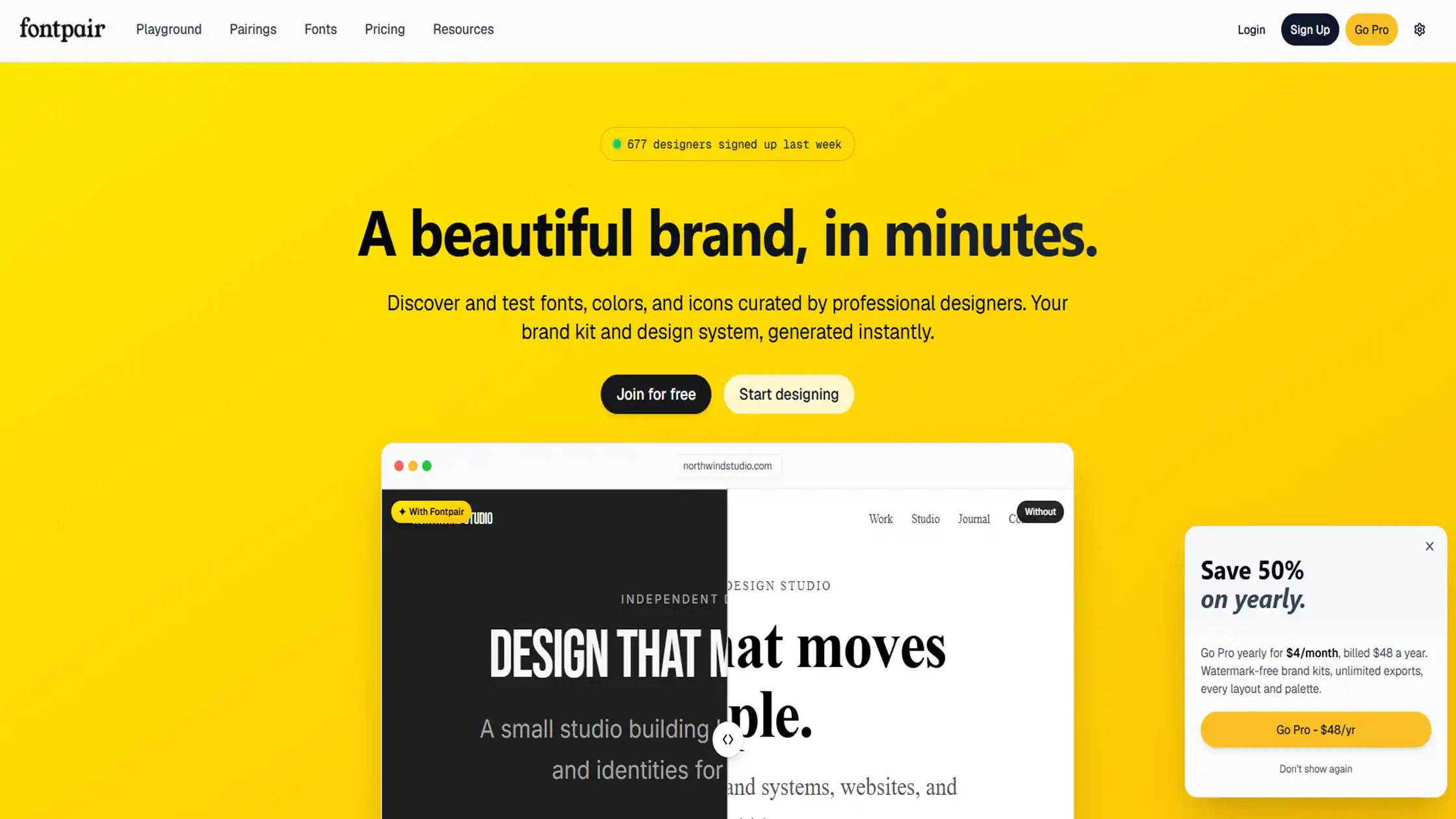
Fontpair is a curated library of Google Fonts combinations, organized by style and use case. Unlike algorithm-based tools, every pairing here has been manually selected and tested for visual harmony.
This makes it a dependable option for marketers who want a combination that's already proven to work, rather than experimenting from scratch.
Best Features
Hand-picked, pre-tested font combinations
Organized by style, making it easy to match brand tone
All fonts sourced from Google Fonts, so they're free
Simple browsing experience with no learning curve
Best for: Marketers who want tested, human-approved font combinations rather than algorithmic guesses.
6. WhatFontIs
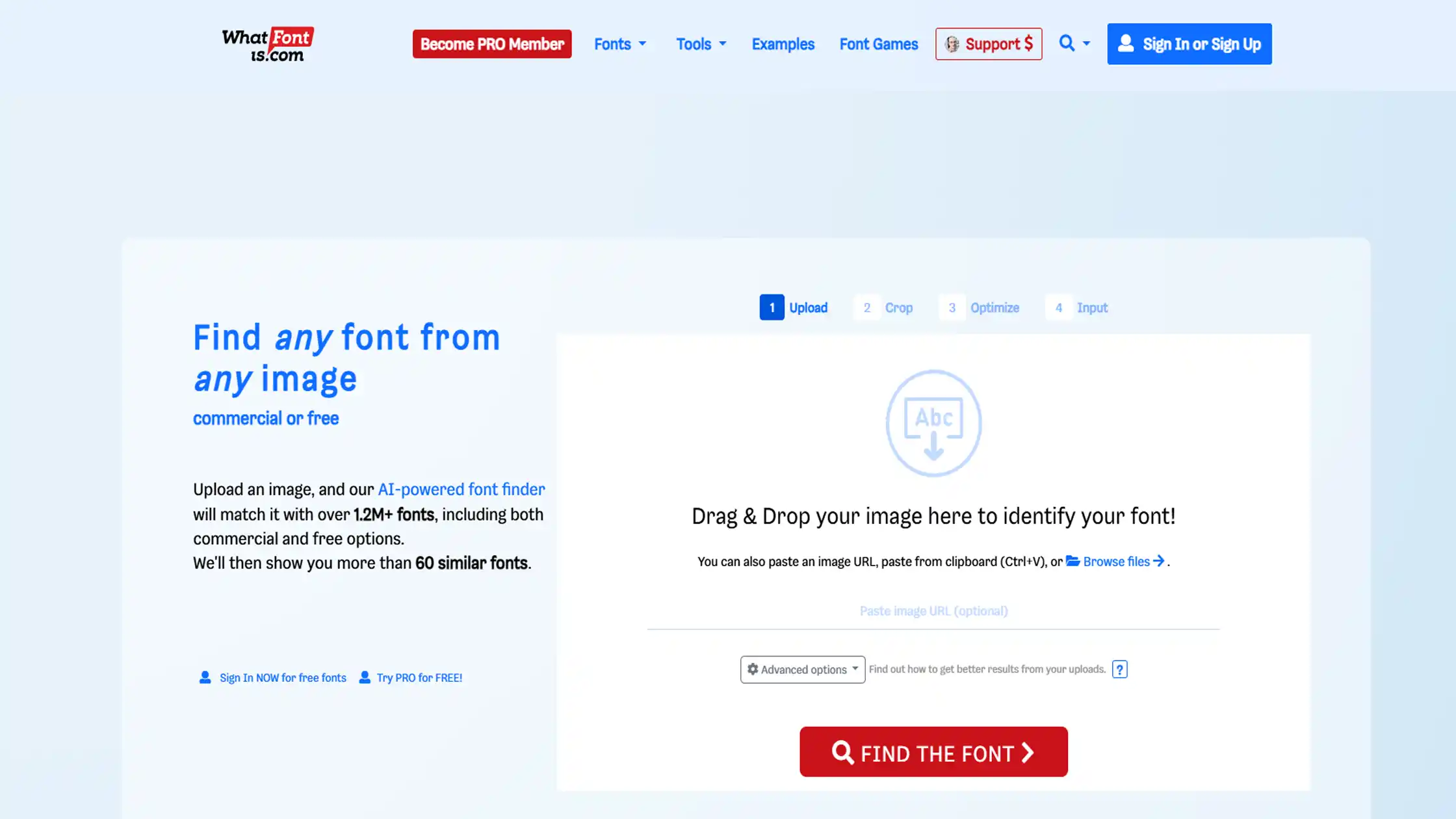
WhatFontIs is a font identification tool that analyzes an uploaded image to find the closest matching typefaces. It's built for moments when marketers spot a font they like, on a competitor's site, an old asset, or an ad, but don't know its name.
Results include both free and commercial matches, giving flexibility depending on budget and licensing needs.
Best Features
Identifies fonts from screenshots, ads, or any image with text
Returns both free and paid font matches
Large database covering hundreds of thousands of typefaces
Useful for rebuilding brand assets when original files are lost
Best for: Matching a competitor's font, recreating an old asset, or identifying a font from a screenshot when the source file is gone.
7. WhatFont (Browser Extension)
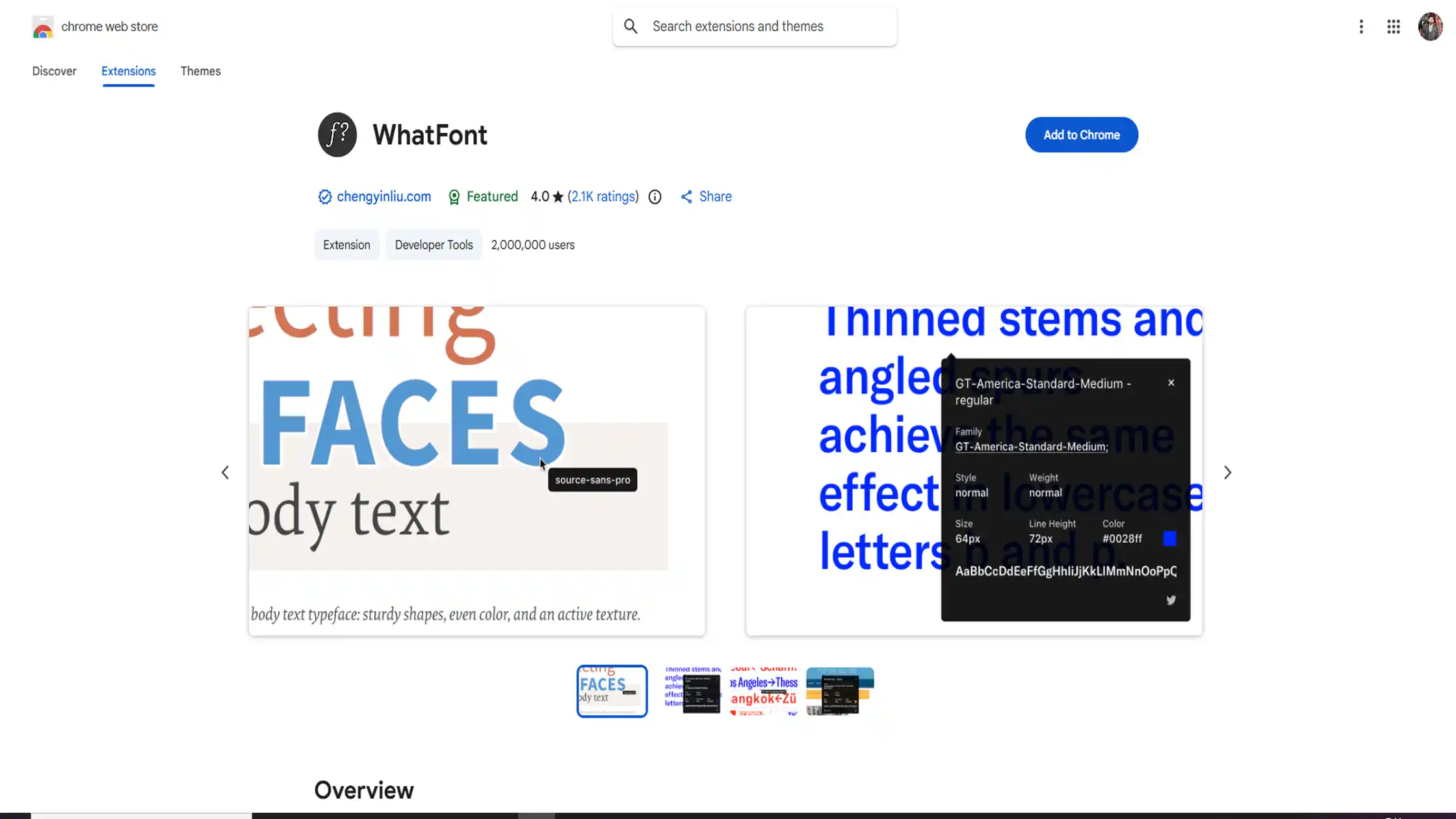
WhatFont is a lightweight browser extension that identifies fonts directly on a live website. Hovering over any text instantly reveals the font name and details, without uploading images or leaving the page.
It's one of the fastest ways for marketers to check what typeface a competitor or inspiration site is using in real time.
Best Features
Instant identification while browsing any live site
No uploading, cropping, or screenshotting required
One-click browser install with no learning curve
Shows font family, size, and styling details
Best for: Quickly checking what font a competitor or inspiration site is using, without leaving the browser.
How to Choose the Right Font Tool for Your Stage
Not every marketer needs all seven tools. The right pick depends on where your team is:
Solo marketer, no designer on the team: Start with Google Fonts and Fontpair. Both are free and require zero design background.
Small team scaling brand consistency: Add Fontjoy for quick pairing experiments and WhatFont to check how competitors and inspiration sites are using type.
Established SaaS with a design system: Adobe Fonts and WhatFontIs become useful for sourcing premium typefaces and matching existing brand assets precisely.
Common Font Mistakes SaaS Marketers Make
A few recurring mistakes cause most SaaS typography problems:
Using different fonts on the marketing site and inside the product, which breaks brand continuity between acquisition and onboarding
Ignoring font file size, which slows down landing page load times and hurts conversion
Mixing too many typefaces on one page, creating visual noise instead of hierarchy
Skipping license checks, especially when reusing a font identified from a competitor's site
Picking fonts based on personal preference alone, instead of testing readability at actual body text size
Conclusion
Typography is a small decision with a big impact on how your SaaS brand feels to visitors. You don't need design expertise to get it right, just the right tools for pairing, identifying, and sourcing fonts efficiently.
Start with the free options, add more specialized tools as your brand and team grow, and keep consistency across every touchpoint your marketing owns.
Frequently Asked Questions (FAQs):
What are font tools used for?
Font tools help marketers find, pair, identify, and style fonts. They can make typography work faster without requiring advanced design skills.
Which font tool is best for free fonts?
Google Fonts is a good choice because it offers a large library of free fonts. Fontpair can also help you find ready-made font combinations.
What is the easiest font tool for social media text?
Text to Font is useful for creating stylized text for social posts and ads. You can copy and paste the generated text without using design software.
Which font tool should a solo SaaS marketer start with?
Google Fonts and Fontpair are the easiest starting point since both are free and require no design background. They cover most everyday landing page and email needs.
Can font tools help with brand consistency?
Yes, font tools can help teams choose and reuse fonts across different marketing materials. Using consistent fonts can make a SaaS brand look more unified.

Admin
Admin is a professional and creative specializing in the latest stylish font styles for social media and brand promotion. With a passion for modern typography and digital trends, Admin helps users create eye-catching text that stands out online.