Content
How to Put Your Own Text Design on a T-Shirt (Without Buying in Bulk)
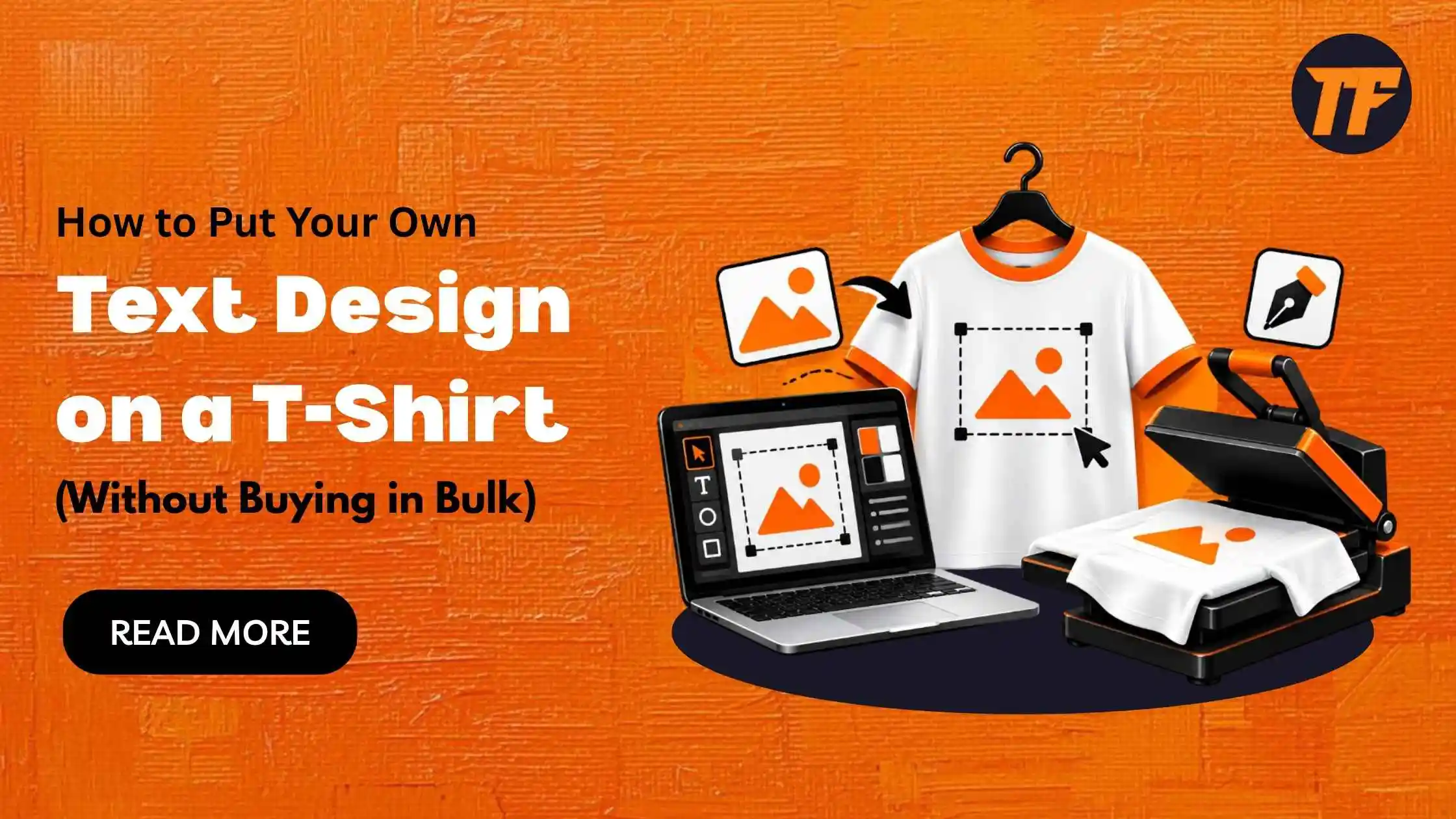
You can put your own text design on a T-shirt without buying in bulk by using a print-on-demand service. Create your text, turn it into a print-ready design, upload it to the service, and order a single shirt.
Before you place the order, check that the lettering is readable at its actual print size and that the style will hold up on fabric. A mockup also helps you check the design’s size, placement, and contrast.
Cut the Words Down Before You Style Them
People read a shirt while it walks past them, so your text gets about as long as a glance. That rewards 2 to 6 words set large and punishes the full quote you saved from Pinterest.
If the line runs longer, split it into a short main line across the chest and a smaller plain line underneath, or move the whole thing to a left-chest print around 4 inches wide.
Decide the placement now, because it changes every choice that follows. A full-front print on a standard adult tee sits in an area roughly 12 inches wide, and a style that reads well at that size can turn into a smudge at 4 inches.
Keep to 1 decorative style per shirt and set anything secondary in a plain face, since the basic rules for choosing fonts hold on fabric exactly as they do on paper.
Pick a Style That Survives Ink and Fabric
Chunky styles print well. Bubble letters, bold serif capitals, and heavy blackletter keep their shape because each stroke is thick enough to absorb the slight spread that happens when direct-to-garment ink soaks into cotton fibers.
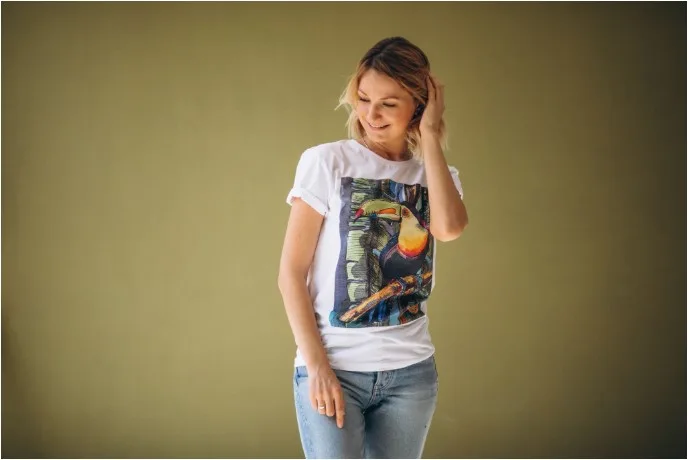
A hairline that looks crisp on a phone screen can thin out, break, or disappear altogether under the same conditions.
The worst offenders are effects that stack marks on top of letters. Glitch and zalgo text work by piling and combining characters above and below each letter, and while the mess looks deliberate on a phone, printed on a chest it reads like a coffee spill. Delicate cursive styles carry the same risk at small sizes, so save them for a big, single-word design and keep them away from pocket prints.
Turn the Styled Text Into a Print File
The letters a generator hands you are Unicode characters, the same kind of thing as an ordinary A or B, borrowed from blocks built for maths notation, phonetics and enclosed symbols. Whether they show up depends on the font inside whatever app you paste them into. Unicode 17.0, released by the Unicode Consortium in September 2025, brought the standard to 159,801 encoded characters, far more than any single font file can draw.
So paste the line into your design tool first and look for empty boxes or question marks before touching color or layout. If a few letters drop out, switch the font setting in the app or go back and pick a different style.
Once every letter displays, export a PNG at 300 DPI sized for the print area. A 12-inch-wide design needs about 3,600 pixels across, so a 1,000-pixel phone screenshot may print blurry. Keep the background transparent to avoid a pale rectangle around the text.
Make Your First Shirt Through Print on Demand
Print on demand is what makes custom printed t-shirts practical in a run of 1. You upload the PNG, place it on a blank in a mockup generator, and nothing gets printed until someone actually orders, whether that someone is you or a friend clicking a link. There is no minimum order and no box of leftover mediums gathering dust in the hallway.
Printful works this way, and so do most of its competitors. The unit price runs higher than a bulk screen print, yet for a gift, a stag weekend or a test run, you come out ahead, because you skip the per-color screen fees and pay only for shirts that have a wearer.
Shirts are the core of the business for these services, which is why the blank catalog is deepest there. Mordor Intelligence's latest market report puts apparel at 40.20% of print-on-demand revenue in 2025, the largest share of any product type.
Treat the Mockup as a Proof
A mockup tells you about placement and scale, and those are where home-made designs usually go wrong. Text dropped in at the default position tends to sit too low, landing across the stomach, so drag the top edge up to about 3 inches below the collar.
Then switch the preview from the white default to the color you are actually buying. Black letters on charcoal or navy lose most of their edge, and heather fabrics give thin strokes a speckled look because the mixed fibers take ink unevenly.
Heavy gothic lettering in white or cream on a black tee is about as safe as a text design gets, since dark shirts get a white underbase anyway and thick strokes hide any texture.
Order a Sample Before Anyone Else Can
Buy the first shirt yourself, wear it for a day, and wash it inside out a few times before you send the link to anyone. Cracking, fading, or a color that came out a shade off will show up here, while fixing it costs you the price of 1 shirt.
If you plan to sell, the stakes go up. In KPMG's December 2025 survey of 500 German consumers, carried out with the EHI Retail Institute, 60.4% of online shoppers named inaccurate descriptions or mismatched product images as a reason for sending purchases back. Your mockup is the product image, and the sample is how you check that it tells the truth.
Judge Every Style at Chest Size
The decision that matters happens before checkout. Judge every style as it will look printed at chest size on the shirt color you are buying, and drop anything that only works on a lit screen. That single filter saves more money than any discount code.
Clubs, cafés and small brands can take the same approach further with team jerseys, embroidered caps and branded hoodies, using print-on-demand platforms like Printful that produce and ship each item under the seller's own label as orders come in, with no stock to fund or store.
For the lettering itself, TextToFont converts a typed line into dozens of copy-and-paste styles, from bubble and gothic to cursive and pixel, free and without an account. Type your shirt text there now, paste the 3 heaviest styles into your design app, and put each one on a mockup to see which survives.

Admin
Admin is a professional and creative specializing in the latest stylish font styles for social media and brand promotion. With a passion for modern typography and digital trends, Admin helps users create eye-catching text that stands out online.