Content
7 Best Graphic Design Tools for Social Media
Creating professional social media graphics doesn't have to be difficult or expensive. Whether you're a content creator, small business owner, marketer, or agency, the right graphic design tool can help you design engaging visuals for Instagram, Facebook, LinkedIn, Pinterest, TikTok, and other platforms in less time.
To help you decide, we reviewed the best graphic design tools for social media and compared their features, pricing, ease of use, and overall value.
With so many design platforms available, choosing the right one can be challenging. Some tools focus on speed and simplicity, while others offer advanced collaboration, AI features, or typography controls. To help you make the right choice, we compared seven of the best graphic design tools based on ease of use, features, pricing, collaboration, and overall value.
In this guide, you'll discover what each tool does best, who it's designed for, and how it compares, so you can choose the one that fits your workflow and budget.
How to Choose a Graphic Design Tool for Social Media
Before comparing tools, it helps to know what actually matters. A few things separate a genuinely useful design tool from one that just looks nice in a demo video.
Ease of use. Can you create a post in minutes, or does it require a learning curve?
Template variety. Are there enough starting points for your niche, or will you be designing from scratch?
Team features. Can others review, edit, or comment on your designs?
Platform sizing. Does it handle Instagram, LinkedIn, and Pinterest dimensions without manual resizing?
Price versus value. Does the free plan actually let you finish a design, or is it a teaser?
Noge
Keeping these points in mind will help you compare the seven tools below with a clearer sense of what actually matters to you.
Who Should Use These Graphic Design Tools?
These tools are suitable for content creators, freelancers, marketing agencies, ecommerce businesses, startups, social media managers, and small business owners who need to create professional graphics quickly without relying on complex design software.
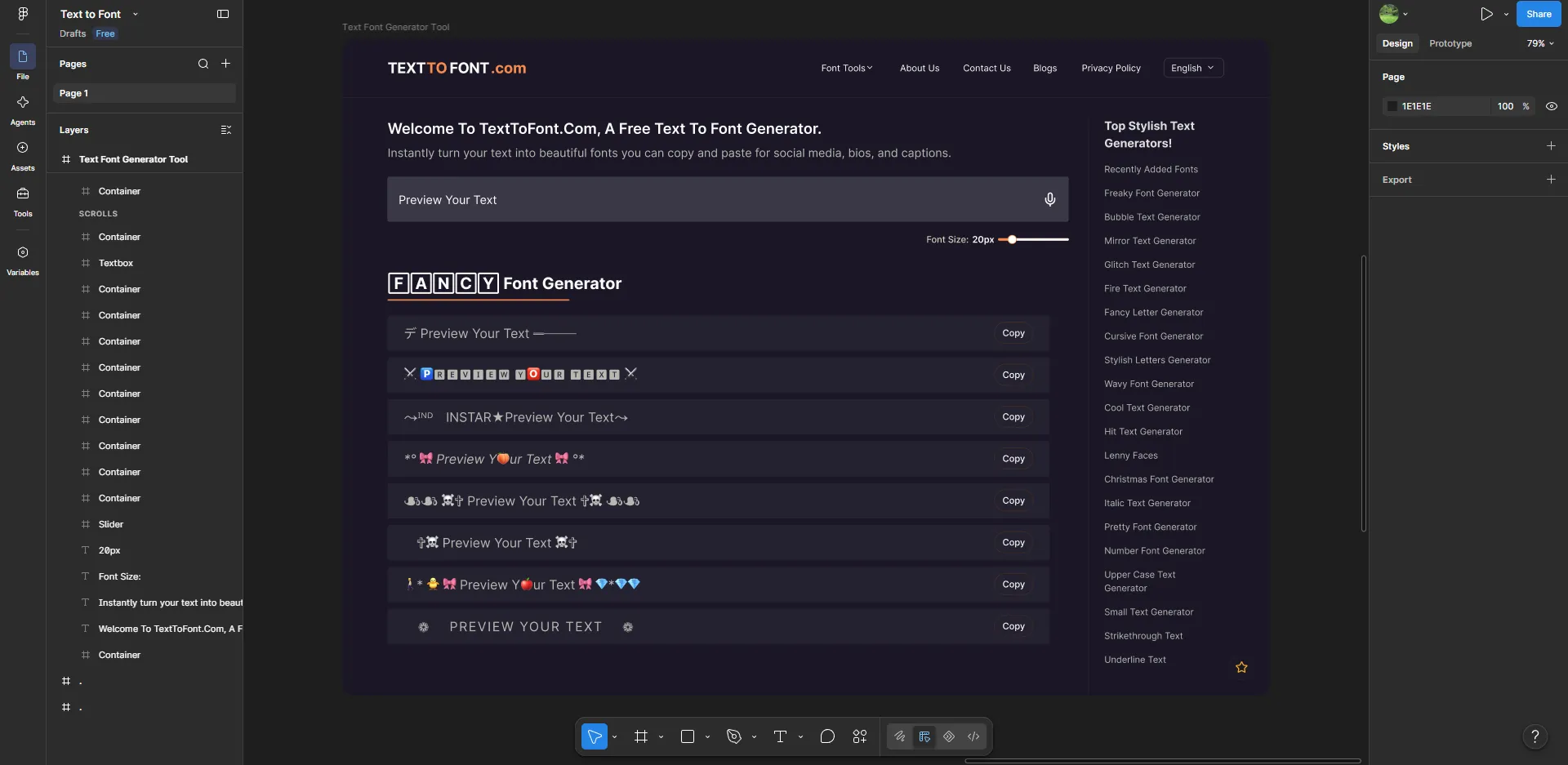
1. Figma
Figma began as a tool for app and website design, but it has quietly become a favorite for marketing and social teams too.
It's built around shared components and libraries, so once a brand kit is set up, new posts can pull from the same colors, fonts, and layouts automatically. It asks a bit more of new users, but rewards teams that want real structure behind their visuals.
Key Features
Real-time multiplayer editing
Reusable components and shared libraries
Version history and file branching
Dev Mode for handing off assets
Price: Free Starter plan (3 files, unlimited viewers). Professional is $12/editor per month billed annually. The organization runs $45/editor per month.
Pros
Excellent for team-based work
Keeps branding consistent across files
The free plan is genuinely usable for solo projects
Cons
Steeper learning curve than template tools
The free plan caps you at 3 active files
Paid tiers add up fast for larger teams
2. Snappa
snappa was built with one goal in mind: getting a decent-looking graphic out the door fast.
It skips the more complex design tools in favor of a simple drag-and-drop editor, a large stock photo library, and one-click resizing for different platforms. It's a favorite for solo marketers who just need to post something good-looking without a learning curve.
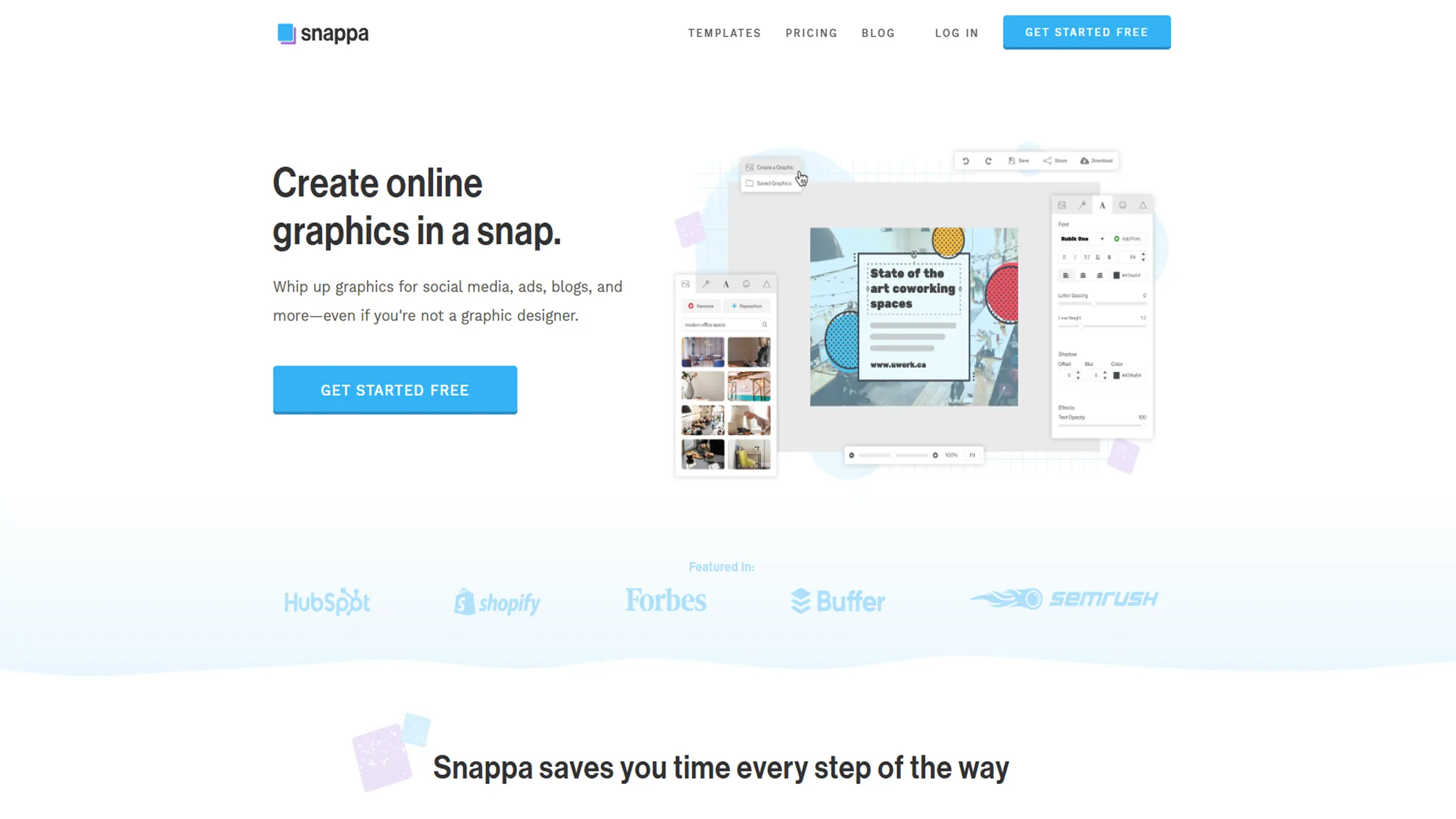
Key Features
6,000+ pre-sized social templates
5,000,000+ HD stock photos included
One-click background remover
One-click platform resizing
Price: The free plan is capped at 3 downloads a month. Pro is $10/month with unlimited downloads. The team is $20/month for up to 5 users.
Pros
Very beginner-friendly, minutes to first post
Full template and photo library on every plan
Loads fast with almost no lag
Cons
The free plan's 3 downloads run out quickly
No SVG or print-ready PDF export
No animation or video support
3. Visme
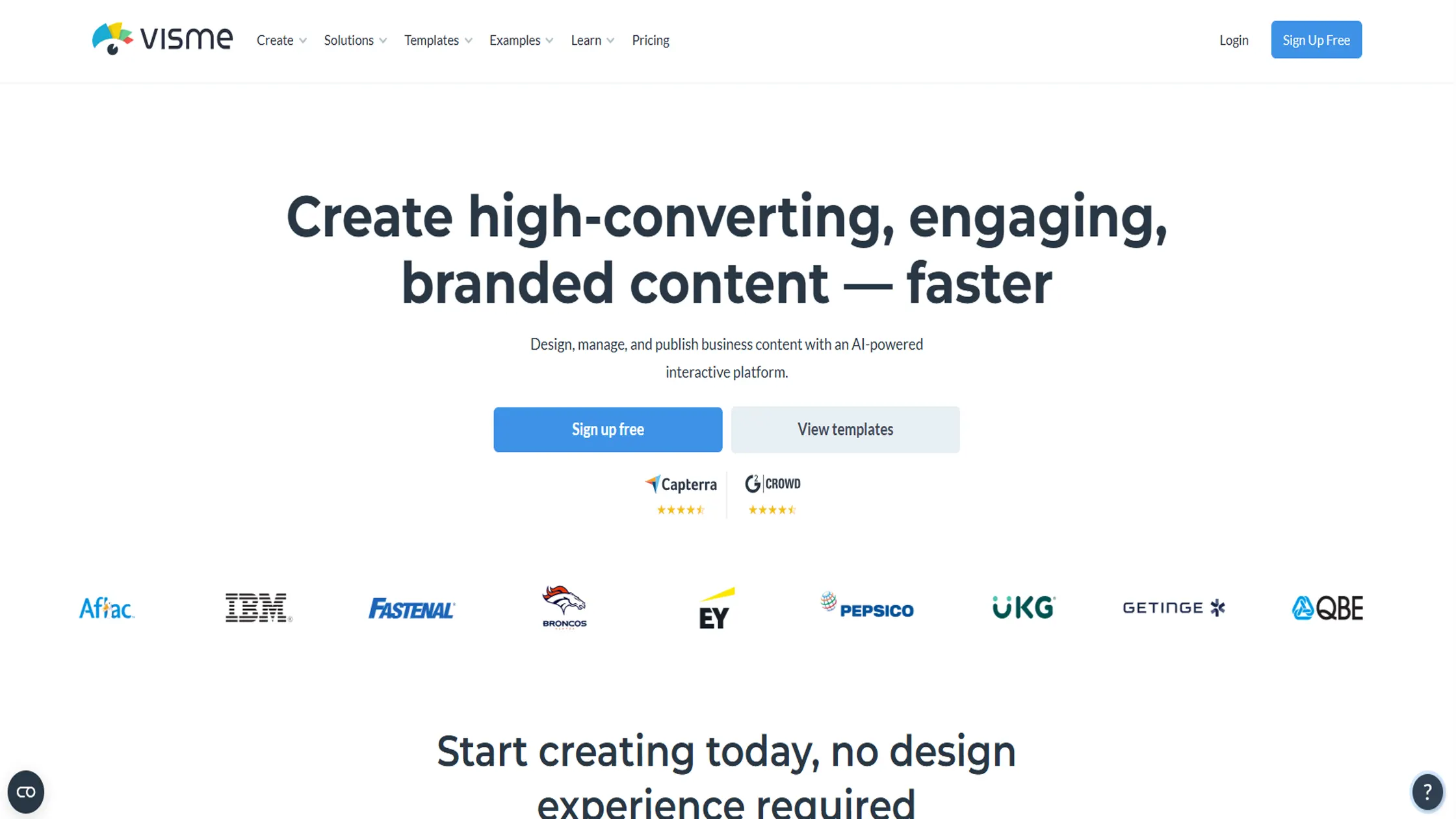
visme leans into data and storytelling. Alongside social templates, it has strong chart and infographic tools, which make it a good fit for brands that mix informational content with regular posts. It also supports simple animation, so static graphics can become short, engaging clips without extra software.
Key Features
Built-in chart and data visualization tools
Animated graphics and GIF export
Brand kit with custom fonts and colors
Live team collaboration on Pro
Price: Free Basic plan (watermarked, no downloads). Starter is $12.25/month billed annually. Pro is $24.75/month billed annually.
Pros
Strong for data-heavy, chart-based content
Genuine animation support, not just static templates
10GB storage and PPTX/HTML5 export on Pro
Cons
The free plan can't download without a watermark
Editor slows down on heavier, data-rich projects
Pricier than most tools on this list for teams
4. Pixelied
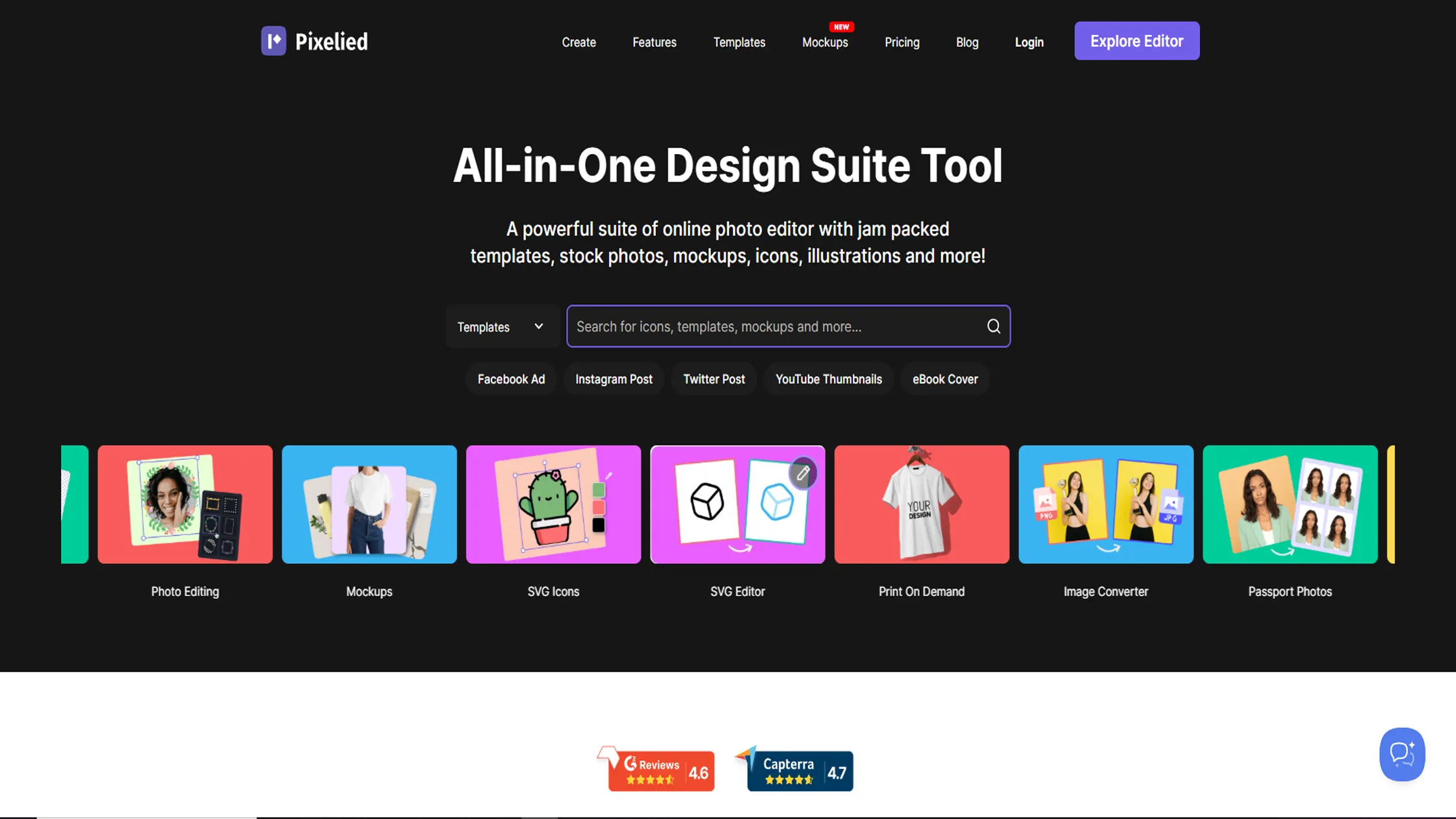
Pixelied is one of the newer names on this list, and it doesn't get talked about as often as bigger platforms, but it holds its own.
Reviewers consistently point to its speed and simplicity, along with a background remover that many say rivals more expensive tools. It's a solid, lighter alternative for quick, product-focused graphics.
Key Features
One-click background remover
25+ export formats with bulk resizing
4 million+ royalty-free stock photos
Brand workspaces for multiple clients
Price: Free plan with 1 workspace, 1GB storage, and 3 downloads a month. Paid plans start at around $9.95/month, with a $97 one-time lifetime option.
Pros
Fast, clean editor with almost no learning curve
Background remover holds up against pricier tools
Lifetime deal option is rare among competitors
Cons
Smaller template library than Canva-style tools
The free plan's 3 downloads a month are limiting
Interface feels basic to more advanced users
5. Kittl
kittl stands out for a different reason. It's less about templates and more about design itself, with strong typography tools and an aesthetic that leans artistic rather than corporate. If a brand voice is playful, bold, or a little unconventional, Kittl tends to produce graphics that don't look like everyone else's.
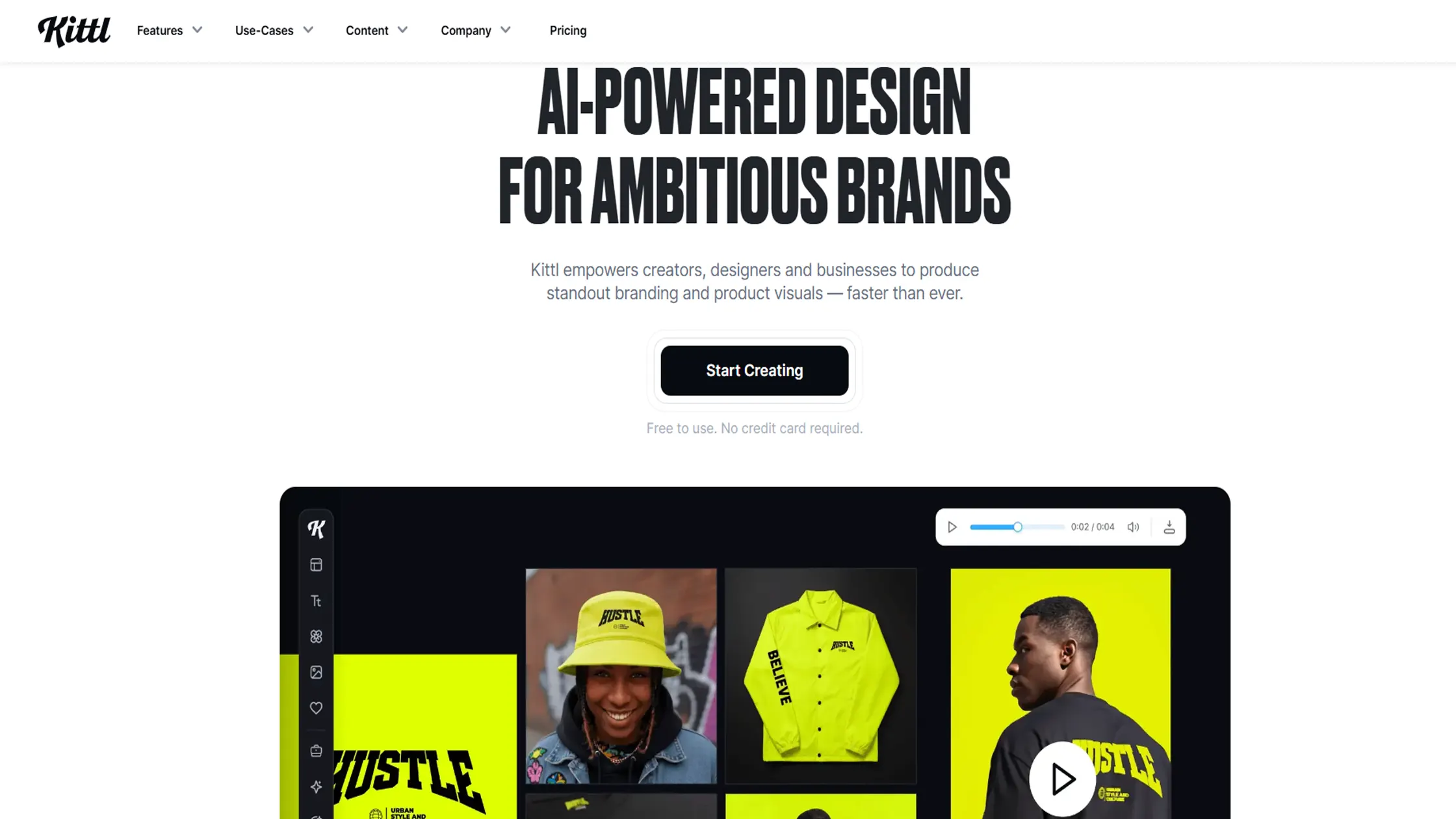
Key Features
AI image generation and background removal
Advanced typography and text effects
Infinite canvas with multiple artboards
Vector export with clean SVG quality
Price: Free plan (5 projects, 500MB storage, 100 AI tokens a month, low-res exports). Pro is around $10 to $15/month billed annually. Expert runs $24 to $26/month.
Pros
Distinct, non-templated visual style
Typography and vector tools beat most competitors
Pro plan includes full commercial licensing
Cons
The free plan doesn't allow commercial use
AI tokens don't roll over month to month
Smaller social-specific template set than rivals
6. Desygner
Desygner focuses on something small businesses often struggle with, which is keeping every graphic on brand.
Its brand kit tools let you lock in colors, logos, and fonts, so anyone on the team, even without design experience, produces something consistent. A mobile app also makes it easy to design on the go.
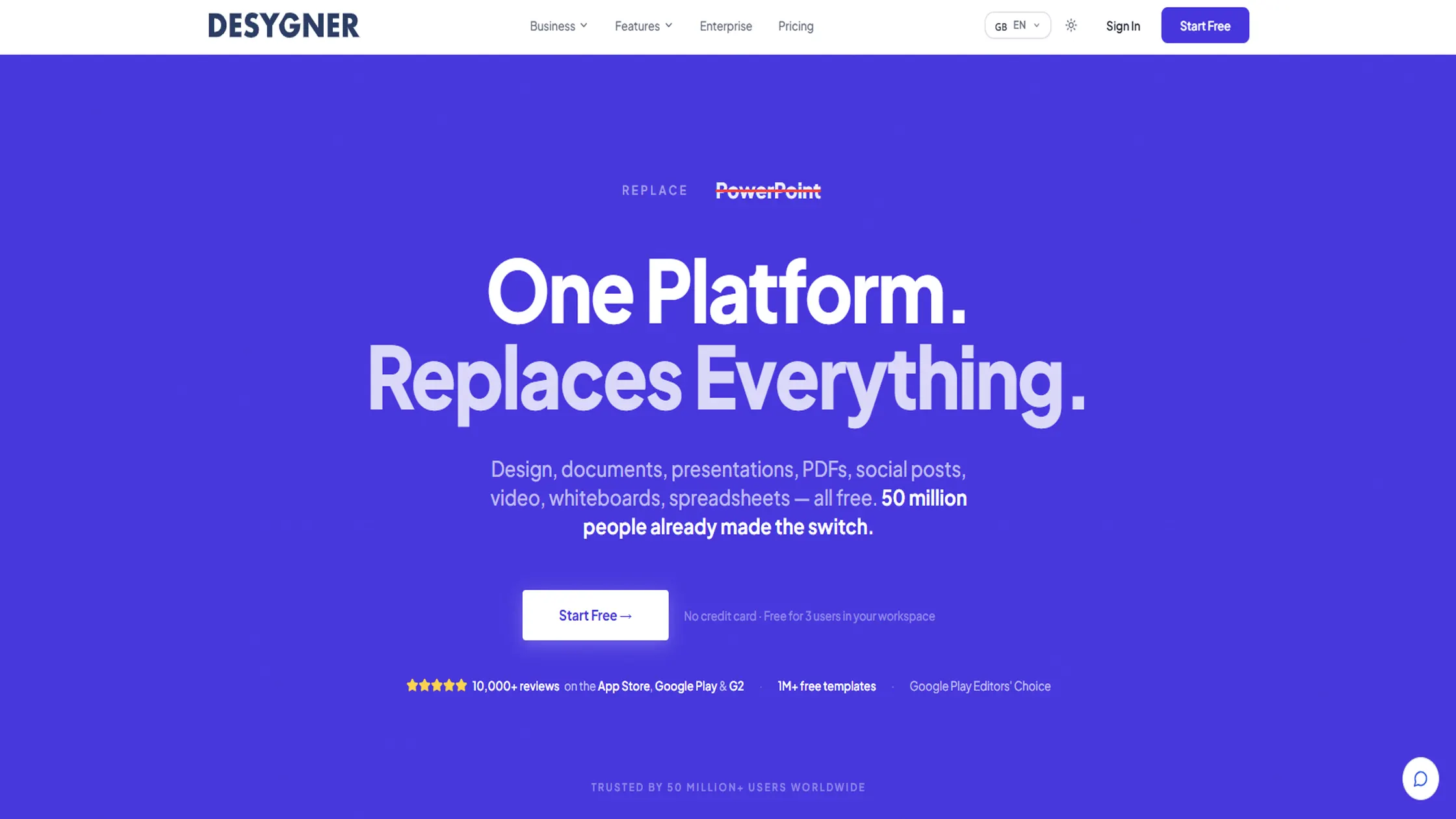
Key Features
AI text and image generator
125 million+ Shutterstock photos, icons, and videos
One-click unlimited resizing
Free team sharing for up to 5 members
Price: Free plan with a limited assets library. Pro+ is $4.95/month billed annually, or $9.95/month billed monthly.
Pros
Very affordable for what's included
Free 5-member team sharing on Pro+
Handy, fully synced mobile app
Cons
The free plan's asset library is limited
Fewer advanced design tools than Figma or Kittl
Some reviewers note occasional mobile lag
7. RelayThat
RelayThat takes a different approach entirely. Instead of designing one graphic at a time, it automates layout generation based on a brand's fonts, colors, and images. Feed it your assets, and it produces dozens of on-brand variations across formats in minutes, saving significant time for high-volume publishing.
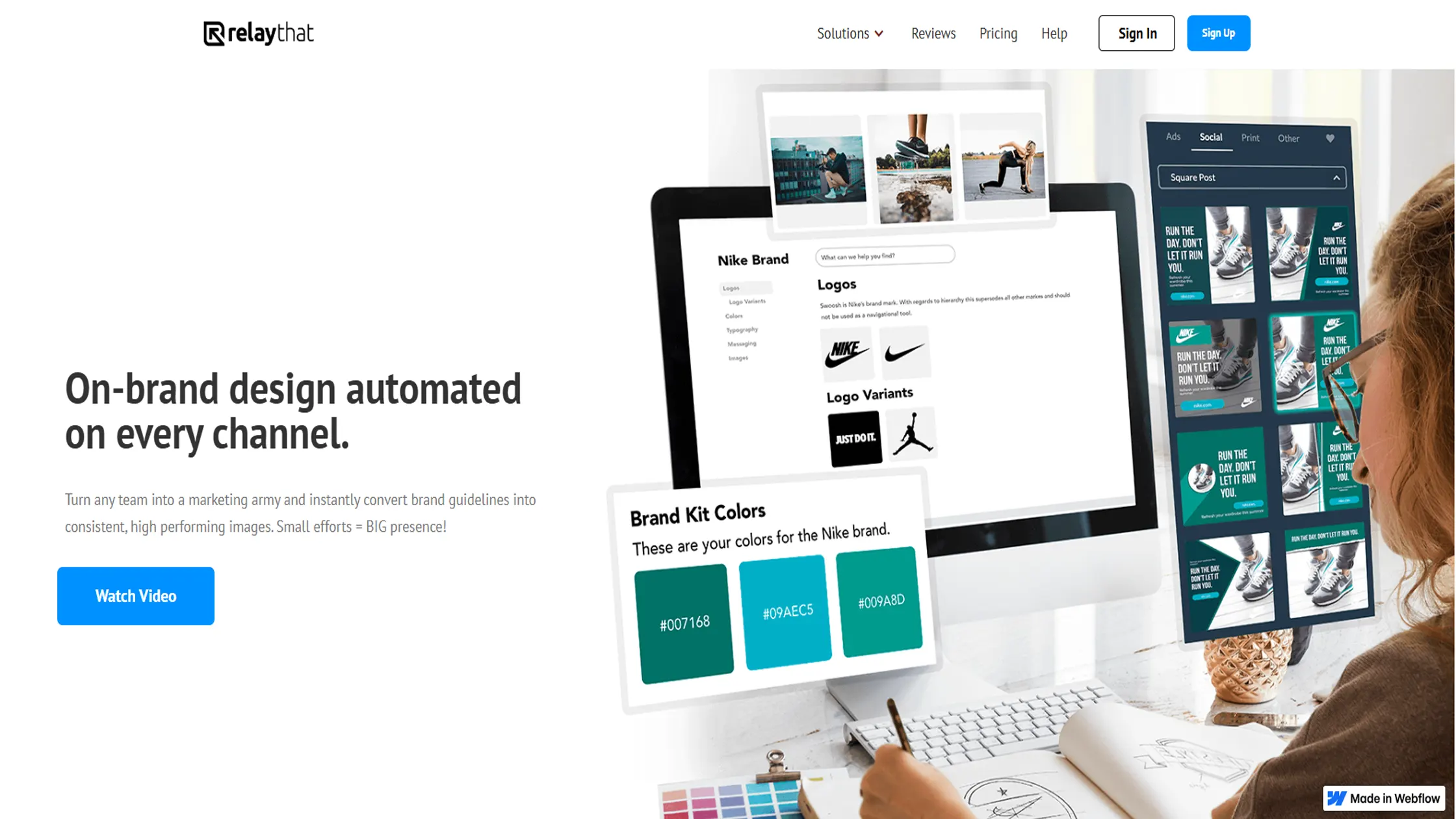
Key Features
2,000+ SmartLayouts generated from brand assets
3 million+ royalty-free images
One-click resize and remix across formats
Magic Import pulls colors straight from your website
Price: No free plan. Pro is $15/month per user. Pro+ Plus is $25/month for 2 users.
Pros
Huge time saver for multi-platform campaigns
Magic Import speeds up brand setup
Keeps output consistently on brand
Cons
No free plan to test first
Each image downloads individually, no batch export
Pricier per user than Canva, Snappa, or VistaCreate
Quick Recap of the Top Graphic Design Tools for Social Media
Figma
Best For: Design teams, agencies, and marketers who need collaboration, brand consistency, and structured workflows.
Price: Free plan available, paid plans start at $12/editor per month.
Snappa
Best For: Beginners, solo marketers, and anyone who needs quick social media graphics without a learning curve.
Price: Free plan available, paid plans start at $10/month.
Visme
Best For: Data-driven content, infographic-style posts, and brands that use charts or animated visuals.
Price: Free plan available, paid plans start at $12.25/month.
Pixelied
Best For: E-commerce brands and users who need fast edits, background removal, and simple product graphics.
Price: Free plan available, paid plans start at around $9.95/month.
Kittl
Best For: Creative brands and designers who want unique typography, artistic layouts, and vector-based graphics.
Price: Free plan available, paid plans start at around $10 to $15/month.
Desygner
Best For: Small businesses that need affordable branding tools, templates, and mobile-friendly design options.
Price: Free plan available, paid plans start at $4.95/month.
RelayThat
Best For: Businesses and marketing teams creating high volumes of branded social media content.
Price: Paid plans start at $15/month per user.
How to Choose the Right Tool for Your Needs
With seven solid options, the choice usually comes down to who is doing the designing and how much content you need to produce.
If you're a solo creator or beginner, Snappa, Pixelied, or Desygner will get you moving fastest with the least friction and the lowest cost.
If you're part of a design team, Figma's shared libraries and real-time editing make collaboration far smoother than passing files back and forth.
If your content leans on data or explainers, Visme's charts and animation tools do a lot of the heavy lifting for you.
If you want a distinct, artistic look, Kittl's typography and design tools help your posts stand apart from template-heavy feeds.
If you're producing content at scale, RelayThat's automation saves the most time once your brand assets are set up, though it costs more per user than the rest.
There's no single best answer here. The right tool is the one that matches your team size, your skill level, and how often you're expected to post.
Why You Can Trust This Review
We evaluated each graphic design tool using official documentation, pricing information, available features, ease of use, and verified user feedback. Our goal was to compare tools that help individuals, businesses, and marketing teams create professional social media graphics efficiently.
Conclusion
The best graphic design tool for social media depends on your workflow, budget, and design experience. Figma is an excellent choice for collaborative teams, Snappa and Pixelied make content creation simple for beginners, Visme is ideal for data-driven visuals, Kittl stands out for creative typography, while Desygner and RelayThat help businesses maintain consistent branding at scale.
Before committing to a paid subscription, explore the free plan or trial to see which platform fits your content creation process.
If you're also looking to create stylish text, unique typography, or custom social media fonts, try our Font Generator,Stylish Text Generator, and Fancy Font Generator tools.
Frequently Asked Questions
Which graphic design tool is best for social media?
Figma is the best choice for design teams, while Snappa and Pixelied are ideal for beginners and solo creators. If typography is your priority, Kittl offers the most advanced text editing features for social media graphics.
Which graphic design tool is best for small businesses?
Desygner, Snappa, and Pixelied are excellent options for small businesses because they're affordable, easy to use, and include ready-made templates, brand kits, and social media presets.
Which graphic design tool is best for beginners?
Snappa is one of the easiest graphic design tools for beginners thanks to its simple interface, drag-and-drop editor, and large collection of social media templates. Pixelied and Desygner are also beginner-friendly.
Which tool has the best typography features?
Kittl offers the best typography features with advanced text effects, vector editing, and creative font controls. Figma is another strong choice for teams that need consistent brand typography across multiple projects.
Which graphic design tool is best for teams?
Figma is the best option for teams because it supports real-time collaboration, shared design libraries, version history, and seamless feedback during the design process.
Can these tools create graphics for all social media platforms?
Yes. Most of these tools provide templates and preset dimensions for Instagram, Facebook, LinkedIn, Pinterest, TikTok, and X. Many also include one-click resizing for different platforms.
Are these graphic design tools free to use?
Most of the tools offer a free plan with limited features, templates, or downloads. RelayThat is the only tool on this list that doesn't provide a free plan.
Which graphic design tool offers the best value for money?
Desygner and Pixelied provide excellent value with affordable pricing, useful design features, and brand management tools. Snappa is another cost-effective option for individuals and small teams.

Admin
Admin is a professional and creative specializing in the latest stylish font styles for social media and brand promotion. With a passion for modern typography and digital trends, Admin helps users create eye-catching text that stands out online.