Content
- Your Quick Guide to Using Glitch Text in Tech-Themed Event Graphics
- 1. Use Glitch Text for the Event Name
- 2. Highlight Short Headlines
- 3. Create a Digital Look for Speaker Names
- 4. Combine Glitch Text with Fancy Fonts
- 5. Make Dates and Event Details Stand Out
- 6. Add Glitch Text to Social Media Graphics
- 7. Use It for Tech-Themed Calls to Action
- 8. Combine Glitch Text With Clean Typography
- How to Get Glitch Text for Tech-Themed Graphics?
- Pro Tips to Follow for Using Glitch Text
- The Final Takeaway
How to Use Glitch Text in Tech-Themed Event Graphics
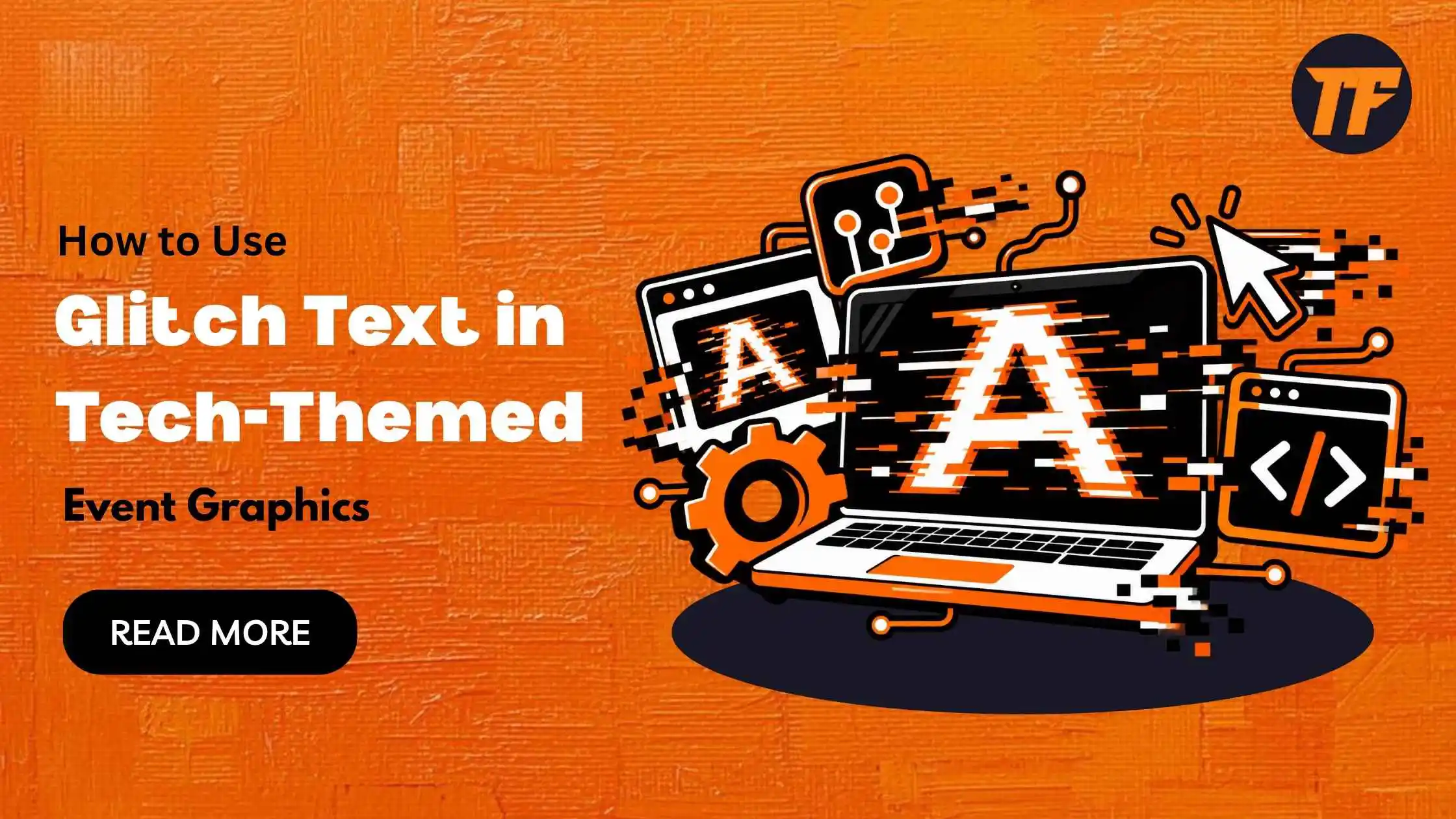
You can use glitch text in event names, headlines, speaker names, dates, and social media graphics to give tech-themed designs a digital look. This stylized Unicode text adds a distorted effect to regular words without requiring special fonts or design software.
It works well for gaming events, AI conferences, cybersecurity meetups, software launches, and other technology-focused events.
You can also combine glitch text with fancy fonts and emojis to create a more eye-catching design while keeping the important event details clear.
Your Quick Guide to Using Glitch Text in Tech-Themed Event Graphics
Use glitch text for event names and main headlines.
Add lighter glitch effects to speaker names and event details.
Combine glitch text with fancy fonts and relevant emojis.
Use a free online tool like Text to Font to generate glitch text quickly.
Keep important information in clean, readable text.
Match the glitch style with the overall tech theme of your graphic.
1. Use Glitch Text for the Event Name
The event name is one of the most visible parts of a graphic, so it can be a good place for a stronger glitch effect. A distorted style can make a technology, gaming, AI, or cybersecurity event feel more digital.
For example:
F̷U̸T̶U̴R̵E̸ ̷T̸E̶C̴H̷
A heavier effect can work well for the main title, especially when the rest of the design uses a clean layout.
2. Highlight Short Headlines
You can use a lighter glitch text style for short headlines that introduce the main theme of the event. Short phrases are easier to read when some of the letters have a distorted appearance.
For example:
N̴E̵X̷T̸ ̶G̷E̴N̸ ̷T̶E̸C̷H̴
Keep the headline short so the glitch effect does not make the message difficult to understand.
3. Create a Digital Look for Speaker Names
Speaker names can also use a subtle glitch effect, especially for events focused on software, artificial intelligence, gaming, or digital technology.
For example:
A̶l̷i̸ ̴R̵a̶h̸m̷a̴n̸
You can place the name below the speaker's photo or beside their role. Keep the job title and other information in normal text for better readability.
4. Combine Glitch Text with Fancy Fonts
You can combine glitch text with other fancy text styles to make your event graphics more interesting. Use glitch text for the main heading, then add a different fancy style to smaller text, names, or short phrases. You can also add relevant emojis to match the event theme, such as 💻, ⚡, 🤖, 🎮, or 🛸.
For example:
G̷L̸I̶T̴C̵H̸ ̷T̸E̶C̴H̷ ⚡
𝓕𝓾𝓽𝓾𝓻𝓮 𝓲𝓼 𝓱𝓮𝓻𝓮 💻
𝙅𝙤𝙞𝙣 𝙏𝙝𝙚 𝙉𝙚𝙭𝙩 𝙂𝙚𝙣 🤖
Keep the styles balanced so the graphic does not look too busy. A few well-placed text effects and emojis can add personality while keeping the main message easy to read.
5. Make Dates and Event Details Stand Out
Glitch text can draw attention to important details such as the event date or registration deadline. Use a moderate effect instead of heavily distorting the entire date.
For example:
O̷C̸T̶ ̷2̴5̸, ̶2̷0̴2̸6̷
The date can stand out while the venue, time, and other supporting details remain in a clean font.
6. Add Glitch Text to Social Media Graphics
Social media event posts need to catch attention quickly. A strong glitch effect can make the main text stand out while the rest of the graphic provides the necessary information.
For example:
D̸I̴G̷I̶T̵A̸L̷ ̷N̴I̶G̷H̸T̵
Use the effect for the main headline or event name, then use regular text for the date, location, and other details.
Another type of font that is suitable for social media graphics is aesthetic fonts. These can give your posts a more creative and visually appealing look. If you want to learn more about them, you can read our guide on “What are Aesthetic Fonts? Guide for Social Media and Branding” to understand how they work and where you can use them.
7. Use It for Tech-Themed Calls to Action
A short call to action can also work with glitch text. This can help phrases such as "Register Now" or "Join the Event" fit the overall digital theme.
For example:
R̴E̷G̸I̶S̵T̸E̷R̴ ̷N̶O̷W̸
Keep the phrase short and avoid adding heavy distortion to every letter.
8. Combine Glitch Text With Clean Typography
You do not have to use glitch text throughout the entire graphic. Combining a distorted title with clean and consistent typography can create a strong visual contrast.
For example:
C̶͎Y̷̰B̸͓E̴̤R̷̺ ̸F̶̞U̷̬T̴̹U̶̠R̷̟E̸
Then use a simple font for the event date, venue, speaker information, and registration details. This keeps the graphic visually interesting without making it difficult to read.
How to Get Glitch Text for Tech-Themed Graphics?
Generating glitch text is not difficult. You do not need advanced design skills or special software to create it. You can use Text to Font, an online tool designed to convert simple text into different glitch text styles.
Simply enter your text into the tool, choose a glitch style you like, and copy the generated text. You can then paste it into your event graphics, social media posts, invitations, or other designs. The tool is free to use, so you can create glitch text quickly without installing fonts or paying for design software.
Pro Tips to Follow for Using Glitch Text
Glitch text works best when it supports the design instead of taking over the entire graphic. Keep these tips in mind when creating your event visuals:
Use glitch text selectively: Apply it to event names, headings, or short phrases instead of every piece of text.
Keep important details readable: Dates, times, locations, and registration information should usually use normal text.
Choose short text: Glitch effects are easier to read when used on short words and phrases.
Match the event theme: Glitch text fits naturally with gaming, cybersecurity, AI, software, and futuristic technology themes.
Adjust the distortion level: Use lighter glitch effects for supporting text and stronger effects for major headings.
Create contrast: Pair distorted text with clean typography to make both styles easier to notice.
Avoid too many effects: Combining several heavy effects can make the graphic look crowded and difficult to read.
Check the final design: Make sure the Unicode characters display correctly on the platform or software you plan to use.
Keep the style consistent: Different glitch patterns can be used across the graphic, but they should still feel like part of the same design.
The Final Takeaway
Glitch text can give tech-themed event graphics a digital and futuristic feel without requiring complex typography. You can use it for event names, headlines, speaker names, dates, social media posts, and short calls to action.
The key is to control the level of distortion and keep important information readable. By combining different glitchy Unicode styles with clean typography and a simple layout, you can create graphics that fit technology-focused events while still communicating the details clearly.

Admin
Admin is a professional and creative specializing in the latest stylish font styles for social media and brand promotion. With a passion for modern typography and digital trends, Admin helps users create eye-catching text that stands out online.