Content
- 1. Bold Block or Pixel Style
- 2. Gothic or Medieval Style
- 3. Bold Sans or Heavy Style
- 6. Small Caps Style
- 7. Monospace or Terminal Style
- Get Perfect Fonts with Minecraft Font Generator
- Where Can You Actually Use a Styled Font in Minecraft?
- How to Choose the Right Font Style for Your Server's Identity
- Readability and Compatibility to Check Before You Commit
- Conclusion
- Frequently Asked Questions (FAQs)
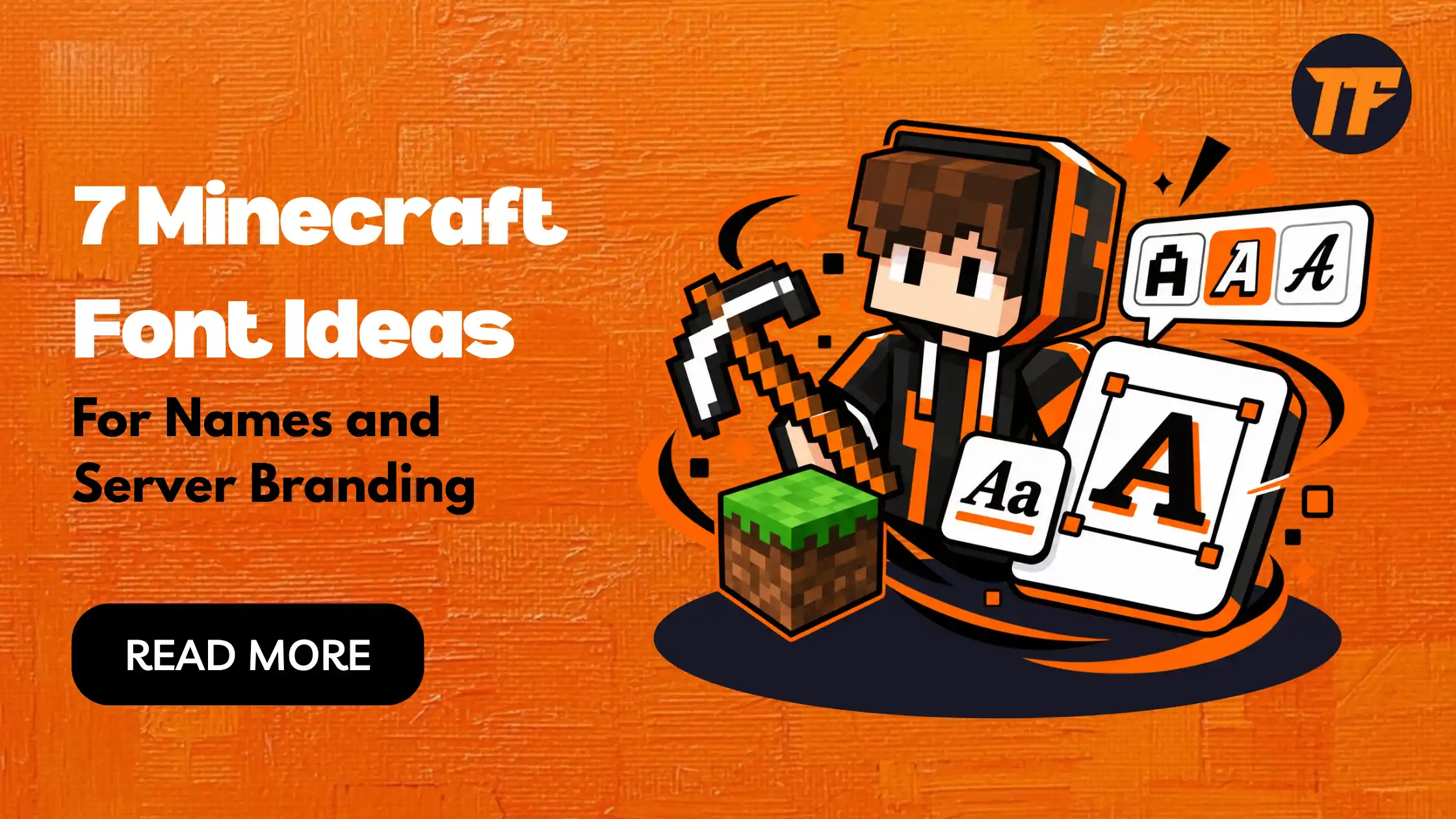
7 Minecraft Font Ideas for Names and Server Branding
Your Minecraft server name is often the first thing a new player sees before they even join. A plain, generic name gets buried in a long server list, while a styled one stands out instantly and signals that you care about your community's identity.
This article walks through where styled fonts actually work in Minecraft and how to pick the right style for your server. It also covers seven distinct font ideas you can use for usernames, server names, signs, and Discord branding. Each idea includes a real use case so you can apply it right away.
1. Bold Block or Pixel Style
This style mirrors Minecraft's own blocky, bitmap look, so it feels native to the game rather than imported from somewhere else.
It works well for server names and MOTDs because it reads clearly even at small sizes. It is a safe default if you want your branding to feel unmistakably "Minecraft" without much risk.
Why choose it
Matches the game's native visual identity
Stays readable at small sizes like MOTDs
Low-risk, safe default for most server types
Works well for survival and vanilla communities
2. Gothic or Medieval Style
Gothic lettering leans into the castle-and-quest feel that fits survival-fantasy and roleplay servers.
It works best on server names, signs, and in-game books like rules or lore pages. Keep it for titles and headers rather than long chat text, since dense gothic characters get harder to read at very small sizes.
Why choose it
Suits medieval, fantasy, and roleplay themes
Adds atmosphere to signs and lore books
Strong for titles and headers
Best kept short, since it gets hard to read at small sizes
3. Bold Sans or Heavy Style
A heavy, thick style signals strength and intensity, which makes it a natural fit for PvP servers, factions, and clan tags. It helps a name stand out on leaderboards and player lists where you want to look dominant. Many competitive communities also carry this same style over to Discord and YouTube branding for consistency.
Why choose it
Signals strength and intensity
Stands out on leaderboards and player lists
Fits PvP, factions, and clan tags
Easy to carry across Discord and YouTube branding
4. Fortnite Fonts
Fortnite fonts lean sharp, angular, and futuristic, giving off a fast-paced, competitive energy that fits gaming culture beyond just Minecraft. This style works well for server names, Discord tags, and profile bios, especially on PvP or battle-royale style servers where you want a bold, modern look.
It also suits crossover communities where players move between Fortnite and Minecraft, since the font itself signals that same high-energy, competitive feel.
Why choose it
Gives a modern, futuristic edge
Fits PvP and battle-royale style servers
Works well for Discord tags and bios
Appeals to crossover Fortnite and Minecraft communities
5. Roblox Themed Fonts
Roblox fonts feel rounder, softer, and more playful compared to Minecraft's blocky aesthetic or Fortnite's sharp edges.
This makes them a good fit for casual, minigame, or roleplay servers with a lighter and more approachable tone. Use this style for server names, sign text, or Discord branding, particularly on crossover servers where players discuss both Minecraft and Roblox, since the friendlier look feels familiar to that audience.
Why choose it
Softer, more playful look
Fits casual and minigame servers
Works well for younger or family-friendly communities
Familiar feel for Roblox and Minecraft crossover audiences
6. Small Caps Style
Small caps stay compact and legible, making them ideal for places where clarity matters more than decoration. Use this style for server descriptions, shop listings, and economy server branding. It gives a clean, professional look without feeling cluttered.
Why choose it
Stays clear and legible at small sizes
Gives a clean, professional look
Works well for shop and economy listings
Avoids feeling cluttered or overdone
7. Monospace or Terminal Style
This code-like style signals a technical focus, making it a strong fit for redstone, command block, or data pack communities. Use it in the server name and Discord channels to reflect what the server is actually about. It ties your branding directly to your community's identity instead of just decorating a name.
Why choose it
Signals a technical, code-focused identity
Fits redstone and command block communities
Works well for server names and Discord channels
Ties branding directly to community purpose
Get Perfect Fonts with Minecraft Font Generator
If you are still not sure which style fits your server, the Minecraft font generator makes the decision easier. This tool is free to use and instantly converts your text into dozens of styles, including bold, gothic, small caps, and pixel fonts.
You simply type your server name, username, or gamertag once, then scroll through the options and copy the one that fits best. It saves you from guessing and lets you preview how each style actually looks before you commit to it, so you land on a style you're confident in without trial and error in-game.
Where Can You Actually Use a Styled Font in Minecraft?
Before picking a style, it helps to know where it will actually show up. Official Java and Bedrock usernames only accept letters, numbers, and underscores, so fancy Unicode text will not work for your literal login name.
Styled fonts do work in several other places:
Server names and MOTDs shown in the multiplayer browser
Signs and books placed in-game
Discord nicknames, server names, and channel names
YouTube, Twitch, and social media bios
Logos, thumbnails, and branding assets, using real installable font files instead of Unicode text
Knowing this upfront saves you from picking a style for your username that simply will not save.
How to Choose the Right Font Style for Your Server's Identity
Not every style fits every server. A gothic font suits a medieval roleplay world, but it looks out of place on a fast-paced PvP server. Match the font to your server's theme first, then check that it stays readable at small sizes like chat and sign text.
Keep the same style across your server name, Discord, and social pages. This consistency is what makes a brand recognizable, not the font alone.
Style
Best-fit server type
Reads well in
Bold block/pixel
Survival, vanilla
Server names, MOTDs
Gothic
Roleplay, fantasy
Titles, signs, books
Bold sans
PvP, factions
Leaderboards, tags
Small caps
Economy, general
Descriptions, listings
Fortnite
PvP, battle-royale
Server names, Discord tags
Roblox
Casual, minigame
Server names, signs, Discord
Monospace
Technical, redstone
Server names, channels
Readability and Compatibility to Check Before You Commit
A style only works if it actually displays properly where you plan to use it. A few quick checks before you commit:
Preview the text on the actual platform, whether that is a sign, MOTD, or Discord, since some clients do not render every Unicode character
Test on mobile Minecraft clients, since older devices sometimes drop unsupported characters
Remember that installable font files, used for logos or texture packs, are separate from copy-paste Unicode text and need actual installation
Conclusion
The right font depends on where you use it and what your server represents. A gothic style suits roleplay, while a bold sans or Fortnite-style font suits PvP and competitive servers. What matters most is consistency: carrying the same style across your server name, Discord, and socials builds real recognition. Pick one style from this list and apply it everywhere instead of mixing several.
Frequently Asked Questions (FAQs)
Can I use a stylish font for my actual Minecraft username?
No, official usernames only accept letters, numbers, and underscores. Styled fonts work for server names, signs, Discord, and branding instead.
What is the best font style for a Minecraft server name?
It depends on your server's theme, though bold block or boxed styles tend to stand out well in a crowded server list. Match the style to your server type for the strongest result.
Do styled fonts work the same way on Java and Bedrock Edition?
Mostly yes, since both rely on Unicode text outside the actual username field. Some characters may still render differently depending on the device or client.
Will a fancy font break my server's MOTD or signs?
It should not, as long as you preview it first, since most Unicode text displays fine. Rare cases involve certain plugins or older clients dropping unsupported characters.
How do I keep my branding consistent across Discord and my server?
Choose one font style and use it everywhere, including your server name, Discord, and social bios. This consistency is what makes a brand recognizable, more than any single style choice.

Admin
Admin is a professional and creative specializing in the latest stylish font styles for social media and brand promotion. With a passion for modern typography and digital trends, Admin helps users create eye-catching text that stands out online.