Content

7 Instagram Tools for Better Bios and Profiles
Having a creative Instagram bio is very useful since it improves your profile by impressing the audience and helping you express who you really are. Instagram tools have made creating attractive and expressive bios a lot easier. These tools are designed to generate creative bios that have stylish fonts, emojis, and emoticons.
However, since there are a lot of these tools available online, picking the right one can be difficult.
This is why we have created a list of the 7 best Instagram tools that you can use. Read the details of each tool and pick the one that offers the best features for your needs.
1. TextToFont
Instagram does not give users much control over the appearance of text in a bio or caption. TextToFont provides another option by converting regular text into different Unicode-based styles that can be copied and pasted into supported social platforms.
You can enter a name, phrase, heading, or short bio and browse different styles before choosing one. The available options include bold, cursive, italic, gothic, bubble, aesthetic, glitch, and other decorative styles.
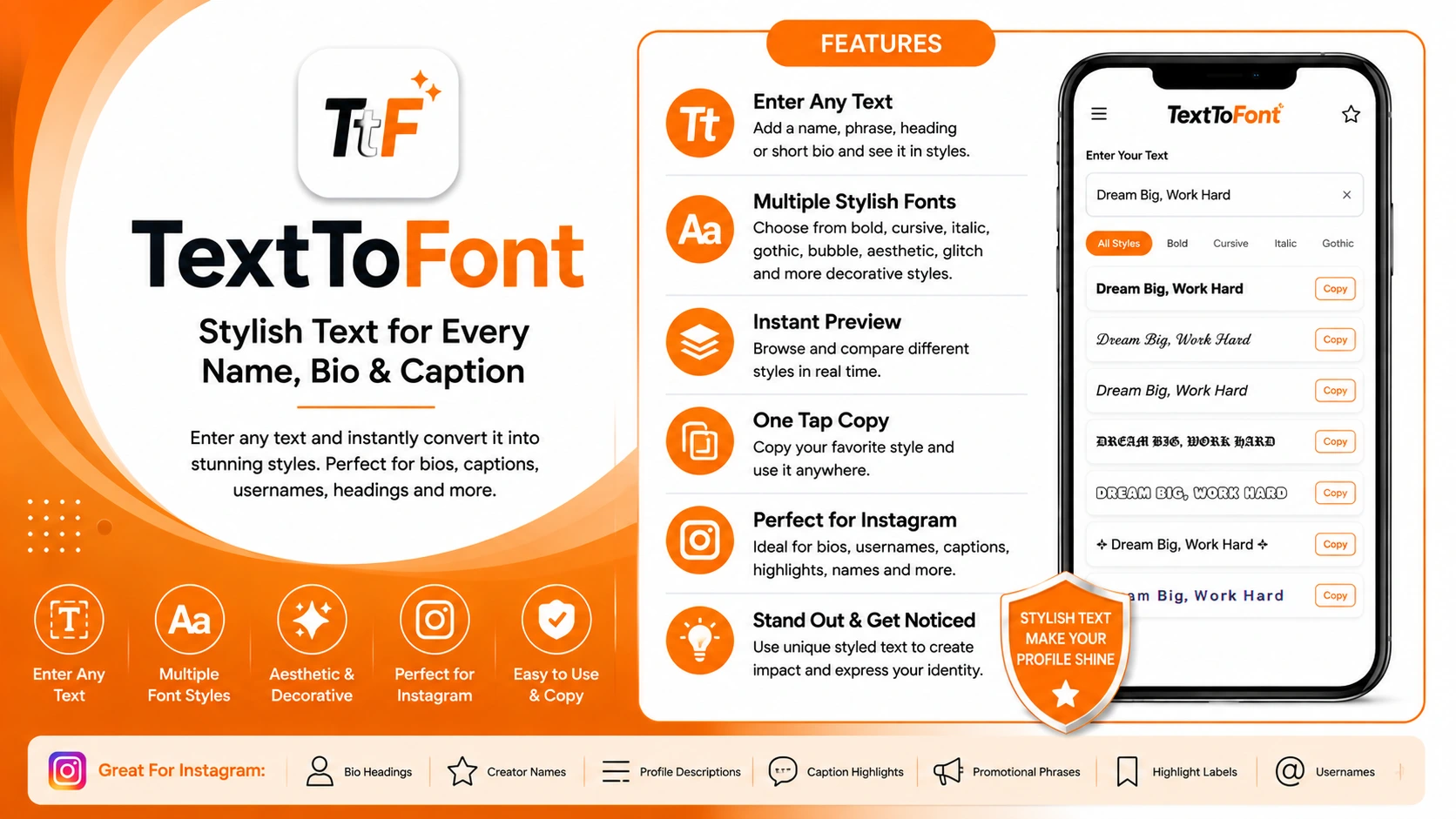
For Instagram, styled text can work well for:
Short bio headings
Creator names
Profile descriptions
Caption highlights
Promotional phrases
Highlight labels
Usernames
The important part is using it selectively. A bio filled with several decorative styles can become difficult to scan. One distinctive style for a short phrase can create emphasis while leaving the rest of the profile easy to read.
TextToFont is especially useful when you want to improve the text itself, rather than redesign the entire profile.
2. RecentFollow
Once your profile looks the way you want, you may also want a simpler way to review activity around public Instagram accounts.
RecentFollow is an online tool for checking recent followers and following activity on public Instagram accounts. You enter an Instagram username, and the service organizes the available activity so you do not have to manually work through a long following list. The service says that no Instagram login is required to get started.
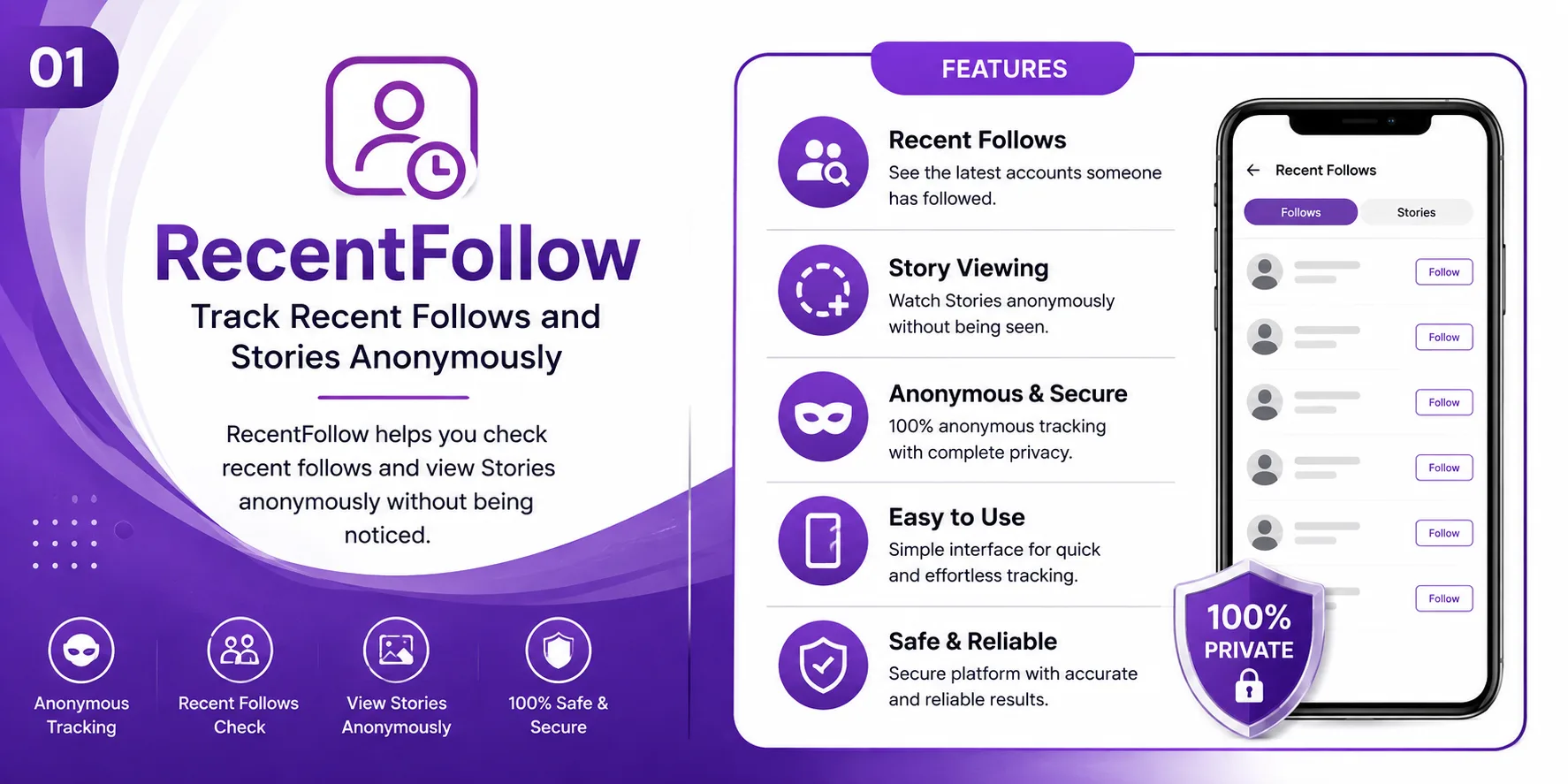
This gives it a different role from the other tools on this list. TextToFont focuses on profile presentation, while RecentFollow focuses on reviewing visible account activity.
For creators, marketers, or users who regularly research public Instagram profiles, that distinction can make it a useful bookmark.
Check recent followers on public accounts
Monitor following activity
No Instagram login required
Organize activity automatically
Useful for marketers and creators researching profiles
3. Canva
A profile can have a good bio and still look inconsistent if every post uses a different visual style.
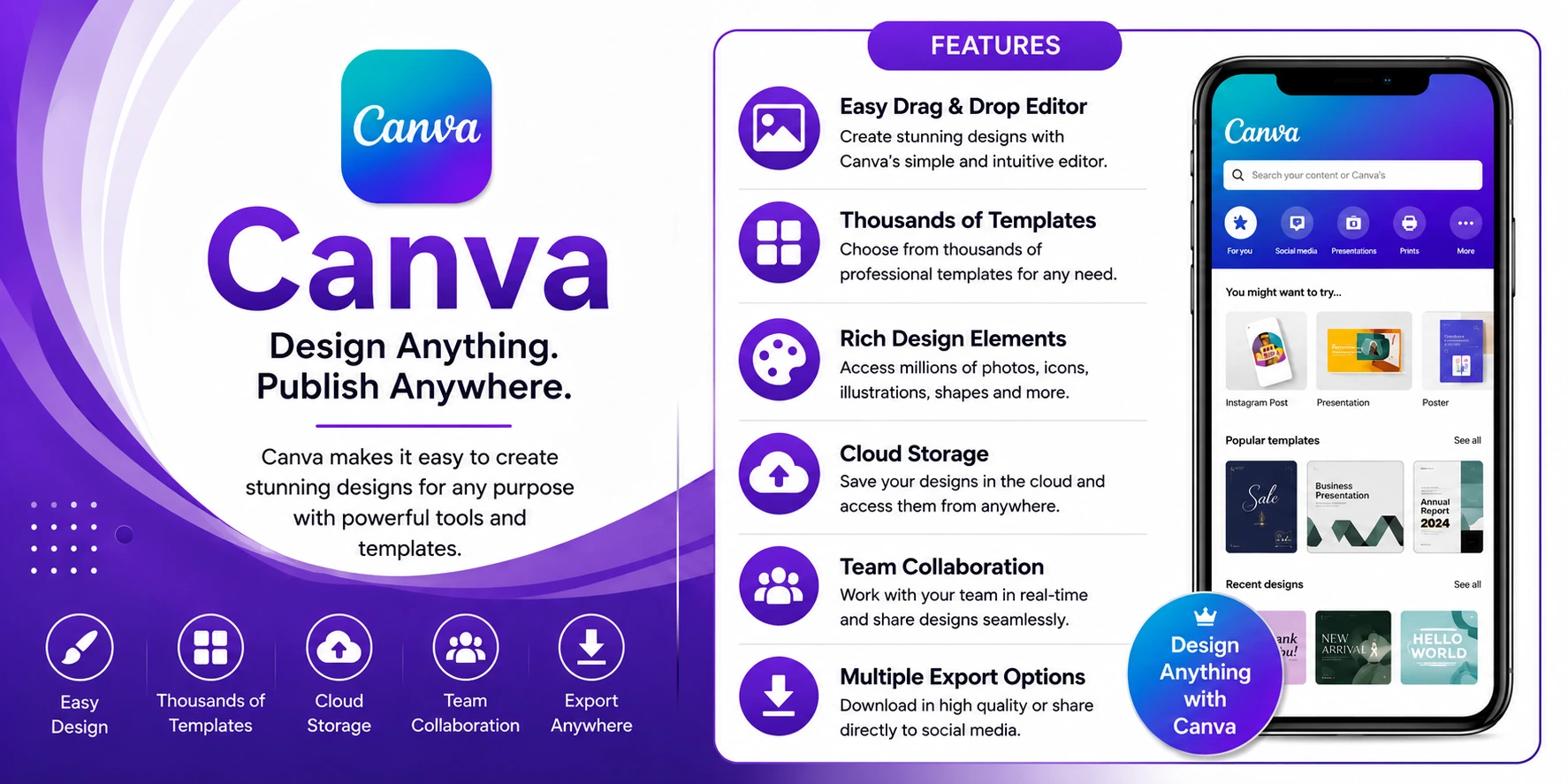
Canva helps with that side of Instagram. You can create posts, Stories, carousels, and other social graphics from templates or build your own designs.
The biggest benefit is consistency. Instead of choosing a completely different layout every time, you can establish a small set of fonts, colors, and visual elements and reuse them across your content.
This does not mean every post needs to look identical. The goal is simply to make the account feel like one brand or creator rather than a collection of unrelated designs.
For small businesses and creators, Canva can be a practical option when regular Instagram graphics are needed without using advanced design software.
Create posts, Stories, and carousels
Choose from ready-made templates
Build custom designs from scratch
Maintain consistent fonts and colors
Establish visual brand identity across posts
4. CapCut
Instagram profiles are no longer built around static posts alone. Reels and other short-form videos can take up a significant part of a creator’s content schedule.
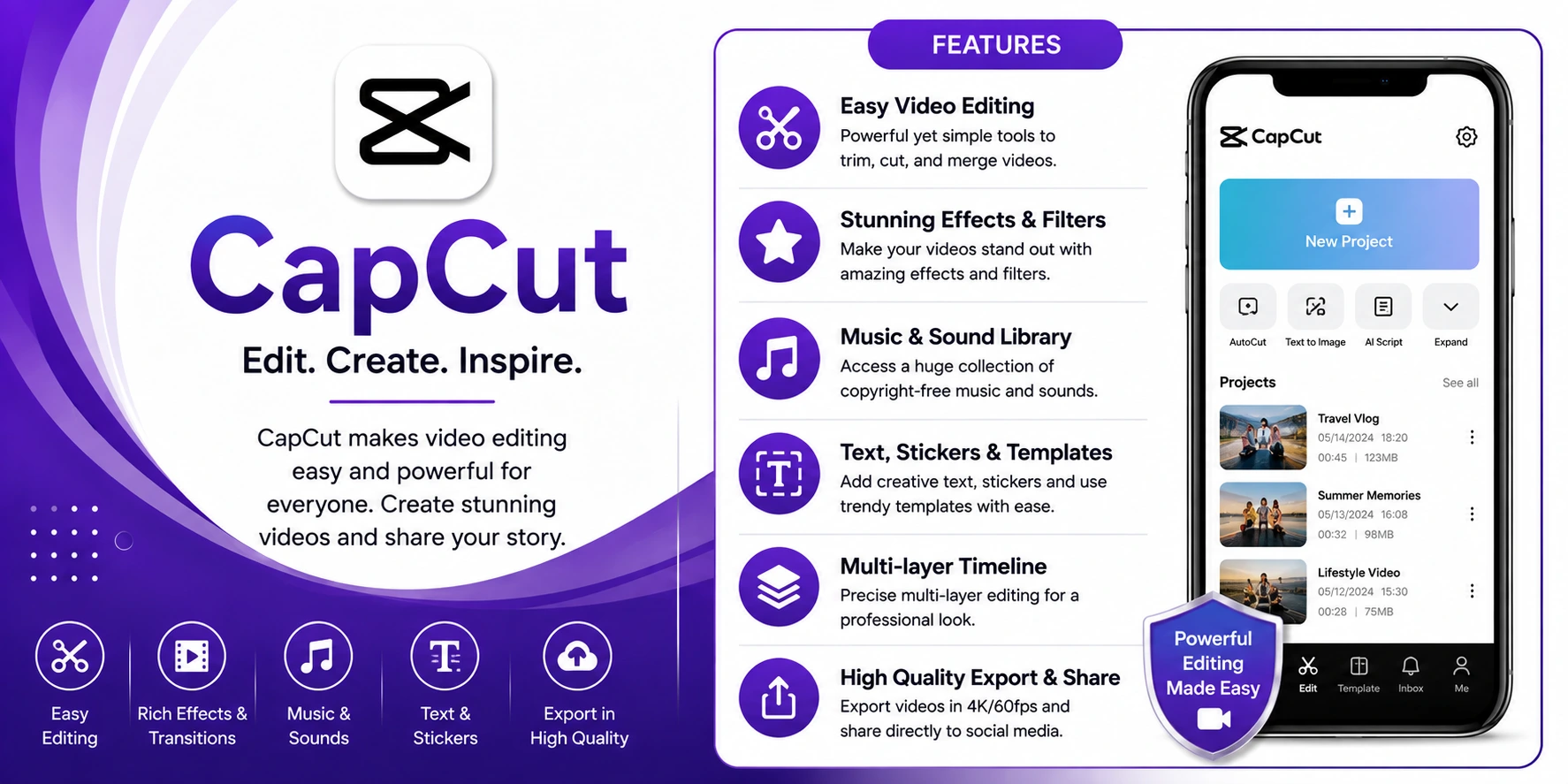
CapCut is useful for the editing side of that workflow. You can trim clips, arrange scenes, add text, apply effects, and prepare vertical videos for social platforms.
Most Instagram videos do not need an elaborate production process. Removing unnecessary sections, adding readable captions, arranging clips properly, and keeping the pacing tight can often matter more than adding effects.
It is also worth keeping your typography consistent. If your Instagram graphics use a particular text style, using a similar approach in your Reels can make the profile feel more cohesive.
Trim and arrange video clips
Add text and captions
Apply effects and transitions
Edit vertical videos for Instagram
Keep typography consistent with your brand
5. Buffer
Creating Instagram content is one task. Keeping up with publishing is another.
Buffer can help creators and businesses organize content ahead of time instead of relying entirely on manual posting. Its scheduling workflow is useful when several posts need to be prepared before they are due to go live.

Buffer also offers a Start Page feature that can provide a simple destination for multiple links from an Instagram bio.
That can be useful if you want your profile to point visitors toward several destinations, such as:
Your website
A newsletter
A product page
A recent article
A YouTube channel
Another social profile
The idea is to reduce small repetitive tasks. You can prepare content in advance and give profile visitors a clearer path to the information you want them to find.
6. Metricool
Once your profile is looking better and you are publishing regularly, performance becomes the next question.
Metricool combines social media scheduling with analytics, allowing users to review recent content alongside performance data. That can make it easier to spot patterns instead of judging every post individually.

For example, you may discover that carousels consistently outperform single images, that certain topics generate more engagement, or that Reels bring more reach than other formats.
You do not need to check every metric every day. A regular review can be enough to identify what is working and where your content strategy needs adjustment.
This makes Metricool complementary to creative tools: TextToFont and Canva help you create content, while analytics help you understand how that content performs.
Schedule social media content
Review performance analytics alongside posts
Identify content patterns and trends
Compare performance across different formats (carousels vs singles, Reels vs posts)
Track engagement by topic and content type
7. Meta Business Suite
For businesses managing their own Instagram accounts, Meta Business Suite provides official tools for handling many everyday tasks.
It can be used for publishing and scheduling content, managing messages and comments, and reviewing available insights for connected professional accounts.
That makes it particularly useful for businesses already working across Instagram and Facebook. Instead of adding another platform for basic account management, you can handle many routine tasks within Meta’s own ecosystem.

It is not designed to replace every specialist tool. Rather, it covers the everyday basics that many businesses need to keep an Instagram profile active and organized.
Publish and schedule content
Manage messages and comments
Review insights for professional accounts
Handle Instagram and Facebook together
Manage routine account tasks in one ecosystem
How to Choose the Right Instagram Tool
You do not need all seven tools. The right combination depends on what you are trying to improve.
For better profile text: TextToFont can create copy-and-paste styles for bios, captions, usernames, and other short text.
For visual content: Canva is useful for posts, Stories, and other graphics.
For Reels: CapCut focuses on short-form video editing.
For public account activity: RecentFollow focuses on recent follower and following activity.
For scheduling: Buffer can help organize upcoming social content.
For performance analysis: Metricool provides analytics alongside publishing tools.
For everyday account management: Meta Business Suite covers publishing, messages, comments, and insights for connected professional accounts.
The goal is not to collect as many tools as possible. If one tool saves you time every week or solves a problem you repeatedly encounter, it has a much stronger case for staying in your workflow.
Conclusion:
Instagram tools are very useful online resources that you can use to improve the bio of your Instagram profile to impress your audience. The discussed tools are some of the best options available online.
Each one of them offers different features and is suitable for different types of users. Make sure to follow our guidelines on how to choose the right tool so that you can pick an option that best matches your style, needs, and preferences.
Frequently Asked Questions ( FAQS)
What is the best tool for creating stylish Instagram bio text?
TextToFont is a useful option for creating copy-and-paste Unicode text styles for Instagram bios, captions, usernames, and other social content.
Can I use stylish fonts in an Instagram bio?
Yes. Unicode-based styles can be copied into supported Instagram fields. However, some characters may appear differently across devices, so it is worth checking the final result for readability.
What tool can I use to check recent Instagram activity?
RecentFollow is designed to show recent follower and following activity for public Instagram accounts. It can be used by entering an Instagram username without logging into Instagram.
Do I need separate tools for Instagram posts and Reels?
Not necessarily. Some platforms support multiple content formats, but dedicated tools can be more convenient when you have a specific workflow. Canva is useful for static visual content, while CapCut focuses on video editing.
How many Instagram tools should I use?
There is no ideal number. Start with the tools that solve your biggest problems and add others only when they provide a clear benefit.
Should I use decorative fonts throughout my Instagram bio?
Usually, it is better to use them selectively. A stylish font can draw attention to a short phrase, while standard text keeps important profile information easier to read.

Admin
Admin is a professional and creative specializing in the latest stylish font styles for social media and brand promotion. With a passion for modern typography and digital trends, Admin helps users create eye-catching text that stands out online.