Content
6 Best Canva Alternatives for Social Media Design
Canva has become the default choice for social media graphics, but it isn't the only tool worth using. Some creators want lower pricing, others want stronger AI features, simpler interfaces, or better branding controls for teams.
Whatever the reason, a growing number of platforms now offer templates, editing tools, and export options built specifically for social content.
This article breaks down six of the strongest Canva alternatives available today. For each one, you'll find an overview, key features, pros and cons, and who it suits best, along with a comparison table and a quick guide to help you choose.
What Makes a Good Canva Alternative?
Not every design tool deserves to be called a Canva alternative. To make this list, each platform needed to hold up against a few core criteria:
Easy drag-and-drop editor: The tool should be simple enough for non-designers to use without a learning curve.
Ready-made social media templates: A solid library of templates sized correctly for Instagram, Facebook, LinkedIn, and other platforms.
Image and icon library: Access to stock photos, icons, and illustrations so users aren't starting from a blank page.
AI-powered design features: Tools like background removal, smart resizing, or AI-generated layouts that speed up the design process.
Collaboration and brand kit options: The ability to save brand colors, fonts, and logos, and to work with a team.
Export formats and sharing: Support for common file types and a simple way to download or publish designs.
Free plan availability: A usable free tier, since budget is one of the top reasons people look beyond Canva in the first place.
With those criteria in mind, here's how six popular alternatives compare.
1. VistaCreate
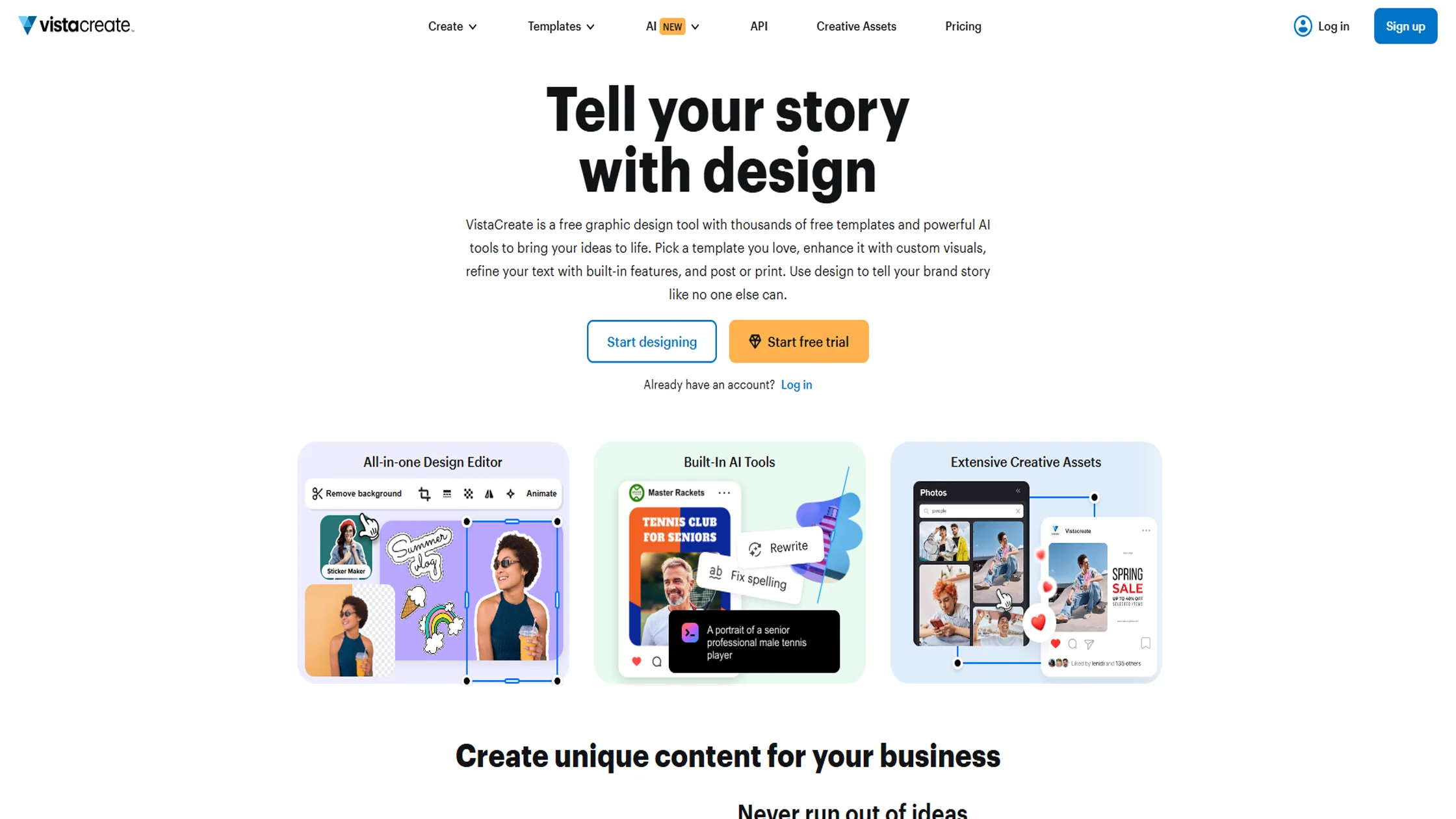
VistaCreate, formerly known as Crello, is one of the closest tools to Canva in terms of look, feel, and functionality. It's a browser-based editor built for creating social media posts, ads, videos, and animations, and it's often positioned as a budget-friendly alternative for creators who don't need Canva's full feature set.
Key Features
Drag-and-drop editor covering 85+ design formats, including Instagram posts, Facebook ads, and YouTube thumbnails
Free Starter plan with 100,000+ templates and over 1 million stock assets
Pro plan with 200,000+ premium templates and access to a 170-million-asset media library
Built-in animation and video tools
Brand Kit for storing logos, fonts, and color palettes
Background remover and one-click resizing across formats
Pros
Generous free plan compared to many competitors
Strong animation and video capabilities alongside static design
Affordable Pro tier for individuals and small teams
Cons
Smaller template and asset library than Canva
Team collaboration on the mobile app is limited
Advanced users may find fewer integrations than Canva offers
Best For
Freelancers, social media managers, and small businesses that want a Canva-like experience with video and animation tools, at a lower price point.
2. Snappa
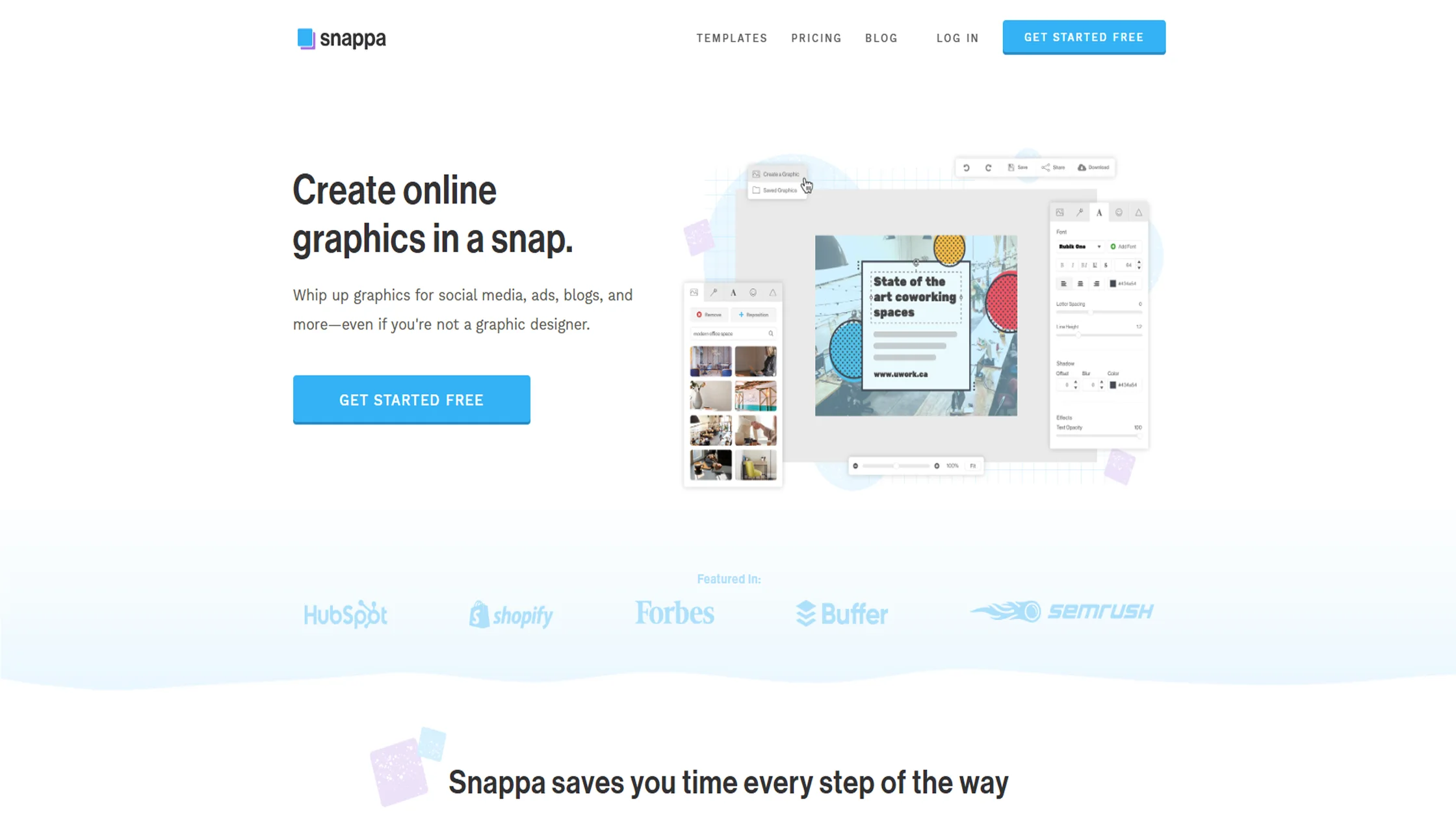
Snappa is built around speed. It strips away extra features and focuses on helping non-designers create polished graphics quickly, whether that's a blog header, a Facebook cover, or an Instagram post.
Key Features
Library of 6,000+ templates and more than 5 million stock photos
One-click background removal
Automatic resizing for platforms like Instagram, Facebook, Twitter, and Pinterest
Team folders for shared access to designs
Direct integration with Buffer for scheduling and publishing
Pros
Clean, distraction-free interface that's easy for beginners
Fast workflow with minimal setup
Useful integrations for teams already using Buffer
Cons
Limited to raster graphics, with no support for vector formats
No mobile app, so everything runs through the browser
Smaller template library compared to Canva or VistaCreate
Best For
Marketers and small business owners who want to create quick, professional graphics without extra features getting in the way.
3. Pixelied
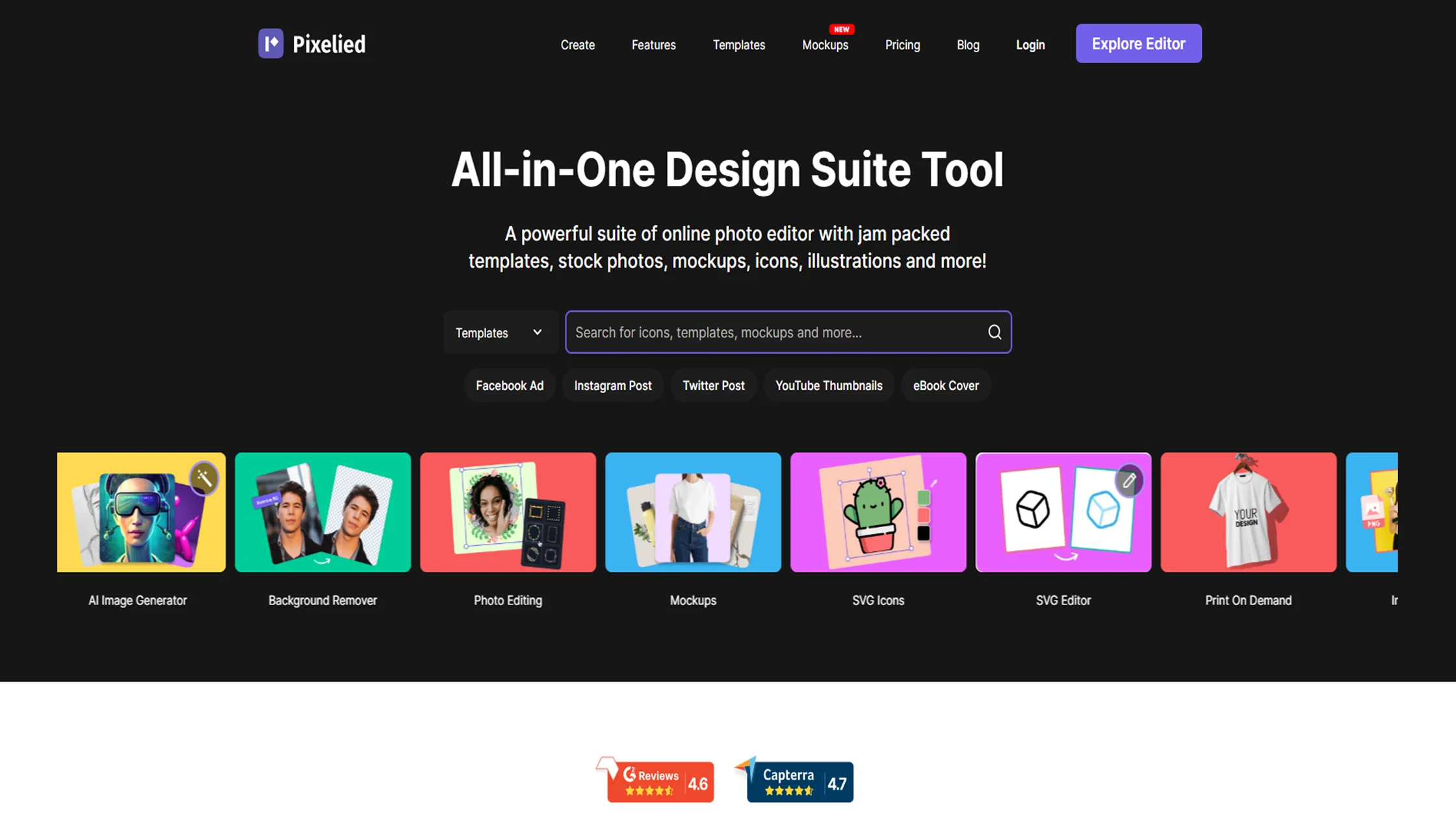
Pixelied is an all-in-one design suite aimed at marketers and small business owners who need more than just templates. It combines design tools with mockup generation and a strong background remover, all built around collaborative brand workspaces.
Key Features
Templates for 25+ formats, along with millions of stock photos and icons
High-quality background remover and product mockup tools
Multiple brand workspaces for organizing team projects
Watermarking tools for protecting shared images
Free plan plus a one-time Lifetime plan option
Pros
Background remover and image editing tools are often compared favorably to Photoshop
Workspace structure makes it easy to separate brands or clients
Lifetime pricing option appeals to users who prefer a one-time cost
Cons
Free plan is fairly restrictive, with limited downloads and storage
Smaller stock and template library than larger competitors
Fewer third-party integrations
Best For
Small business owners and marketers who need reliable image editing and mockup tools alongside basic social media design.
4. Desygner
Desygner leans into branding and business use cases more than pure social media design. It includes digital asset management, PDF editing, and workflow tools that make it a good fit for teams that need structure around their design process.
Key Features
Drag-and-drop editor with templates for social posts, presentations, and print materials
PDF editor for importing and adjusting existing documents
Digital asset library with tagging and version control
Approval workflows and role-based permissions for teams
Free plan with paid tiers starting around $12.95 per month
Pros
Strong asset management for teams handling lots of brand files
Workflow and approval tools that go beyond basic design software
PDF editing is a useful extra most Canva alternatives don't offer
Cons
Interface can feel less intuitive for brand-new users
Real-time co-editing is limited compared to other collaboration tools
Export options for advanced formats often require a paid upgrade
Best For
Agencies and businesses that need brand asset management and approval workflows, not just a design canvas.
5. Picmaker
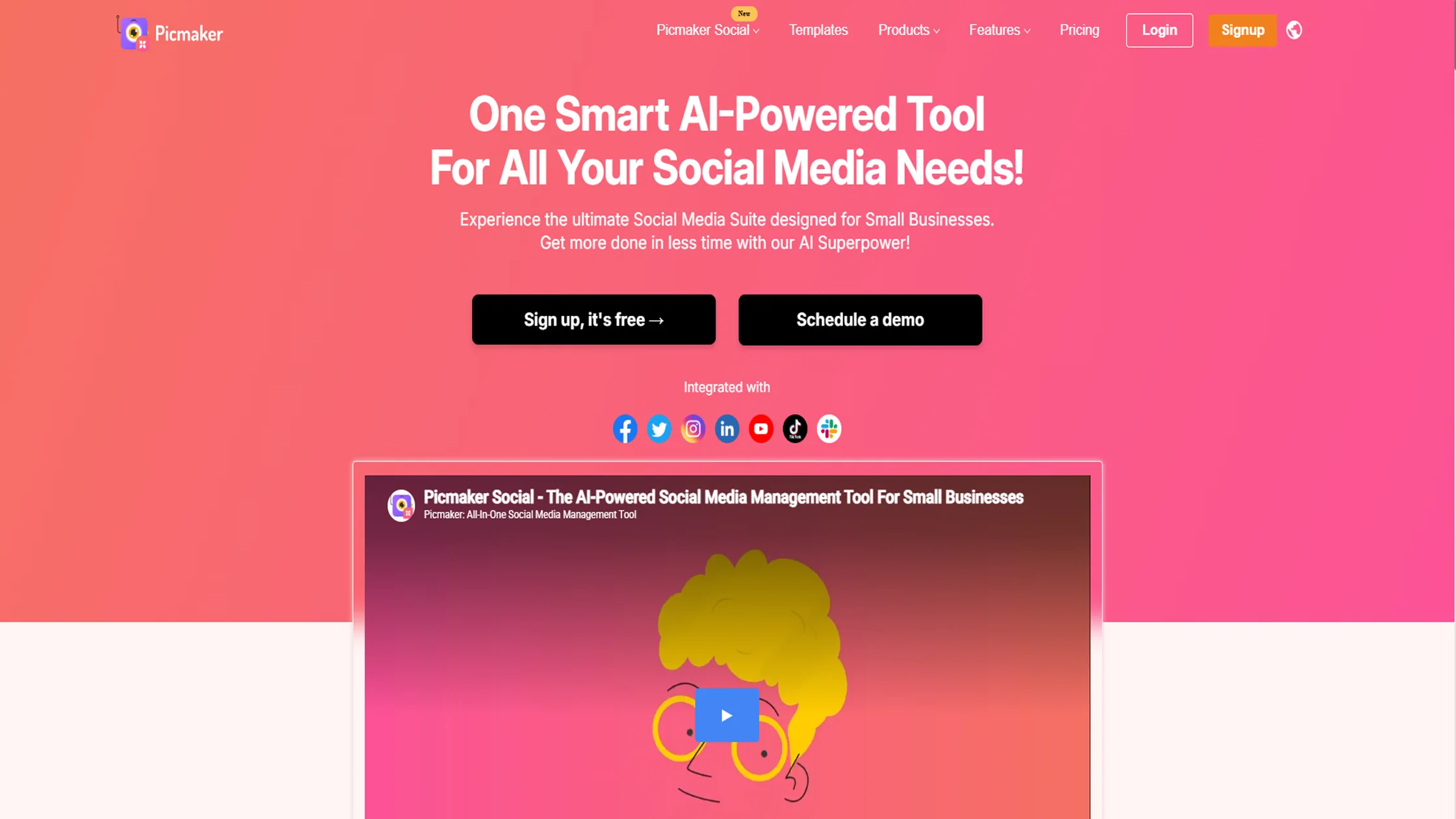
Picmaker combines design with light social media management. Alongside templates and editing tools, it includes AI features for captions, scheduling suggestions, and design generation, making it more of a hybrid tool than a pure design editor.
Key Features
AI-powered background remover and smart resizing across platforms
Unlimited brand kits for consistent logos, fonts, and colors
Thousands of editable templates plus millions of free stock photos
AI tools for caption suggestions and content ideas
Basic analytics for tracking social media performance
Pros
AI features add real time savings for social content creation
Brand kit options are generous even on lower-priced plans
Useful for teams that want design and light social scheduling in one place
Cons
Feature set can feel scattered between design and social media management
Smaller template library than dedicated design-first tools
No free trial on paid plans, based on current pricing pages
Best For
Small businesses and social media managers who want AI-assisted design paired with basic scheduling and analytics.
6. Kittl
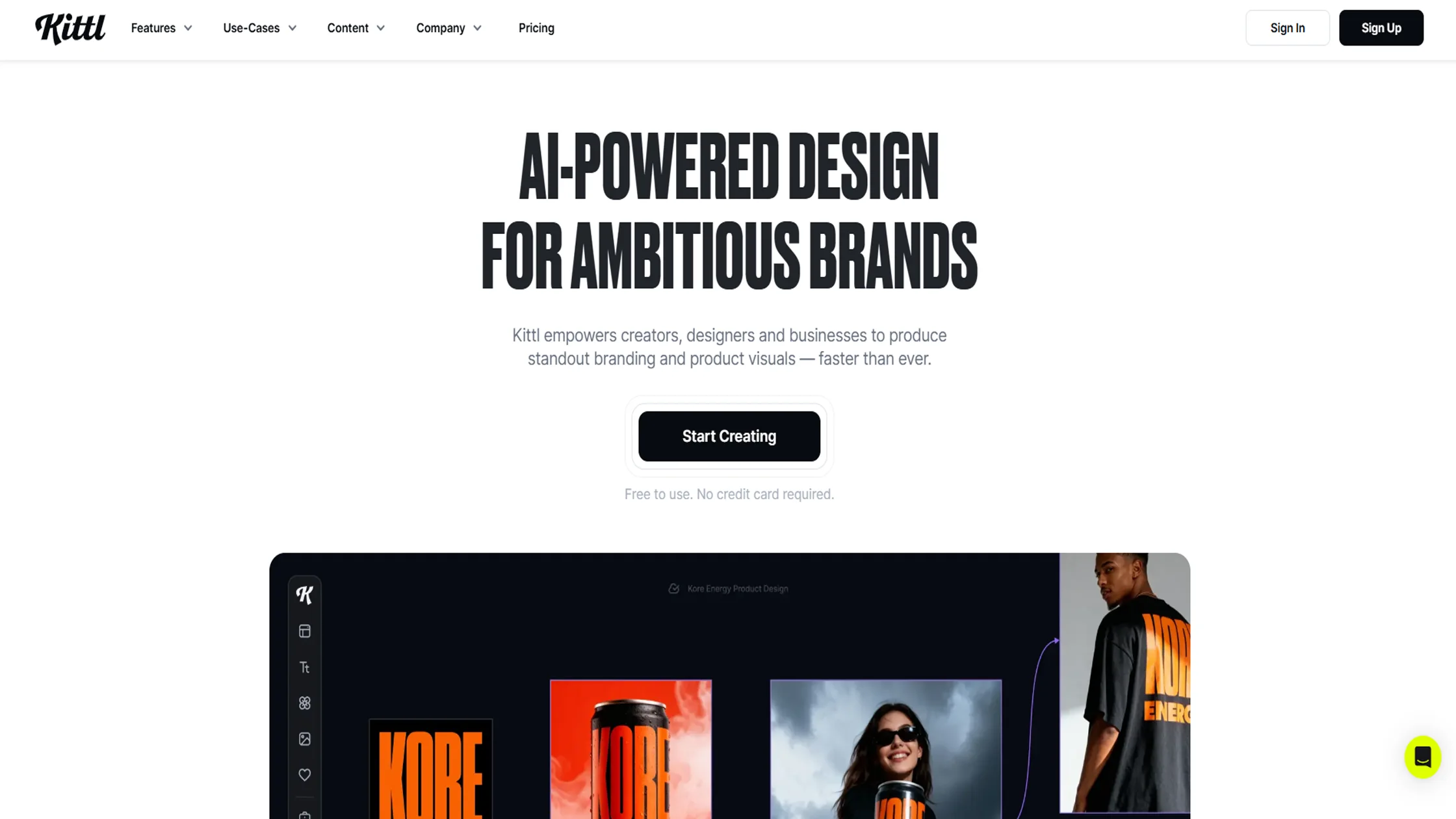
Kittl stands apart from the rest of this list because of its focus on typography and vector-based design. It started as a niche tool for vintage lettering before expanding into general design, and that typography-first foundation still shows in how polished its text tools are.
Key Features
Advanced typography and text effects, including vintage and retro lettering styles
Vector editing tools with artboards and blend modes
AI-powered design generation from text prompts
Print-on-demand presets with commercial licensing on paid plans
Free plan with 5 projects and limited AI tokens
Pros
Typography and lettering tools are more advanced than most Canva alternatives
Strong fit for merchandise and print-on-demand design
Commercial licensing persists even after a subscription ends, reducing lock-in
Cons
Free plan exports are low-resolution and not suitable for print
Template library is smaller than Canva's
No mobile app, so it's a browser-only workflow
Best For
Designers and creators who want distinctive, typography-driven graphics for branding, merchandise, or standout social posts.
Canva vs. The Alternatives
Free Canva Alternatives and Their Features:
Canva
Free Plan: Yes (limited premium templates and assets)
Best For: General graphic design
Key Features:
Drag-and-drop editor
Social media templates
Presentations and documents
AI-powered design tools
Team collaboration
Logo and branding kit (limited on free plan)
VistaCreate
Free Plan: Starter plan with 100,000+ templates
Best For: Canva-like design experience at a lower cost
Key Features:
Extensive template library
Animation and video editing
Background remover (premium)
Brand Kit support
Social media design presets
Stock photos, videos, and music
Snappa
Free Plan: Yes (3 downloads per month)
Best For: Quick social media graphics
Key Features:
Simple drag-and-drop editor
Ready-made templates
Royalty-free stock photos
Social media sizing presets
Text effects and graphic elements
Beginner-friendly interface
Pixelied
Free Plan: Yes (limited storage and downloads)
Best For: Image editing and product mockups
Key Features:
Photo editing tools
AI background remover
Mockup generator
Social media templates
Icons, illustrations, and stock assets
One-click image enhancement
Desygner
Free Plan: Yes (limited export options)
Best For: Branding and business marketing materials
Key Features:
Logo maker
Business card creator
Brand asset management
PDF editing
Marketing templates
Team collaboration
Picmaker
Free Plan: Yes
Best For: AI-assisted graphic design and social media scheduling
Key Features:
AI design suggestions
Social media scheduler
Thumbnail creator
Brand Kit
Smart resize
Ready-made templates
Kittl
Free Plan: Yes (low-resolution exports)
Best For: Typography, logos, and merchandise design
Key Features:
Professional typography tools
Vintage and retro text effects
Logo creation
T-shirt and merchandise design
AI image generation
Vector editing and illustrations
How to Choose the Right Canva Alternative
If you're a beginner: Snappa and VistaCreate offer the simplest learning curves, with clean interfaces that don't overwhelm new users with too many options.
If you create social media content every day: Picmaker and VistaCreate are strong picks, thanks to AI-powered tools, large asset libraries, and features built for high-volume content creation.
If branding matters most: Desygner and VistaCreate stand out here, with brand kits, shared asset libraries, and team collaboration features that keep designs consistent.
If you're on a tight budget: VistaCreate and Snappa both offer generous free plans, making them good starting points before committing to a paid subscription.
If you want unique-looking designs: Kittl is the clear choice, with typography and vector tools that produce more distinctive results than template-heavy platforms.
Final Thoughts
There's no single best Canva alternative. The right pick depends on your budget, your workflow, and what you value most, whether that's speed, branding, AI tools, or distinctive design.
Some tools focus on simplicity, others on branding, and a few lean into AI or typography.
Instead of chasing the tool with the most features, choose the one that fits how you actually create content. That's what will save you the most time in the long run.
Frequently Asked Questions
Is there a free alternative to Canva?
Yes. VistaCreate, Snappa, Pixelied, Desygner, Picmaker, and Kittl all offer free plans, though most come with limits on downloads, storage, or template access.
Which Canva alternative is best for Instagram posts?
VistaCreate and Snappa both offer strong template libraries sized specifically for Instagram, along with quick resizing for other platforms.
Which Canva alternative has the best AI features?
Picmaker and Kittl lead here. Picmaker uses AI for design suggestions and captions, while Kittl uses AI for generating typography-driven layouts.
Can I use these tools for commercial projects?
Most of them, yes, though commercial rights often depend on the plan. Kittl, for example, requires a paid plan for commercial use, and VistaCreate's free assets are cleared for commercial projects.
Which Canva alternative is easiest for beginners?
Snappa is widely considered the easiest to pick up, since it strips away extra features and focuses on getting a finished graphic quickly.

Admin
Admin is a professional and creative specializing in the latest stylish font styles for social media and brand promotion. With a passion for modern typography and digital trends, Admin helps users create eye-catching text that stands out online.