Content
7 Best AI Logo Makers for Small Businesses
A logo is often the first real decision a new business makes. It feels small, but it isn't. It shows up on invoices, social posts, packaging, and that sign above the door you've been imagining for months.
Hiring a designer can cost anywhere from a few hundred dollars to several thousand, which isn't realistic for most small businesses just starting out.
That's where AI logo makers come in. We tested and researched seven of the most popular options so you can find one that fits your brand, your timeline, and your budget.
How to Choose the Right AI Logo Maker
Before we get into the list, it helps to know what actually separates a good tool from a forgettable one. The design industry has completely changed, and there are dozens of AI tools helping people create logos for their businesses or clients.
So, it’s important to focus on the following points when it comes to choosing the right logo maker:
Ease of use. How quickly can you go from blank screen to a logo you'd actually use?
Customization. Can you adjust colors, fonts, icons, and layout, or are you stuck with the first result?
File formats and rights. Do you get a proper vector file and full commercial usage, or just a low-res PNG?
Pricing. Is it a subscription, a one-time payment, or genuinely free?
Extra assets. Does it offer business cards, social kits, or a full brand package?
Design quality. Does the output look distinctive, or does it look like every other logo made with the same tool?
7 Best AI Logo Makers Perfect for Small Businesses
1. Looka
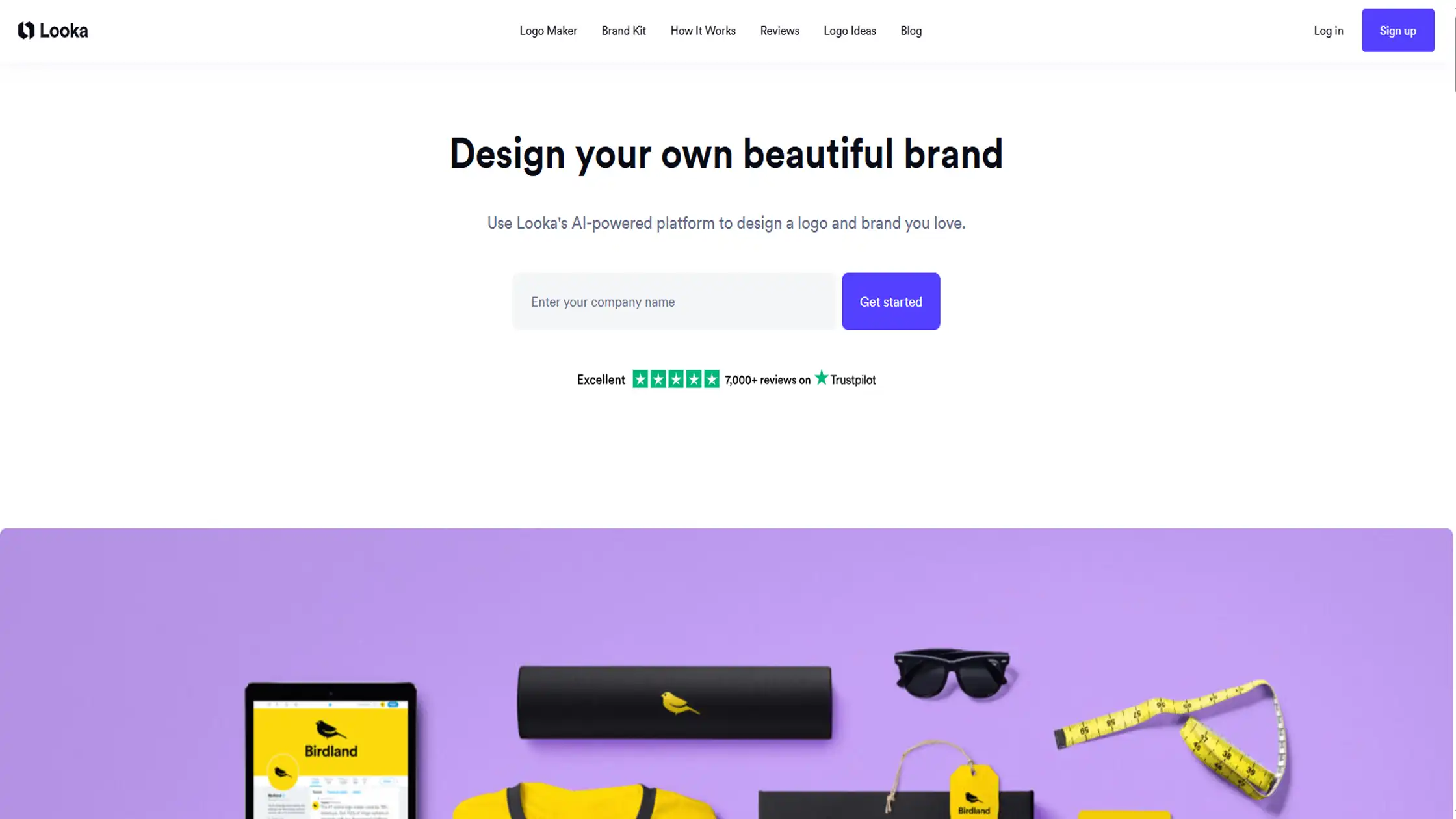
looka starts with a simple form. You type in your business name, pick colors you like, and choose a style, and within seconds, it shows you a batch of logo concepts built around those choices. What stands out is how coherent the results feel.
Instead of a pile of random templates, the designs share a visual thread, which makes the whole set look intentional rather than machine-generated. It also opens the door to a fuller brand kit if your plans go beyond just a logo.
Key Features
Cohesive, style-matched logo sets
Unlimited edits after purchase
300+ brand kit templates (business cards, social posts, letterheads)
Price: Free to design. Basic package is $20 for a low-res PNG. Premium is a one-time $65 for vector files and full ownership. The Brand Kit subscription runs $96 a year.
Use if:
You want a polished logo plus matching brand materials
You're fine paying once for print-ready files
You'd like ongoing access to branded marketing templates
Don't use if:
You want a fully unique mark with no shared design elements
You need a free vector download
You want a monthly plan with no long-term commitment
2. LogoAI
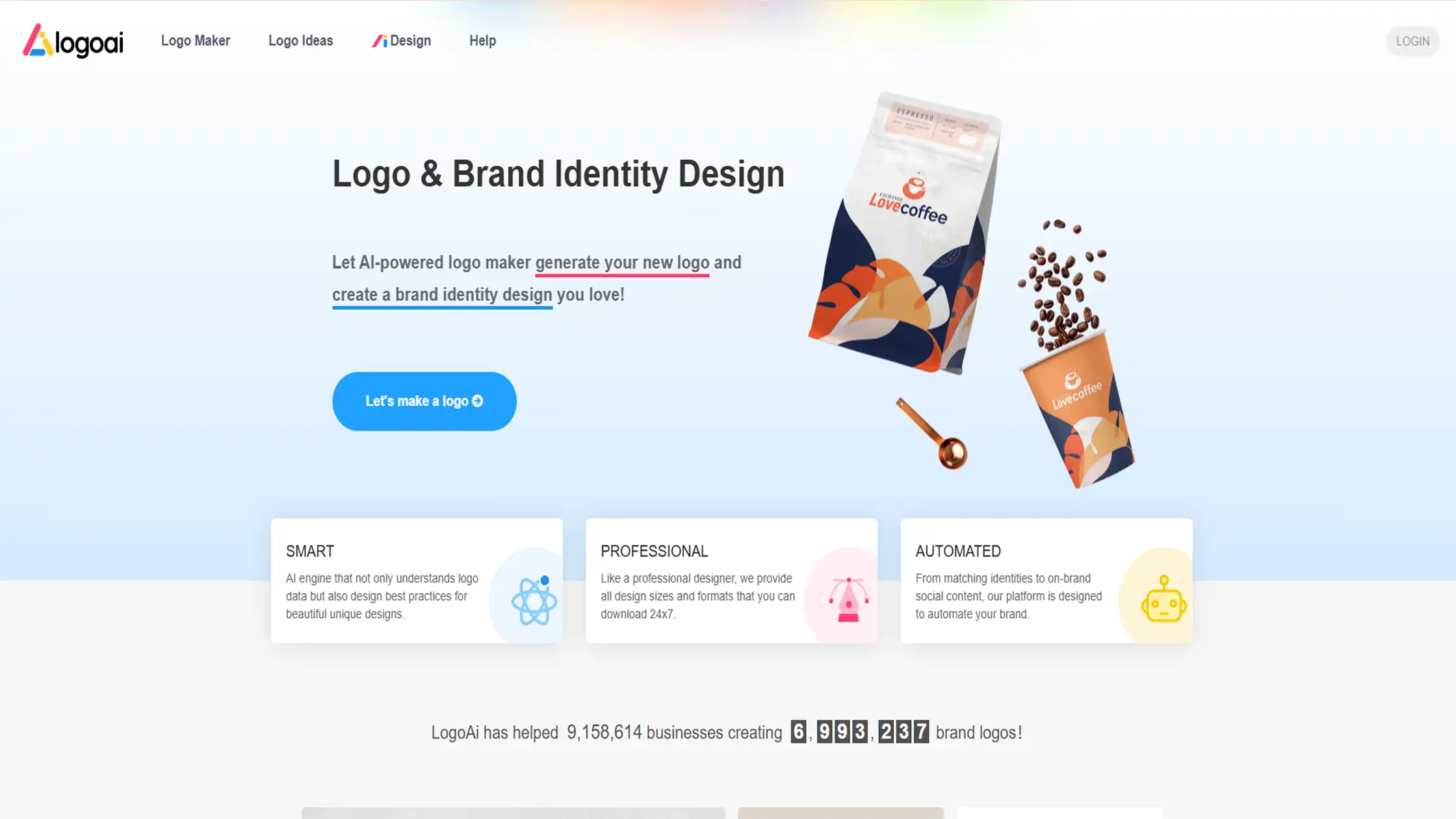
LogoAi works quickly. You enter your company name, pick an industry, and choose a few style preferences, and the AI generates a set of logo options built around that input.
The results tend to look clean and considered, closer to what you'd expect from a small design studio than a template generator.
It also offers an optional add-on where an actual designer manually adjusts your logo, which is a nice middle ground between fully automated and fully custom.
Key Features
High-resolution vector downloads on paid tiers
Optional business card and marketing material designs
Designer Fix add-on for manual revisions
Price: One-time payments only. Basic is $29, Pro is $59, and the full Brand plan is $99. A Designer Fix (up to 3 manual revisions) costs an extra $40.
Use if:
You want strong visual quality without hiring a designer
You'd consider a human touch-up on your AI logo
You want a complete brand kit in one purchase
Don't use if :
You want a free plan with no purchase required
You need deep, granular design control
You only need a single low-cost digital logo.
3. Brandmark
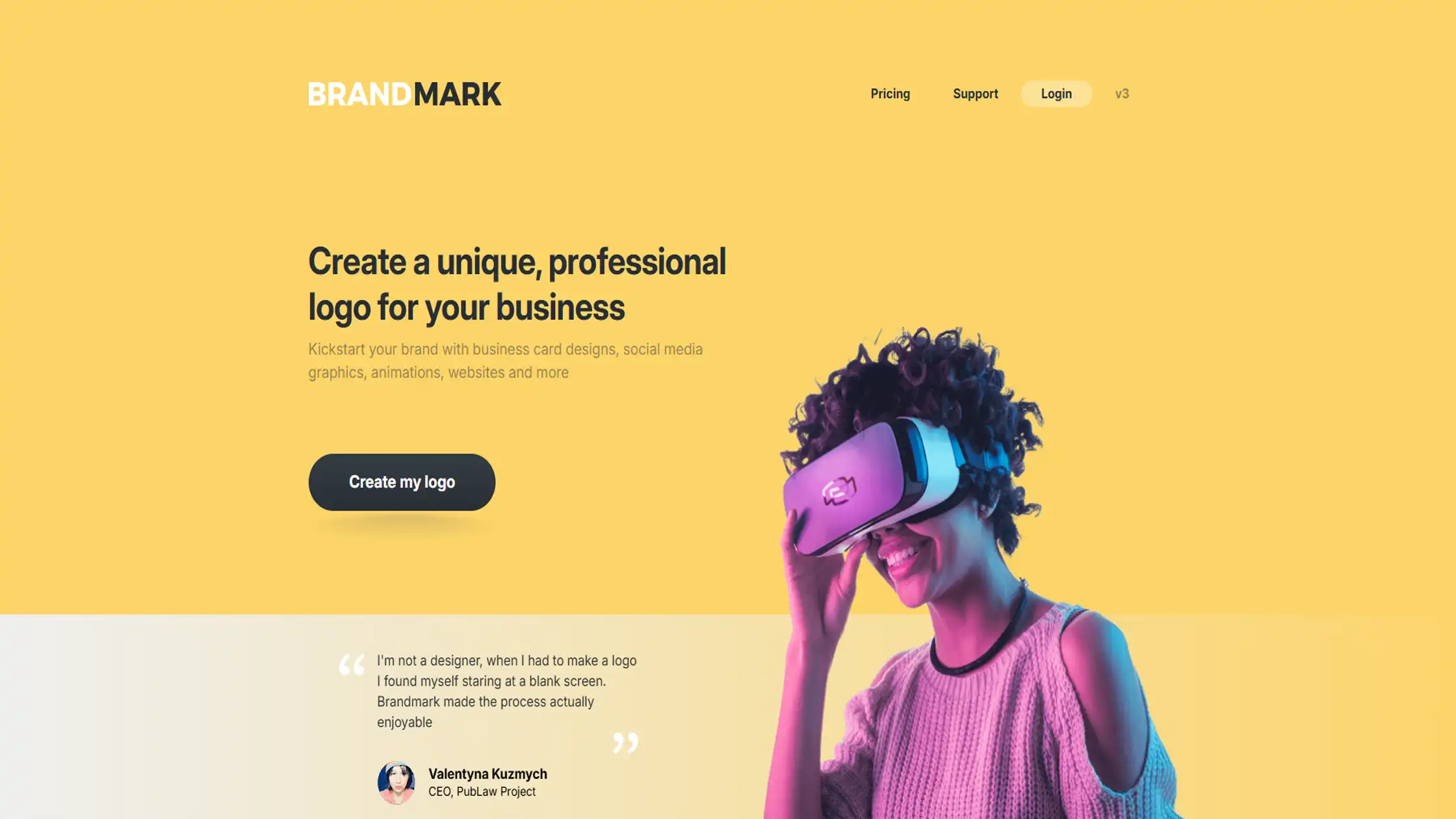
Brandmark tends to produce logos with a bit more edge than most AI tools. The designs lean more distinctive, and the platform backs that up with real brand extras like style guides, business card layouts, and social media covers.
What makes it stand apart on this list is the option, on its highest tier, to get up to ten original logo concepts made by an actual human design team. That's a genuinely useful bridge if you like the direction AI gave you but want a person to carry it the rest of the way.
Key Features
More distinctive, less templated output
Brand style guide and marketing assets included
Human designer concepts available on top tier
Price: One-time payment ranging from $25 to $175 depending on the package.
Use if :
You want a distinctive logo with room for human refinement
You'd like a full style guide alongside your logo
You want the option to bring in real designers later.
Don't use if :
You want the lowest possible price point
You only need a quick, no-frills logo
You'd rather stick to a fully self-serve tool
4. Design.com
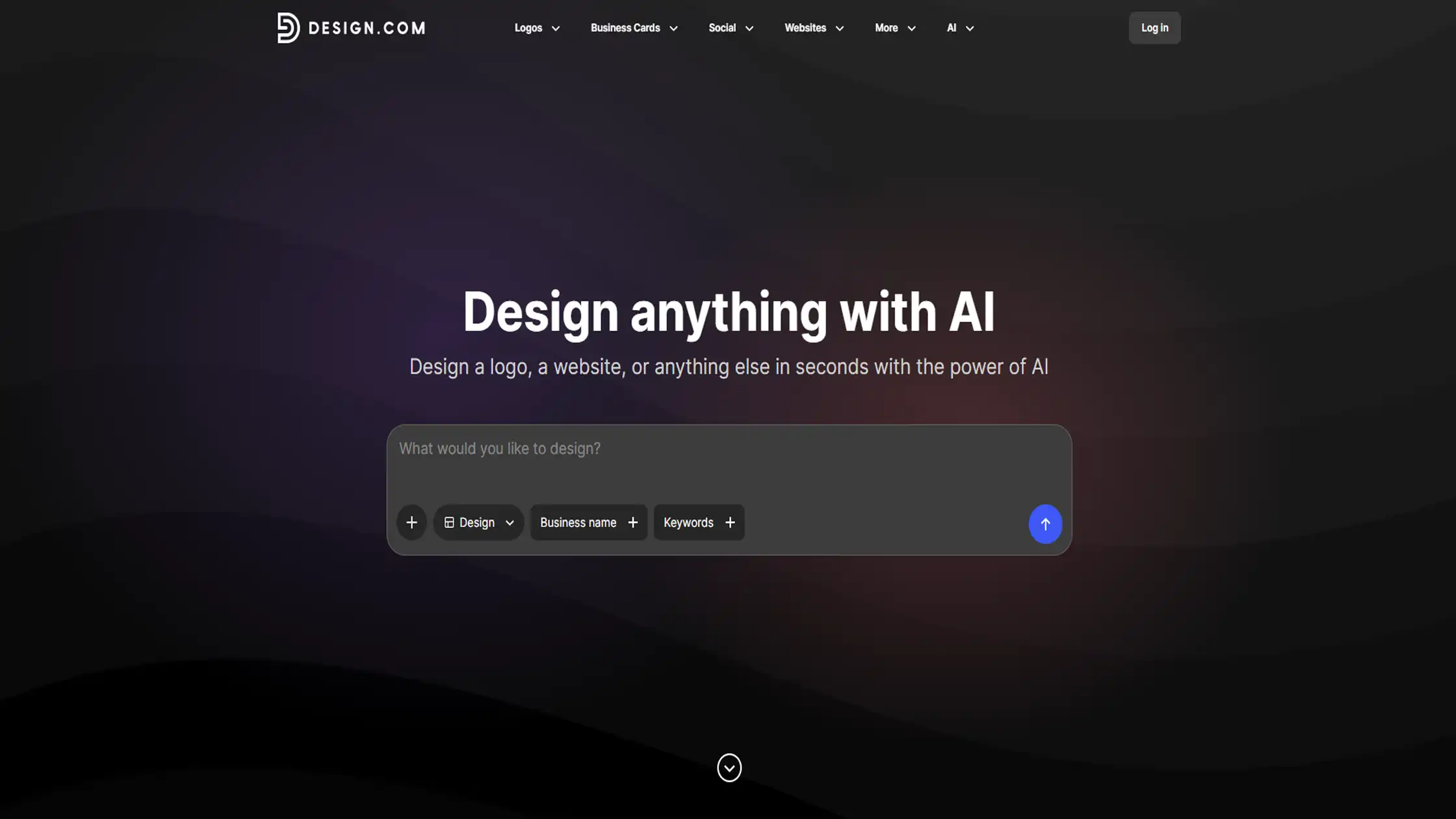
Design. com biggest strength is sheer volume. It gives you access to more than 380,000 logo templates, hundreds of fonts, and over 62,000 custom shapes to pull from, so you're rarely stuck with only one direction.
You just enter your business name and a few keywords, and it builds a set of logo templates already carrying your name.
From there, it's easy to swap colors, icons, and layouts until something feels right. It also expands into other materials like business cards and website banners if you want to keep everything in one place.
Key Features
380,000+ templates and 62,000+ custom shapes
Free logo download available
Built-in tools for business cards, banners, and merch
Price: Free to download a basic logo. Additional design tools and higher-quality exports cost extra.
Use if :
You want variety and a free starting point
You need other marketing materials in one place
You want to browse a huge library before deciding
Don't use if :
You want a one-of-a-kind, non-templated design
You want access to human designers
You prefer a quick, guided process with fewer choices
5. Logomakerr.ai
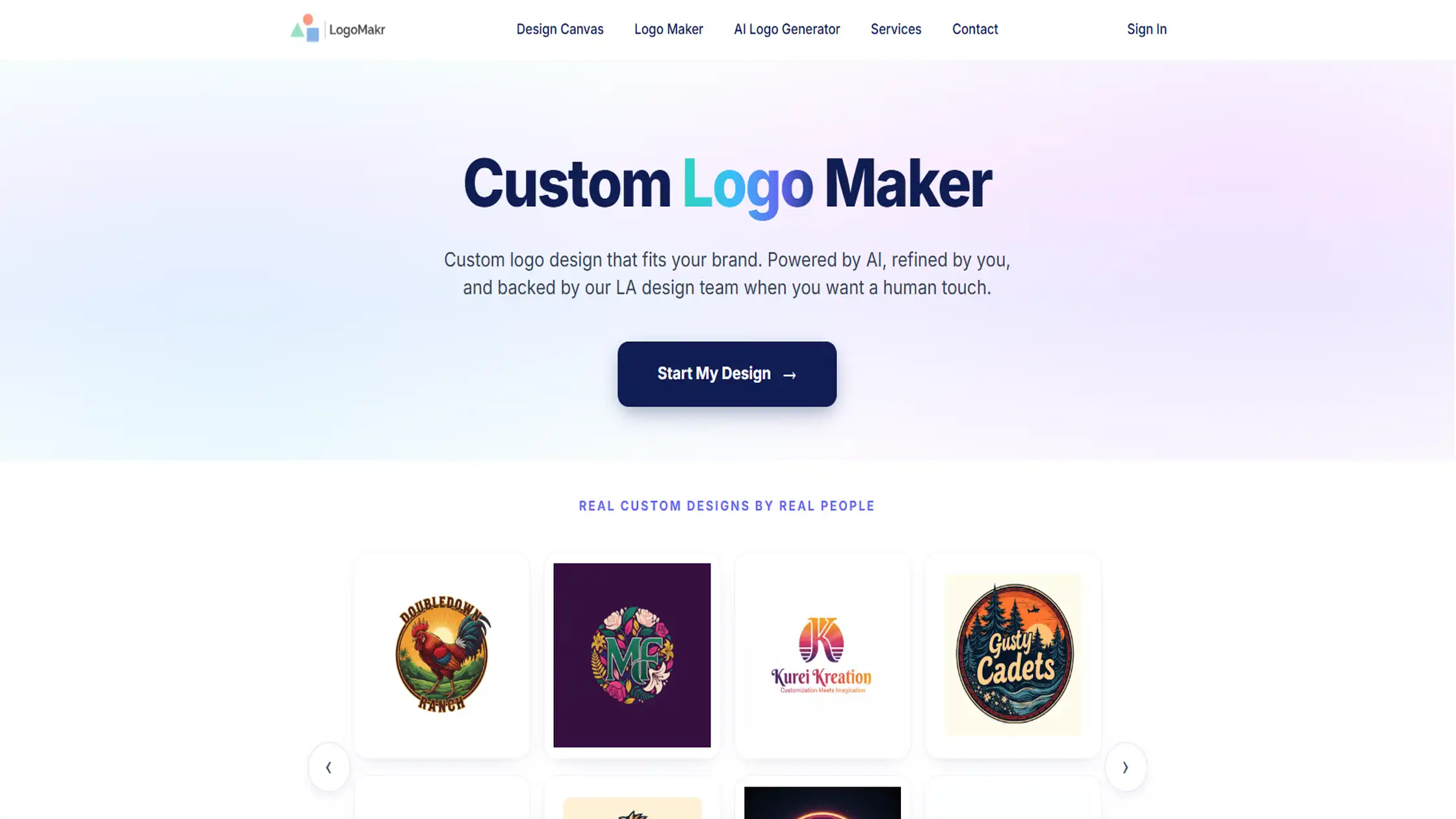
Logomakerr. ai is built for founders who don't want to overthink branding before they've even launched. You generate as many logo concepts as you like for free, and only pay once you've picked a favorite and are ready to download it.
There's no recurring subscription here, which is a small but real relief when you're already juggling other startup costs. The designs are solid and professional, even if they lean a little more standard than some of the more design-forward tools on this list.
Key Features
One-time payment, no subscription required
3-day unlimited edits after purchase
Optional brand kit add-ons (business cards, templates, posters)
Price: Plans range from $29 (Basic) to $99 (Brand), each a one-time payment.
Use if :
You want to avoid recurring subscription costs
You need a fast logo to launch quickly
You want a short editing window right after purchase
Don't use if :
You want a highly unique, non-templated logo
You want access to a large design template library
You expect to make changes months down the line
6. LogoMakr
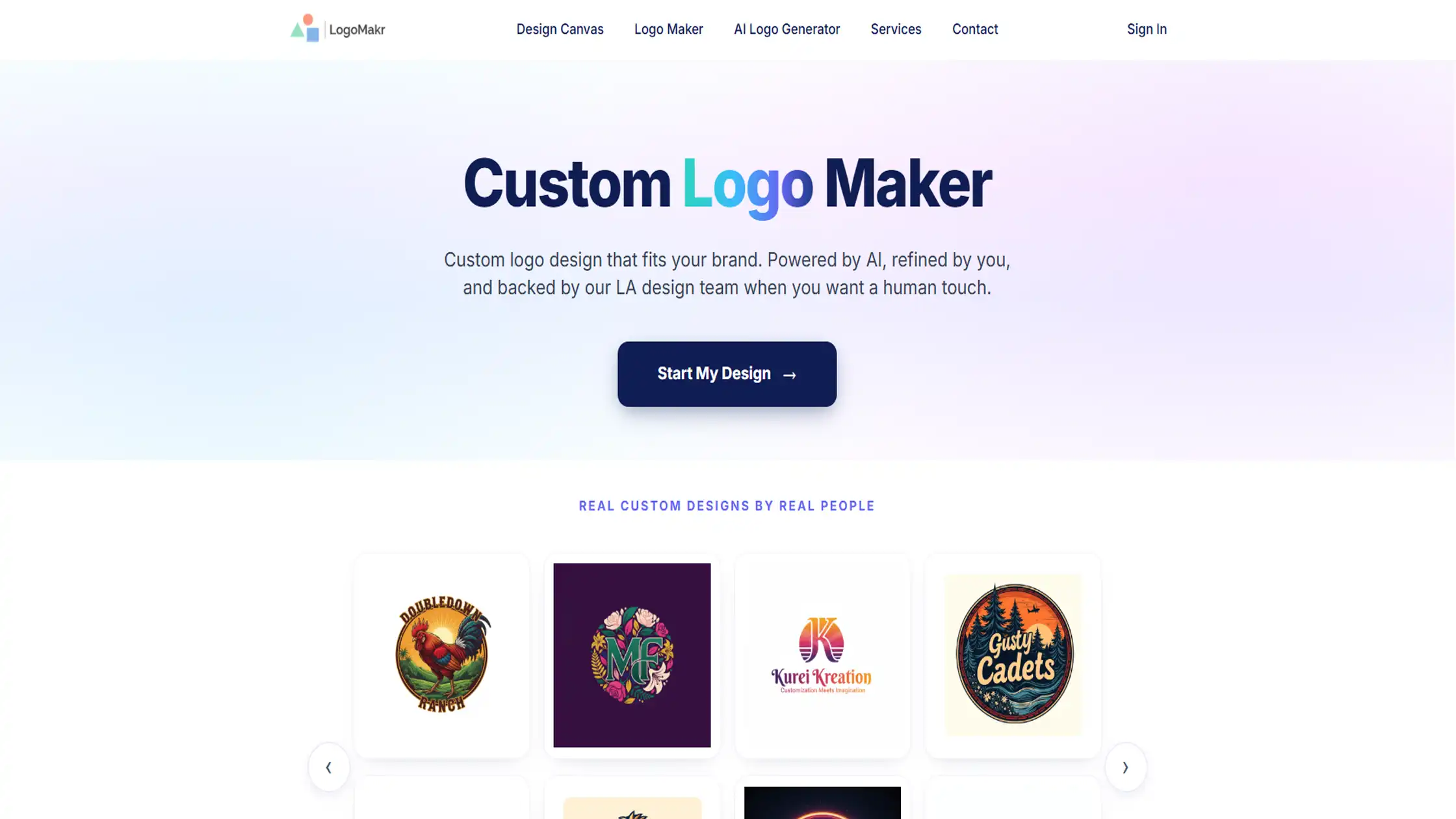
Logomakr gives you a blank canvas instead of guiding you with AI. You build your logo yourself, choosing from millions of icons and graphics, adjusting text, color, and layout by hand.
It takes a little more effort than answering a few prompts, but it gives you direct control over the final result. You can design and preview for free, and only pay when you're ready to download a high-resolution, commercially usable version.
Key Features
Access to over 3 million icons and graphics
Free low-resolution PNG download available
Vector files (SVG, PDF) included in paid package
Price: Free to design and preview. High-resolution files with vector formats and full commercial rights cost $29 one-time (discounted rates available for multiple logos).
Use if :
You're on a tight budget and want hands-on control
You're comfortable building your logo manually
You plan to design more than one logo over time.
Don't use if :
You want AI to generate and suggest designs for you
You want a full brand kit bundled in
You want a guided, question-based design process.
7. Turbologo
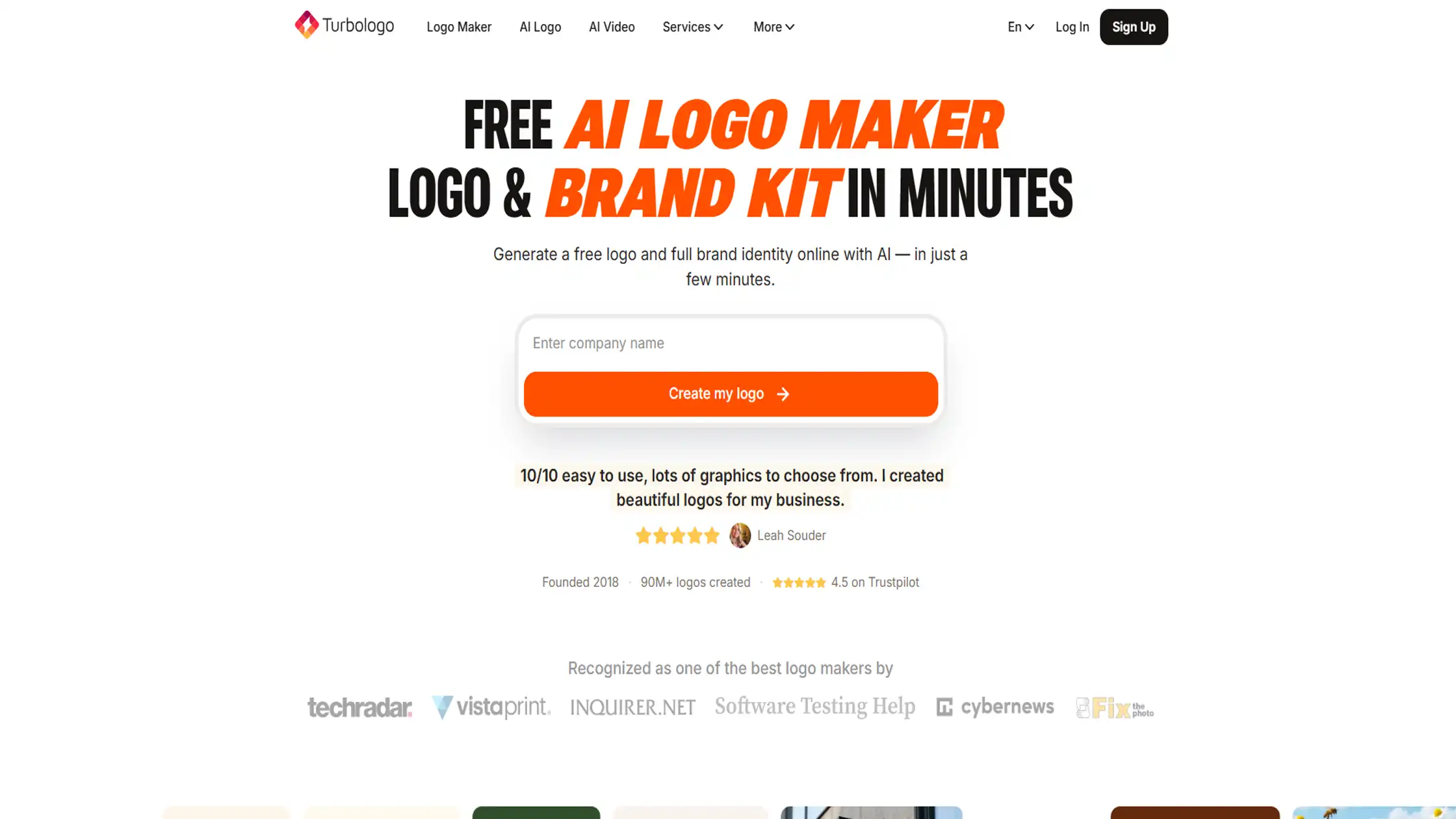
Turbologo walks you through a short, guided process. You answer a few questions about your business and preferred style, and it pulls from a library of over 3 million icons to generate a set of logo options.
The interface is easy to follow from start to finish, which makes it a comfortable choice if you've never designed anything before. You can create and preview logos for free, and only pay when you're ready to download.
Key Features
Access to 3 million+ icons and fonts
Full commercial rights and vector files on paid plans
Unlimited edits with subscription
Price: Free to design. Paid downloads start around $16, with premium plans (vector files, full commercial license) priced higher.
Use if :
You want a simple, guided design process
You need multiple file formats for print and web
You'd like ongoing edit access with a subscription
Don't use if :
You want highly original, bold design choices
You're looking for a completely free download
You'd rather pay once and never return to the tool
Final Thoughts
Choosing a logo maker doesn't have to be complicated. If you want a full brand package, Looka is a strong start. If you're watching your budget, LogoMakr is hard to beat.
and if you just want ot move fast, logomakerr .ai Turbologo will get you there without any fuss. Pick the one that fits how you actually work, and get back to running your business.
Frequently Asked Questions
Which AI logo maker is best if I only want to pay once?
Several tools offer one-time payment plans, including LogoAI, Brandmark, and LogoMakr. If avoiding subscriptions is your priority, these are some of the best options in the list.
Which logo maker includes a complete brand kit with marketing assets?
Looka offers one of the most complete brand kits with templates for business cards, social media, and more. Brandmark, Design. com, and Logomakerr. ai also include branding assets in selected plans.
Can I create and preview my logo for free before paying?
Yes. Most of the tools let you generate and preview logo designs for free, and you only pay when you want to download the final files.
Which AI logo maker is easiest for someone with no design experience?
Turbologo, Looka, and Logomakerr. ai are all designed with beginners in mind. They guide you through a simple setup process and generate logo ideas based on your answers.
Which logo maker gives me the most control over customizing my design?
LogoMakr gives you the most hands-on control because you build your logo on a blank canvas. The other tools rely more on AI-generated designs that you customize afterward.

Admin
Admin is a professional and creative specializing in the latest stylish font styles for social media and brand promotion. With a passion for modern typography and digital trends, Admin helps users create eye-catching text that stands out online.