Content
7 Best AI Poster Makers for Typography Designs
Typography can make or break a poster. A striking layout means nothing if the headline is hard to read or the font feels generic. Most AI image generators still struggle to render clean, legible text, which makes finding a tool built for typography-first design harder than it should be.
This guide breaks down 7 AI poster makers that handle text well, so you can create posters that look intentional, not automated.
What Makes an AI Poster Maker Good for Typography?
Not every AI design tool treats text the same way. Some generate flat images where text is baked in and impossible to edit. Others give you full control over fonts, spacing, and hierarchy alongside AI generation, making it easier to choose the right font styles for your design.
Before comparing tools, it helps to know what actually separates a strong typography-focused poster maker from a generic one:
Font library depth, including licensed fonts, variable fonts, and custom uploads
Manual typography controls, like kerning, tracking, line height, and text-on-path
AI text accuracy, meaning the tool renders legible, correctly spelled text instead of garbled characters
Type-driven templates, built around text hierarchy rather than just image placement
Print-ready export, with vector formats and high-DPI output for physical posters
Top 7 AI Poster Makers for Typography Designs
1. Kittl
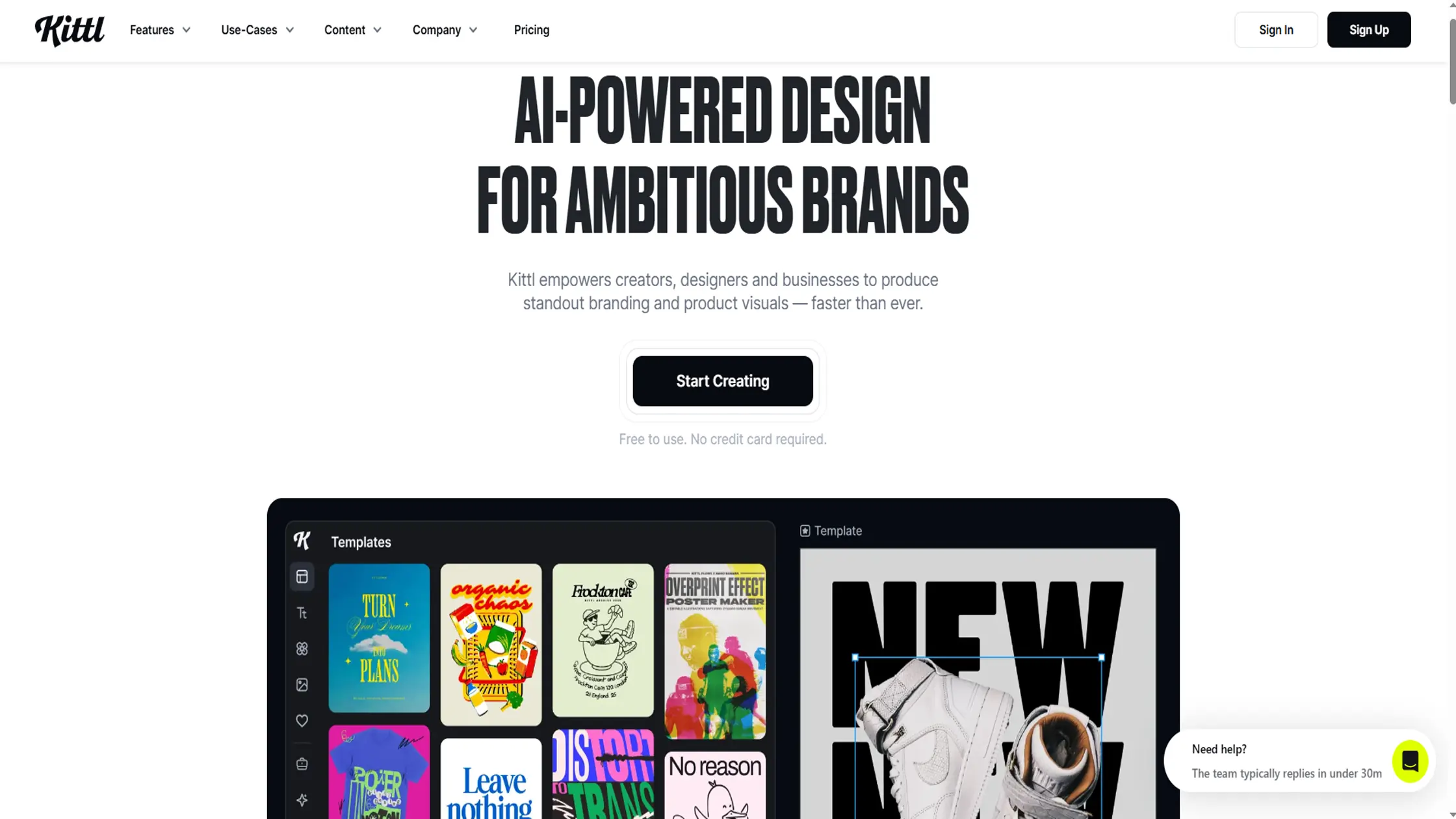
Kittl is a browser-based design platform built specifically for typography-heavy work like vintage graphics, logos, and print-ready posters. It gives you far more control over text than most template tools, with vector editing that lets fonts scale cleanly at any size.
It combines AI generation with a proper design editor, so you're not stuck with whatever the AI outputs first. Kittl has grown into a popular choice for creators who want Illustrator-level type control without the steep learning curve.
Major Features
Vector-based text editor with kerning and shape effects
Large curated font library, including premium typefaces on paid plans
AI image generator, background remover, and upscaler built in
Brand Kits for saving reusable text styles and color palettes to keep typography consistent across designs.
Price: Free plan available with limited exports. Pro starts around $10 to $15 per month. Expert runs about $24 to $30 per month for teams and heavier AI use.
Drawbacks
No mobile app, so editing is desktop-only
AI generation runs on a monthly token limit
Slightly steeper learning curve than drag-and-drop tools
Recommended for: Designers and print-on-demand sellers who need real typography control, not just templates.
2. Designs.ai
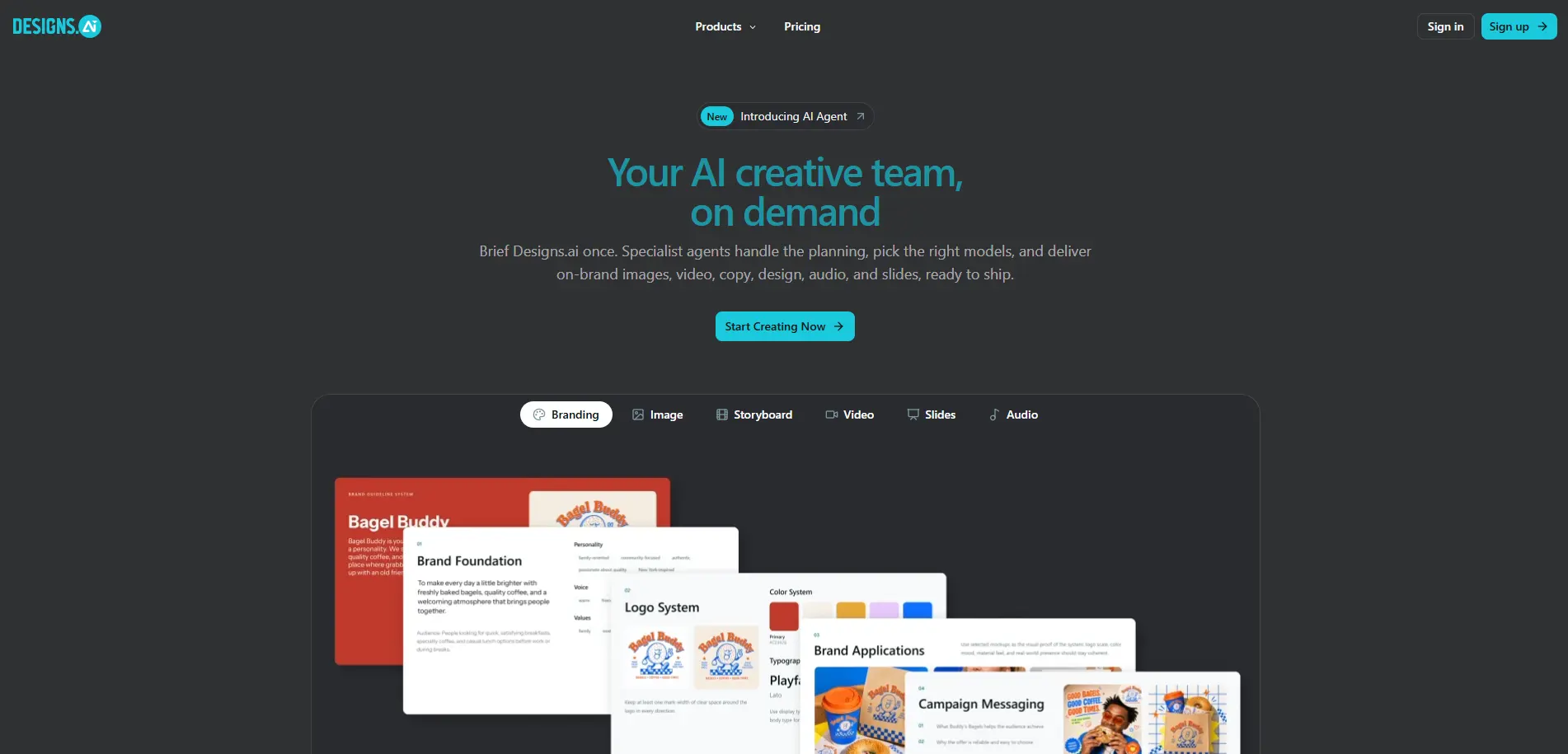
Designs. ai is an all-in-one AI content suite that bundles a poster and design maker alongside logo, video, and copywriting tools. Its font pairing and color matching features are built to speed up type decisions for anyone without a design background.
It leans heavily on automation, which makes it fast for rough drafts, though output sometimes needs manual polish before it looks professional. It suits users who want one subscription covering multiple content types, not just posters.
Major Features
Font Pairer for AI-suggested typography combinations
Design Maker with templates for posters, social posts, and presentations
Brand Kit for consistent colors and fonts across projects
Bundled tools for logos, video, and voiceover in the same platform
Price: Plans generally start around $29 per month for the Basic tier, with Pro around $69 per month and Enterprise near $169 to $199 per month.
Drawbacks
Output can feel templated compared to dedicated design tools
No dedicated mobile app
Higher tiers get expensive if you only need posters
Recommended for: Small businesses that want design, video, and copy tools in one subscription.
3. Piktochart AI
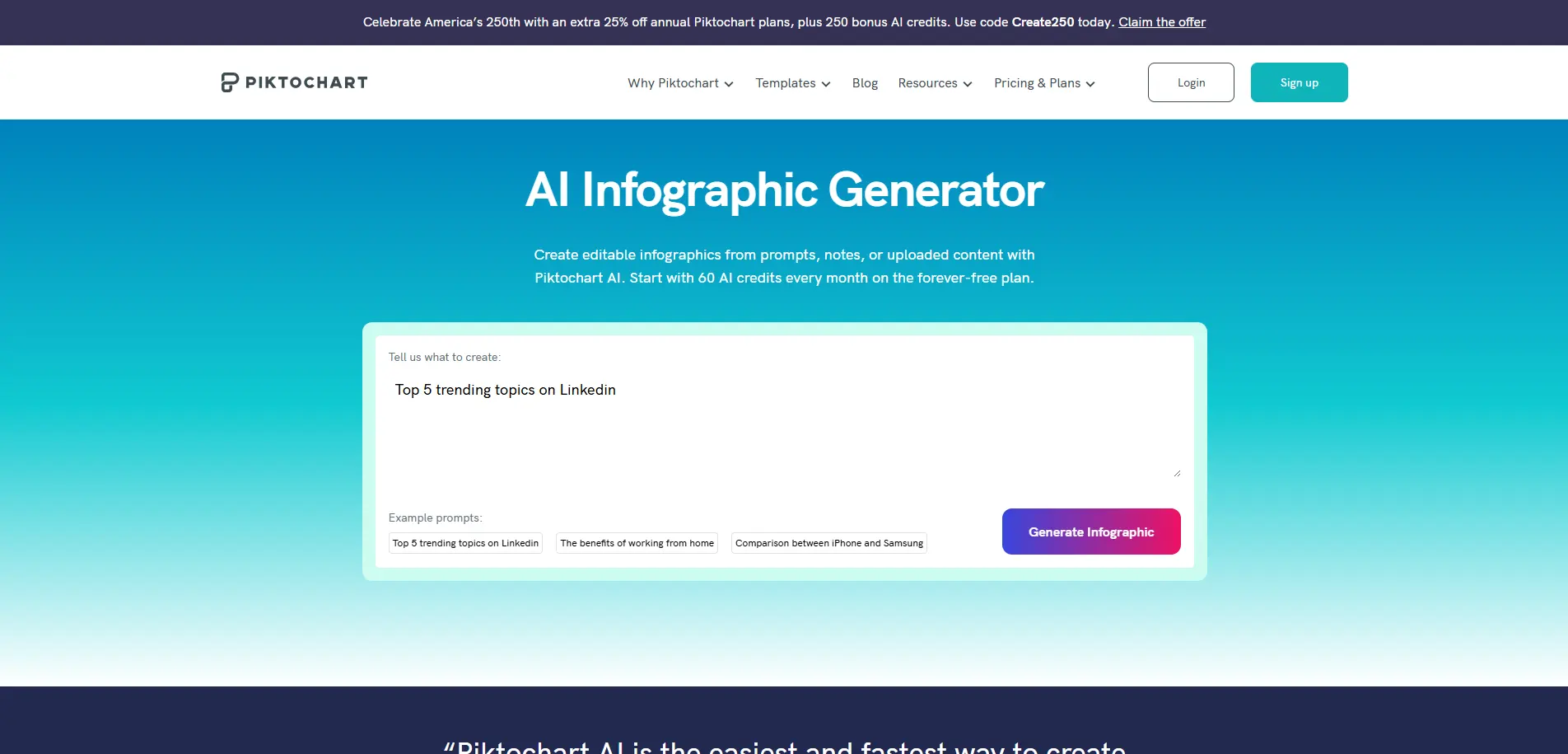
Piktochart AI built its reputation on infographics, and that data-visualization strength carries into its poster tools. It's particularly good at posters that need to communicate statistics or structured information without looking cluttered.
The typography here is designed to support readability across dense content, with clear hierarchy between headlines, labels, and data points.
Major Features
AI poster generator built around data and text-heavy layouts
Chart and icon library for visualizing statistics
Smart templates that guide text placement and spacing
Team collaboration and brand controls on paid plans
Price: Free plan available. Pro starts around $14 per month.
Drawbacks
Less suited to purely artistic or abstract poster styles
Font customization is more limited than dedicated typography tools
Free plan restricts downloads and premium templates
Recommended for: Marketers and educators who need to present data clearly on a poster.
4. Venngage
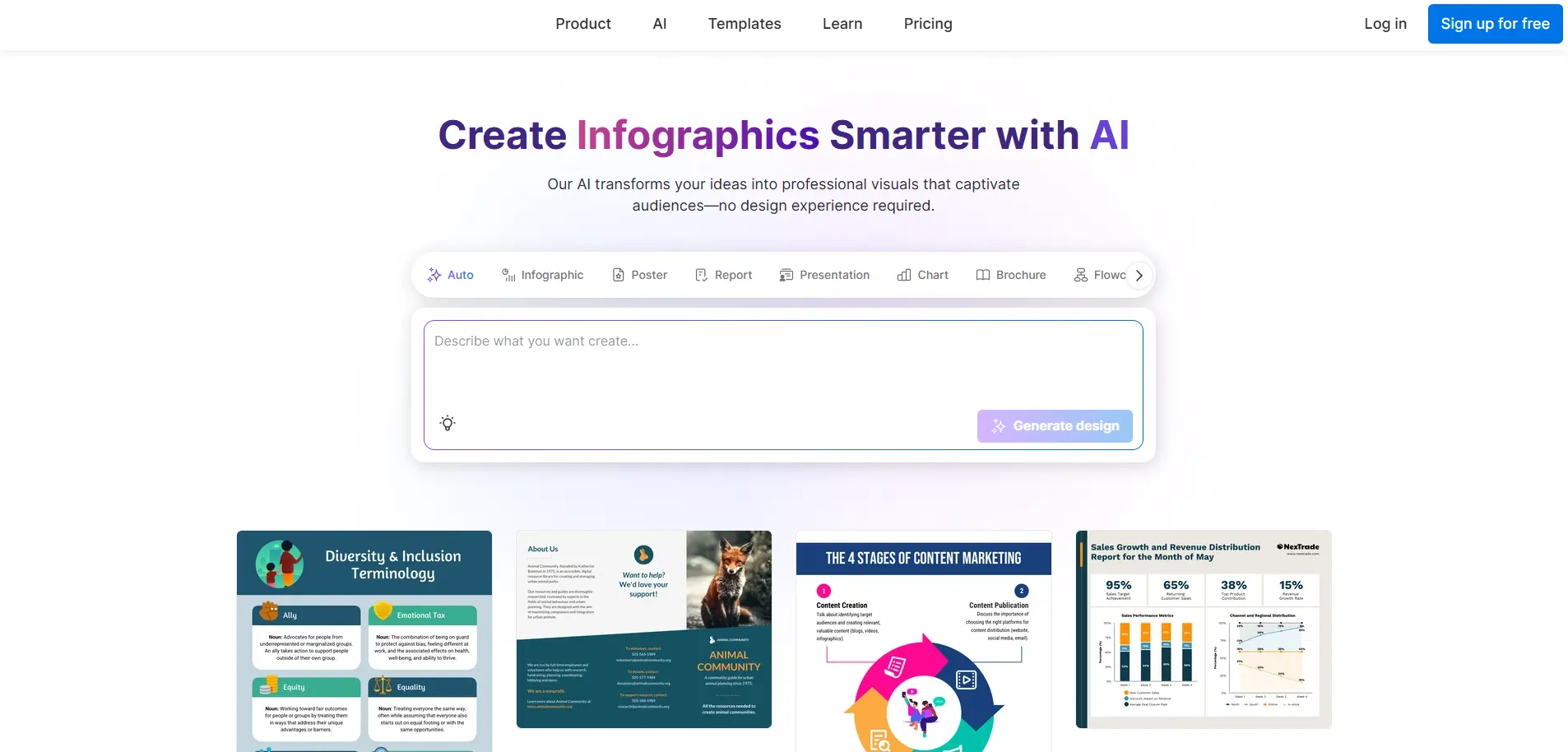
Venngage focuses on informational and educational content, and its AI Poster Generator reflects that. It creates layouts based on your prompt, then uses smart templates to guide how much text fits without overcrowding the design.
Typography here is functional first, built for clarity across signage, classroom materials, and internal announcements rather than bold creative statements.
Major Features
AI-generated poster layouts from text prompts
Template guidance for balancing text and visuals
Icon and chart libraries for informational content
Brand Kit and team sharing on business plans
Price: Free plan available. Premium starts around $10 per month, with Business plans around $24 per user per month.
Drawbacks
Typography options are more conservative than creative-focused tools
Advanced customization requires higher-tier plans
Less suited to artistic or event-style posters
Recommended for: Educational institutions, HR teams, and anyone creating informational posters.
5. PosterMyWall
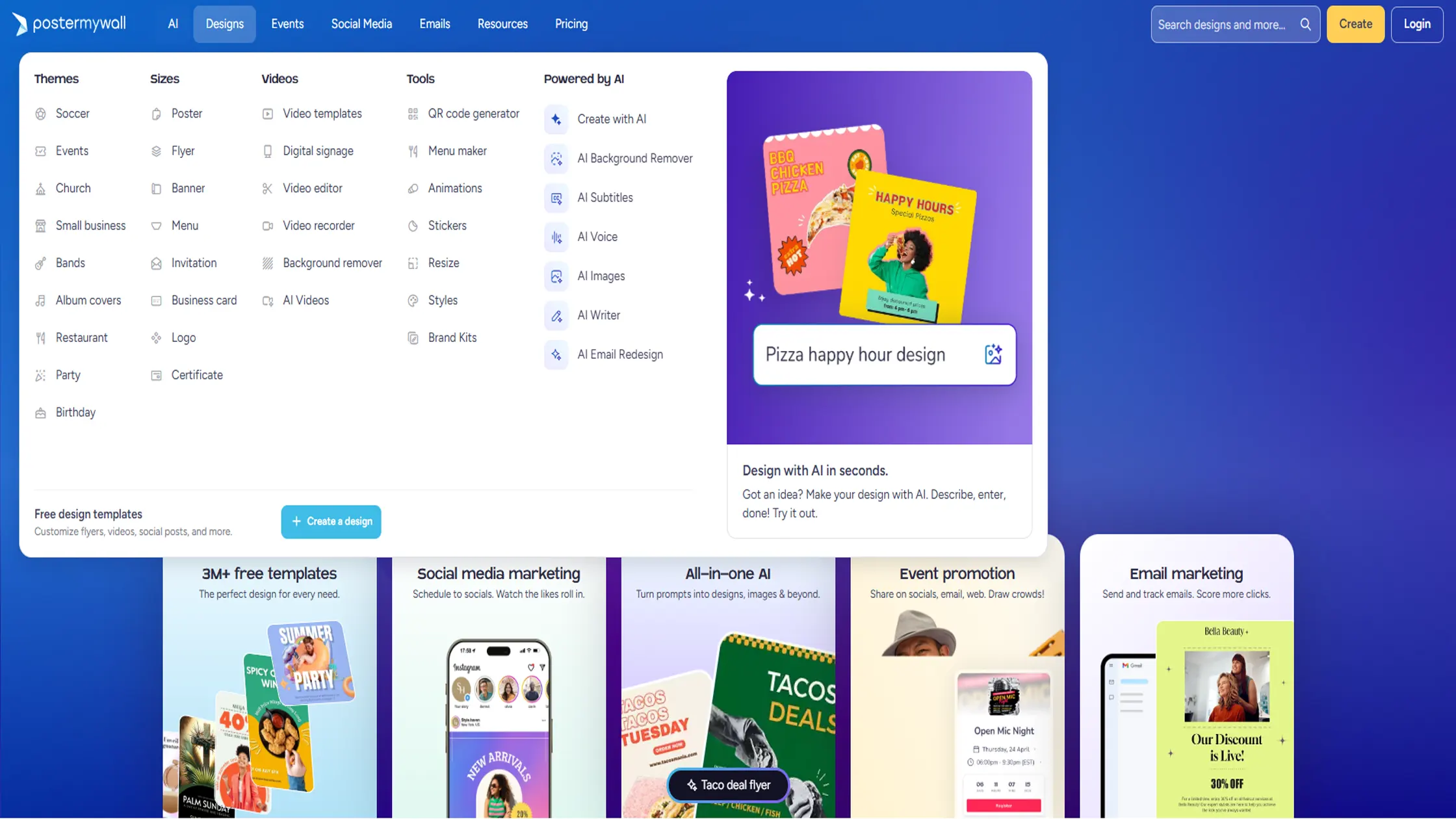
PosterMyWall keeps things simple, which is exactly why it works well for small businesses, schools, and event organizers.
No design background is needed to get a usable poster out fast. Its AI-powered text tool helps when a blank canvas stalls creativity, suggesting layout and copy adjustments on the fly.
Major Features
AI poster generator starting from templates or a blank canvas
Smart image tools, including background and object removal
Large template library across events, business, and education categories
Easy resizing across print and digital formats
Price: Free tier available. Paid plans start around $4.17 per month.
Drawbacks
Typography controls are basic compared to vector-first tools
Heavy reliance on templates limits originality
Some premium assets require additional unlocks
Recommended for: Small businesses, schools, and community organizers needing fast, friendly poster design.
6. Visme
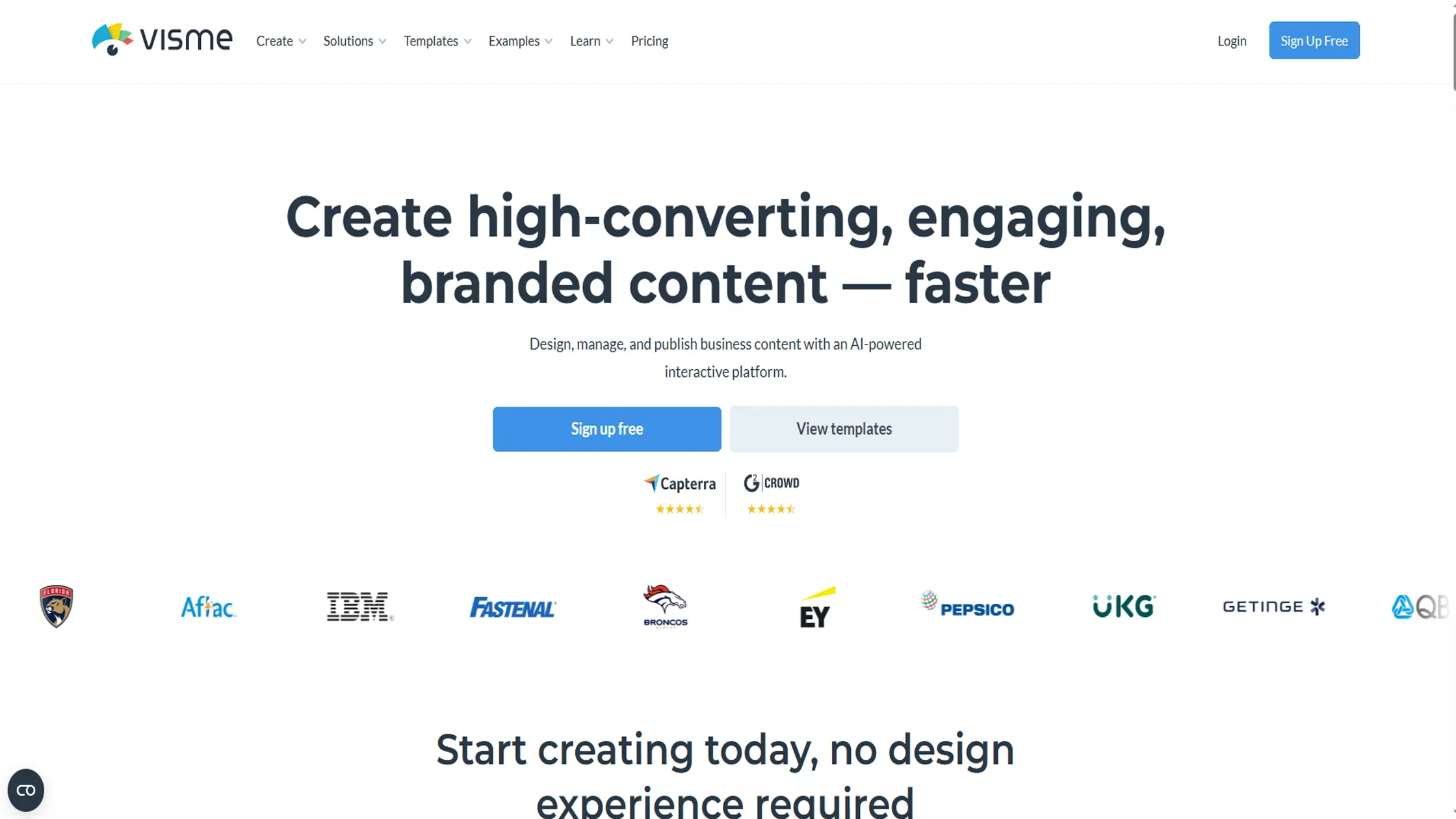
Visme combines poster design with interactivity, brand management, and data visualization in one platform. Its Brand Kit feature lets you lock in custom fonts, colors, and guidelines, which keeps typography consistent across every poster your team creates.
The editor also supports animated text and interactive elements, useful when a poster needs to double as a digital asset. It's built more for teams producing regular visual content than for one-off designs.
Major Features
Brand Kit with custom font and style locking
AI-assisted layout and content suggestions
Data visualization widgets for infographic-style posters
Multiple export formats, including print-ready PDF
Price: Free Basic plan available. Starter runs around $12.25 per month, and Pro is about $24.75 per month, both billed annually.
Drawbacks
Free plan adds a watermark to every export
Editor can slow down on complex, text-heavy projects
No Android app for on-the-go editing
Recommended for: Teams that need branded, consistent typography across recurring poster projects.
7. Recraft
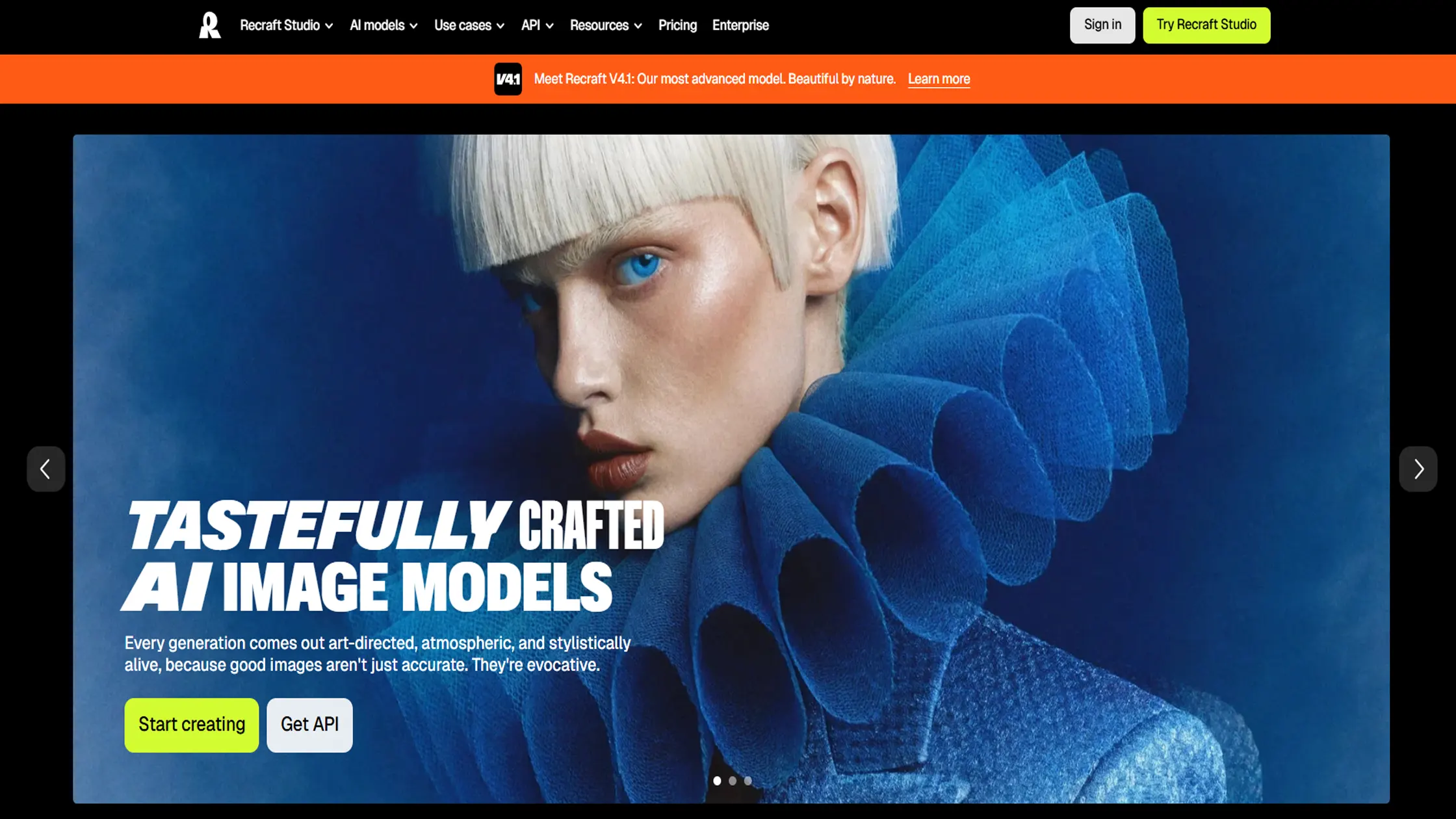
Recraft stands out for native vector and SVG generation, which matters directly for clean, scalable typography. Unlike tools that output flat raster images, Recraft lets text and shapes stay editable and crisp at any size, from a business card to a large-format poster.
This also means you can hand off files to a print shop without worrying about pixelation or quality loss. It's positioned as a serious option for designers who need production-ready output, not just quick drafts.
Major Features
Native SVG and vector output for scalable text and graphics
Style-locking for consistent typography across a brand
AI image generator combined with manual vector editing
Background removal, upscaling, and mockup generation
Price: Free plan with daily credits. Basic starts around $10 to $12 per month, Advanced around $27 to $33 per month, and Pro around $48 per month.
Drawbacks
Credit system can get expensive for high-volume use
Free tier output is public with no commercial rights
Steeper learning curve for those new to vector design
Recommended for: Designers who need scalable, print-ready vector typography for professional or large-format posters.
Quick Recap of the Top AI Poster Makers for Typography
Kittl
Best For: Designers, print creators, and businesses that need advanced typography controls and vector-based poster designs.
Price: Free plan available, paid plans start around $10/month.
Designs. ai
Best For: Small businesses and creators who want an all-in-one AI suite for posters, logos, videos, and other content.
Price: Plans start around $29/month.
Piktochart AI
Best For: Marketers, educators, and professionals creating data-heavy or text-focused posters.
Price: Free plan available, paid plans start around $14/month.
Venngage
Best For: Educational, business, and informational posters where readability and structured layouts matter most.
Price: Free plan available, premium plans start around $10/month.
PosterMyWall
Best For: Beginners, small businesses, and event organizers who need quick posters using ready-made templates.
Price: Free plan available, paid plans start around $4.17/month.
Visme
Best For: Teams that need branded posters with consistent fonts, colors, and interactive design elements.
Price: Free plan available, paid plans start around $12.25/month.
Recraft
Best For: Professional designers who need scalable vector typography and print-ready poster files.
Price: Free plan available, paid plans start around $10/month.
Choosing the Right Tool for Your Typography Needs
The right pick depends on what you're actually making. A vintage t-shirt design needs different type control than a data-heavy classroom poster.
Match the tool to your use case. Vector precision for print, data-friendly layouts for informational posters, quick templates for events.
Balance budget against customization depth. More font and layout control usually means a higher price tier.
Consider team needs. Brand Kits and shared libraries matter more once more than one person is designing.
· Check output format. Print work needs vector or high-DPI export, while digital-only posters can work with standard raster files.
Conclusion
Typography is what separates a poster that gets noticed from one that gets scrolled past. Kittl and Recraft lead on true typography control, Piktochart and Venngage suit data-driven or educational posters, and PosterMyWall keeps things simple for quick projects.
Test the free tier of any tool here before committing, since typography needs vary by project, not just budget.
Frequently Asked Questions (FAQs):
1. Which AI poster maker is best for typography-focused designs?
Kittl and Recraft are strong choices for typography-focused designs because they offer more control over fonts, vectors, and text editing. Kittl focuses on detailed typography tools, while Recraft is built around scalable vector output.
2. Which AI poster maker is best for creating print-ready typography posters?
Recraft is a good option for print-ready typography posters because it creates native SVG and vector designs that stay sharp at any size. Kittl also supports vector-based editing for clean, scalable poster designs.
3. Can AI poster makers create editable text and font styles?
Yes, some AI poster makers provide editable text controls, font libraries, and styling options instead of creating flat images. Tools with vector editing features give more control over spacing, layout, and typography adjustments.
4. Which AI poster maker is best for beginners with no design experience?
PosterMyWall is suitable for beginners because it offers templates and simple AI-powered tools that help create posters quickly. Design. also helps new users with features like Font Pairer and Color Matcher for easier design decisions.
5. Which AI poster maker is best for creating professional-looking posters on a budget?
Kittl, PosterMyWall, and other tools with free plans can help users create professional-looking posters without a large investment. The best choice depends on whether the project needs advanced typography control, templates, or simple designs.

Admin
Admin is a professional and creative specializing in the latest stylish font styles for social media and brand promotion. With a passion for modern typography and digital trends, Admin helps users create eye-catching text that stands out online.