Content
6 AI Logo Makers with Custom Font Options
Typography is one of the most overlooked parts of logo design, yet it often carries more brand personality than the icon beside it. AI logo makers have made it faster to explore dozens of typographic concepts in minutes instead of days.
But not every generator lets you go beyond a preset template and actually shape the type yourself.
Custom font control matters because it is what separates a generic wordmark from one that feels built for your brand. This list skips the usual big names and focuses on capable, lesser-known AI logo generators that give you real say over typography.
What Makes a Good AI Logo Maker for Typography?
Before comparing tools, it helps to know what to look for. A logo maker that is strong on typography usually checks these boxes.
Font customization
The tool should let you swap typefaces freely, and ideally adjust weight, spacing, and letter styling rather than locking you into a single look per template.
AI-generated logo concepts
Good platforms use AI to generate multiple layout and type pairings from a prompt or business name, giving you a starting point instead of a blank canvas.
Font pairing suggestions
Pairing a heading font with a complementary secondary font is hard to get right manually. The best tools suggest combinations that already work together.
Color and icon customization
Typography rarely stands alone. Being able to adjust colors and icons alongside the type keeps the whole mark cohesive.
High-resolution exports
Look for exports in PNG, SVG, PDF, or EPS so the logo holds up on both screens and print materials.
Commercial usage rights
Confirm the license covers commercial use before you build a brand around a logo, since some free previews restrict how the final file can be used.
6 Best AI Logo Makers with Custom Font Options
1. Kittl AI
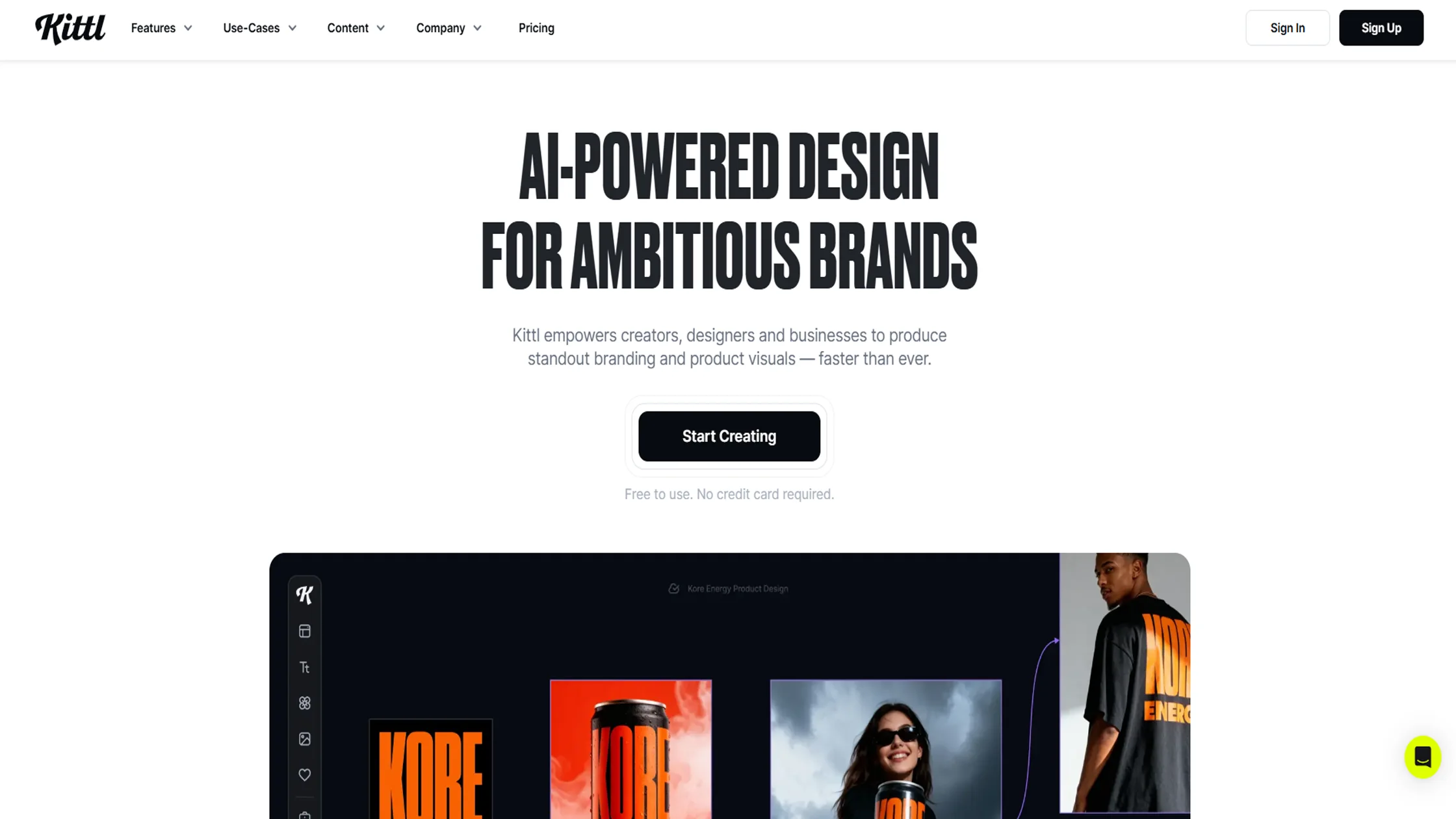
Kittl is an AI design platform built for creators who want typography to carry the weight of their logo, not just sit beside an icon. Instead of picking from a handful of preset fonts, you get a full type-focused editor with over 1,400 fonts, layered text effects, and vector controls. It works well for brands that want a distinctive, custom-lettered mark rather than a quick template fill.
Key Features
Upload your own brand font and apply Kittl's text effects to it, not just its built-in library
Flows lets you generate original letterforms from a prompt, effectively building a custom typeface from scratch
Vector Suite gives path-level control to hand-adjust letterforms and icons after generation
Pros
Genuinely deep typography tools, not just font swapping
Custom font uploads plus original letterform generation
Full vector editing for pixel-level refinement
Cons
Steeper learning curve than simpler logo makers
Best features sit behind paid plans
Can feel like overkill for a quick, simple logo
Price
Free plan available with limited exports and templates. Paid plans unlock the full font library, text effects, and high-resolution exports; check Kittl's site for current tier pricing.
Best for
Brands and designers who want typography to be the centerpiece of the logo, with room to make it truly custom.
2. LogoAI
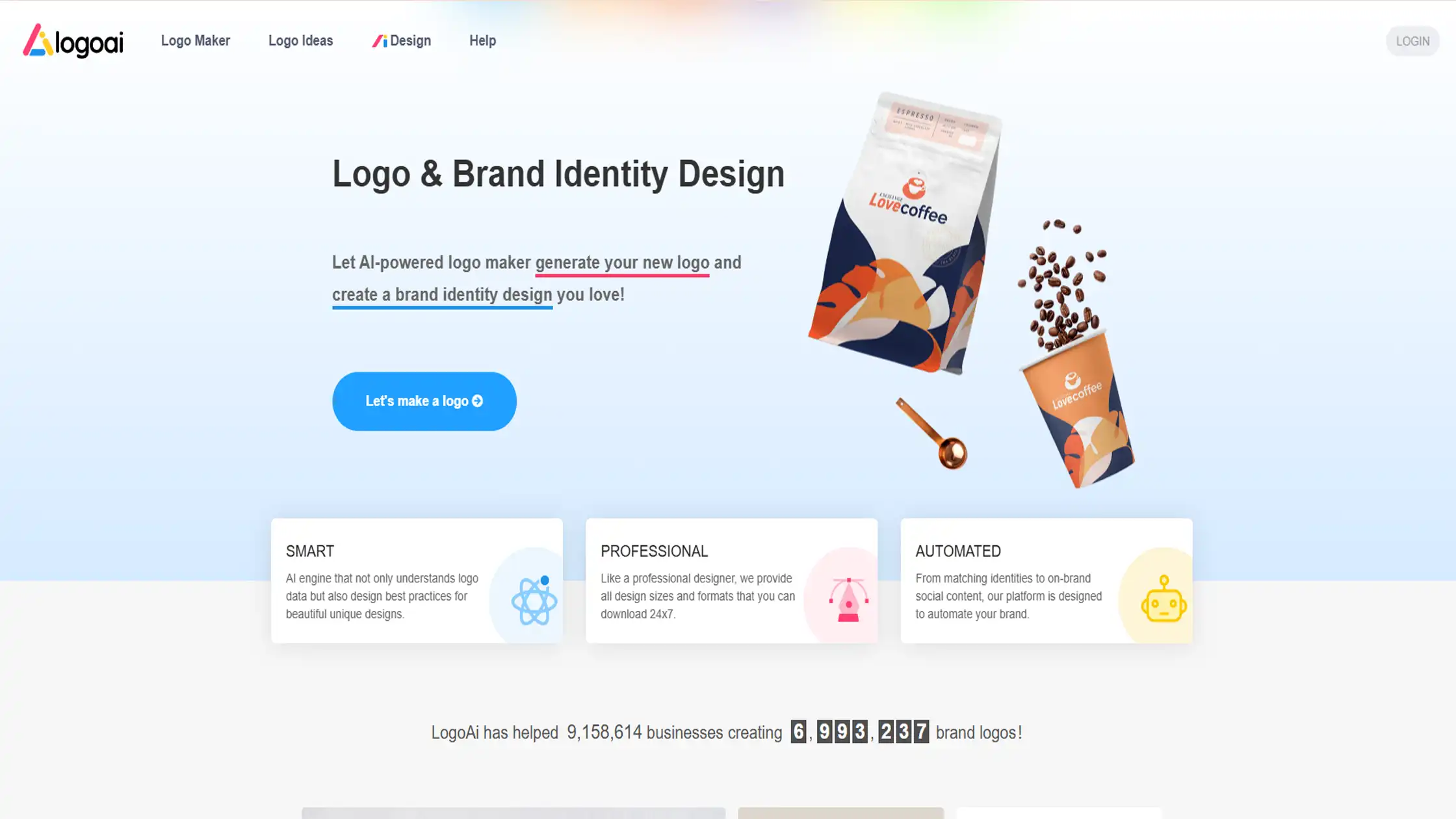
LogoAI generates a fresh set of logo concepts for each brand instead of reusing fixed templates, with typography treated as a core, editable layer rather than a fixed choice.
After generation, you can swap fonts, apply text effects, and adjust styling using tools built specifically around lettering, including a standalone text effect It suits founders who want a quick, well-documented result without a heavy design learning curve.
Key Features
Dedicated text effect generator with styles ranging from handwritten to futuristic
Font and icon swapping built directly into the logo editor, not a separate step
Brand guidelines document generated automatically, listing the exact fonts and colors used
Pros
Fast, guided workflow from name to finished logo
Text effect tools go beyond simple font selection
Clear brand documentation included with the logo
Cons
Customization depth is more limited than full design platforms
Font library is smaller than dedicated typography-focused tools
Advanced effects can look busy if overused
Price
Free to design and preview; paid packages unlock high-resolution downloads and brand files. Pricing tiers vary, so confirm current rates on LogoAI's site.
Best for
Founders who want a fast logo with documented brand fonts and colors, without diving into a full editor.
3. Looka
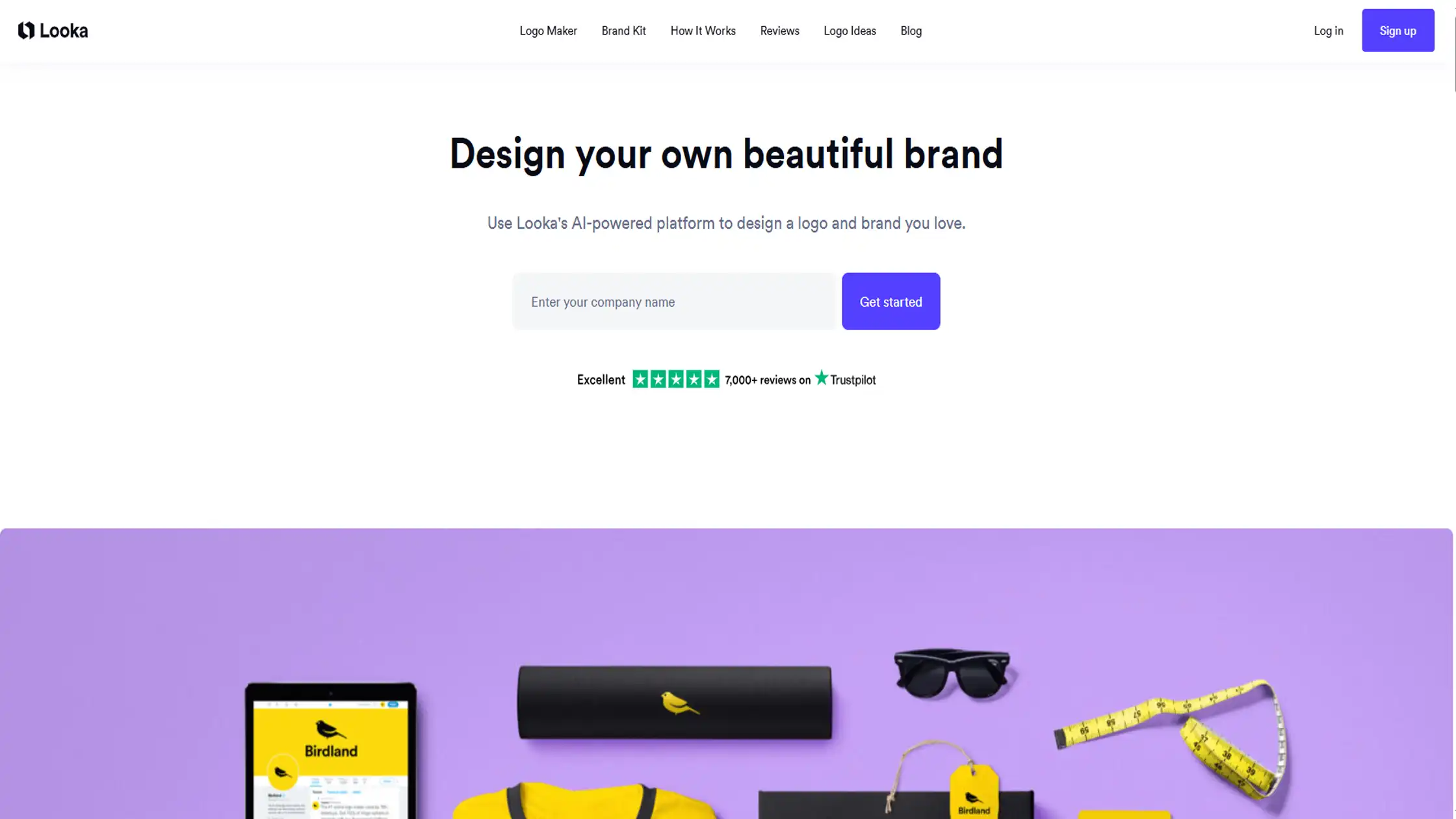
Looka takes a brand from a short questionnaire to a finished logo and a full set of matching assets in one flow. Its AI generates a batch of options based on your industry and style answers, and clicking into any of them opens an editor where fonts, colors, and layout stay fully adjustable.
It is built less for deep typography experimentation and more for getting a clean, cohesive brand identity quickly.
Key Features
Brand Kit automatically carries your chosen fonts and colors into 300+ templates
No signup required to start generating and previewing logo concepts
Live editor lets you swap fonts and immediately see the effect on the full layout
Pros
Fast path from logo to complete brand kit
Easy to test many font and color combinations quickly
No account needed to begin designing
Cons
Font selection is solid but not as deep as specialist tools
Less room for custom typographic effects
Brand Kit templates require a paid plan to fully use
Price
Free to design; logo downloads and Brand Kit access are paid, typically through one-time or subscription plans. Check Looka's site for current pricing.
Best for
Small businesses that want a logo and matching brand kit finished in one sitting.
4. Logomaster.ai
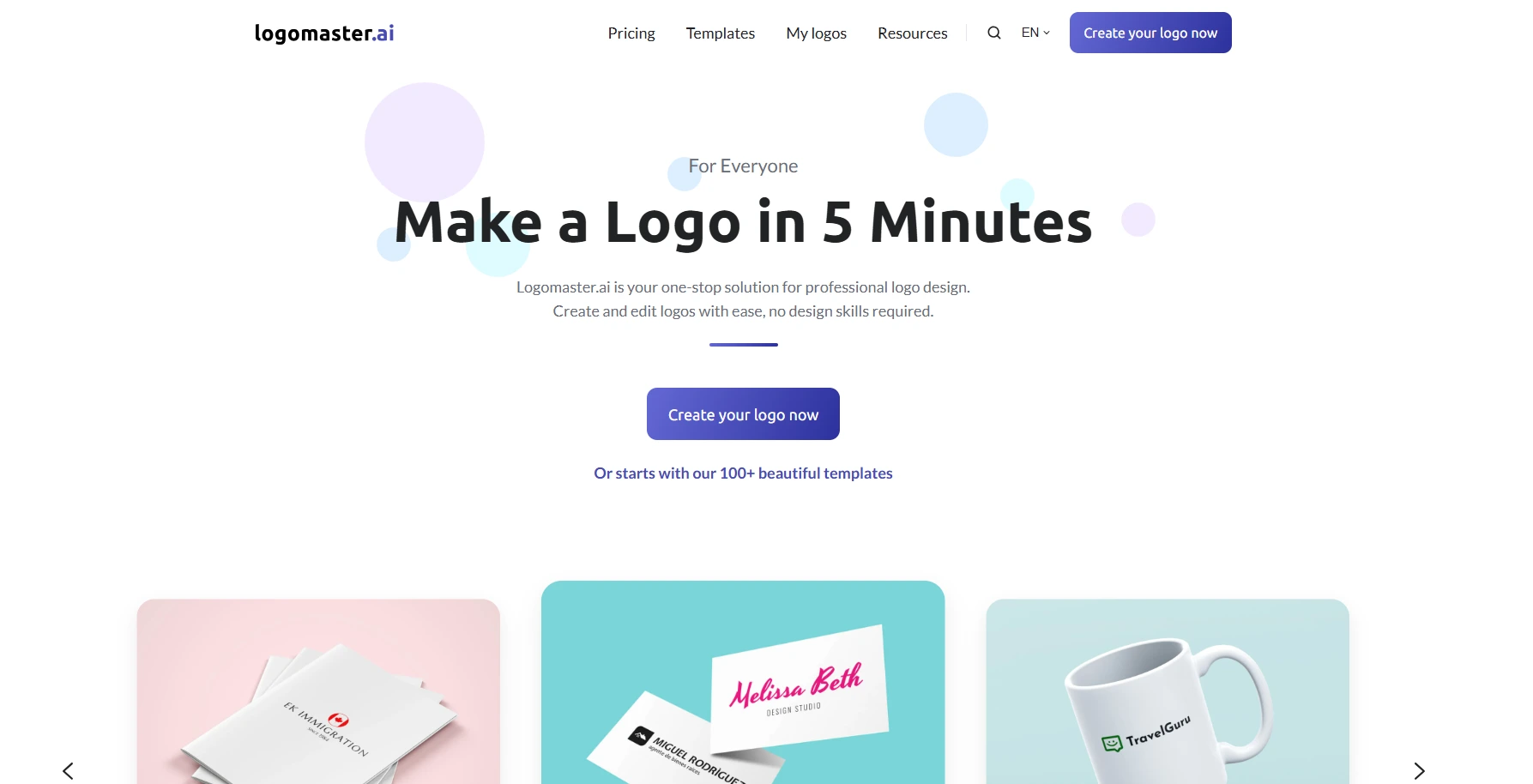
The working process of this tool is simple: pick an industry and style, enter your business name, and choose from AI-suggested starting templates.
From there, fonts, icon sizes, and colors stay fully editable, and the platform lets you keep changing and re-downloading without starting over. It is aimed at people who want a professional logo fast, without a subscription commitment.
Key Features
All font, color, and icon settings remain editable even after your first choice, not locked per template
Unlimited edits and re-downloads on higher-tier one-time packages
Exports include transparent PNG, resizable SVG, and print-ready files in one package
Pros
Fast, five-minute style workflow
No subscription, pay once and own the files
Flexible re-editing even after purchase on paid tiers
Cons
Free use is limited to design and preview only, not download
Print-ready files require a higher-priced package
Font library is decent but not as extensive as design-first platforms
Price
Downloads start around $29 for high-resolution digital files, with $79 and $129 tiers adding print files, unlimited edits, and multiple logo variations.
Best for
Businesses that want a quick, no-subscription logo with straightforward font and color control.
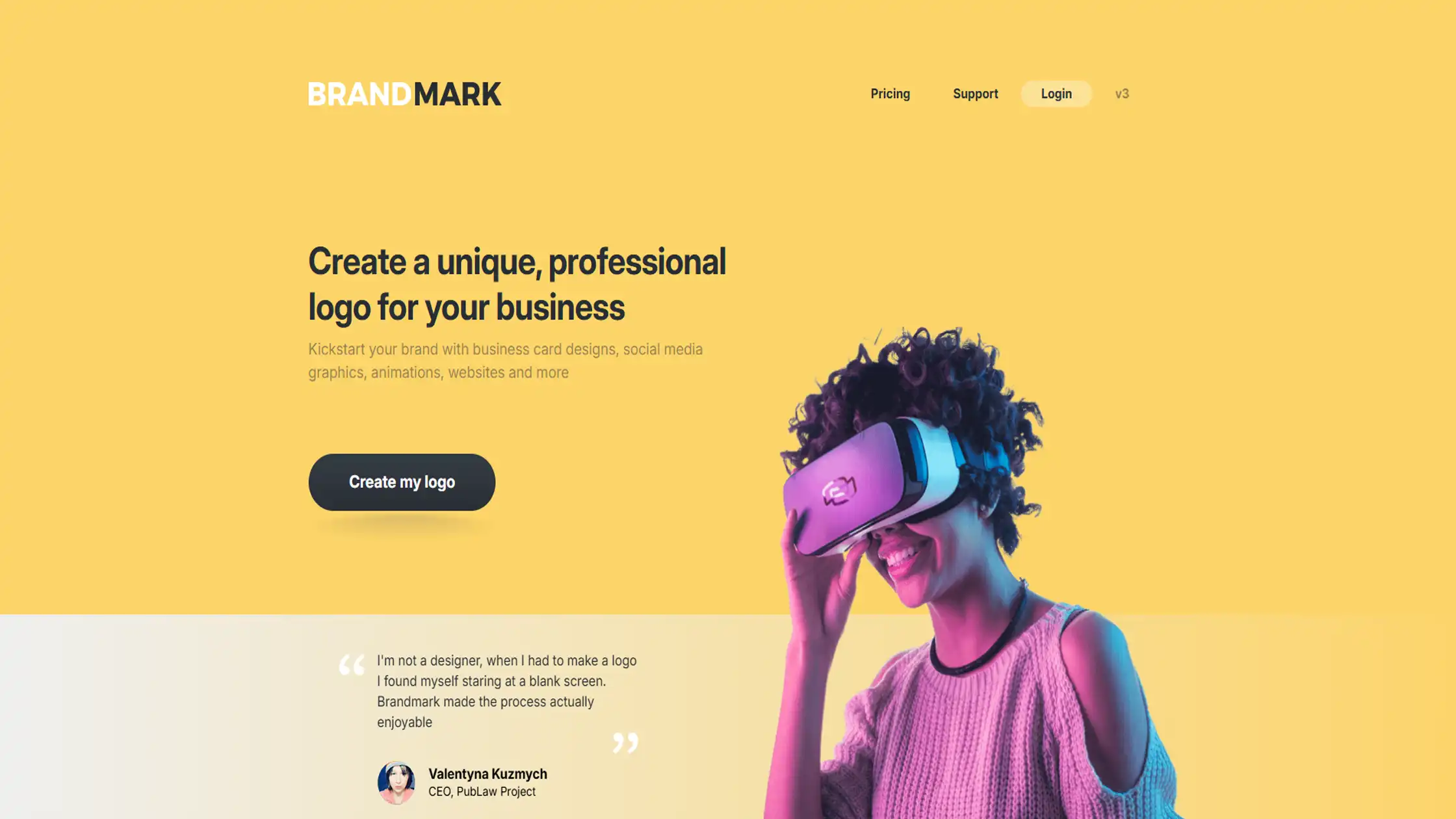
5. Brandmark
Brandmark is built for less templated, more distinctive AI logos, with a particular strength in wordmark and monogram typography. Rather than flooding you with dozens of near-identical options, its AI analyzes existing professional logos and returns a smaller, more curated set of concepts.
The editor then gives real-time control over font, spacing, and boldness, which is where its typography focus shows most.
Key Features
Real-time adjustment of letter spacing and font boldness, not just a font dropdown
AI color wheel and font generator built specifically around typographic pairing
One-time payment structure with free ongoing tweaks after purchase
Pros
More distinctive, less generic-feeling typography output
Real-time editing with immediate visual feedback
Pay once, no recurring subscription
Cons
Fewer initial concepts generated than high-volume competitors
No free trial for downloads
Enterprise-level brand guide features cost significantly more
Price
Basic package around $25, Designer package around $65 (adds source files and brand style guide), Enterprise around $175 with custom concepts included.
Best for
Brands that want a wordmark or monogram-style logo with genuinely considered typography rather than a template feel.
6. Designs.ai (Logomaker)
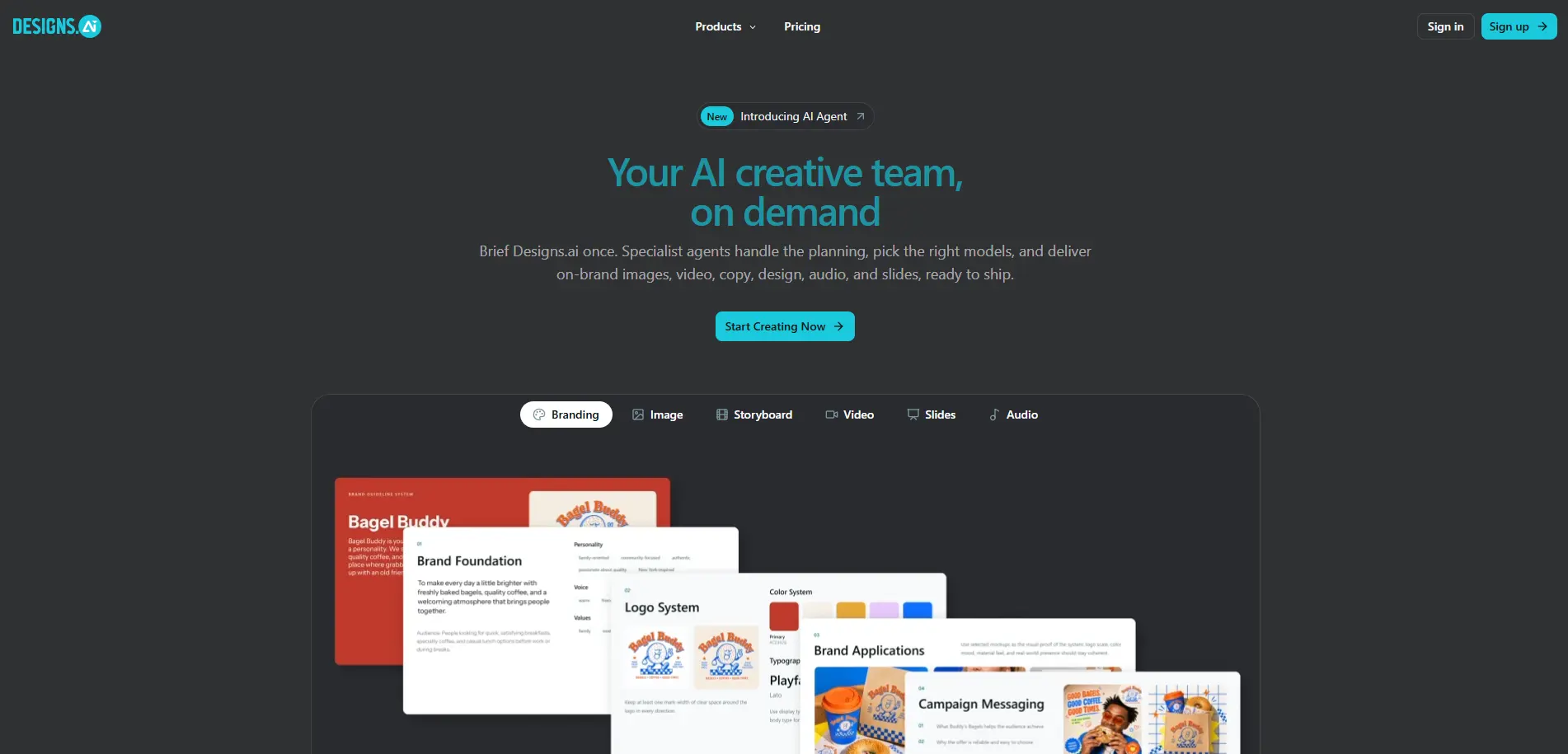
this Logomaker sits inside a larger AI creative suite that also covers video, graphics, and copywriting, so a logo built here can carry its fonts and colors into other tools on the same platform.
You enter your brand name and preferences, and the AI pulls from a library of fonts, icons, and layouts to generate initial concepts, which then stay editable for fine-tuning. It suits teams that want branding and content creation bundled together rather than a standalone logo tool.
Key Features
Logo fonts and colors can carry over into Designs.ai's other tools, like its graphic and video makers
Editable font, color, and layout controls after the initial AI generation
Access to the same asset library used across the platform's other design tools
Pros
Useful if you already plan to use Designs.ai's broader suite
Decent variety of fonts and layouts for a bundled tool
One platform covers logo plus other brand content needs
Cons
Typography controls are less specialized than dedicated logo-typography tools
Value depends on using the rest of the Designs.ai suite
Font library is not as deep as standalone design platforms
Price
Access is typically bundled with Designs.ai subscription plans rather than sold as a standalone one-time purchase; check current plan pricing on their site.
Best for
Teams that want a logo maker bundled with broader content creation tools rather than a standalone design platform.
Comparison: How These Six Tools Stack Up
Kittl AI
Best for deep typography control, including custom font uploads and original letterform generation
Steeper learning curve, so best suited to those who prioritize font control over speed
LogoAI
Fast turnaround with automatic brand guidelines listing exact fonts and colors used
Lighter customization depth compared to design-first platforms
Looka
Strongest brand kit, carrying your fonts and colors into 300+ templates beyond the logo
Font selection is solid but not as deep as typography-focused tools
Logomaster.ai
Most budget-friendly and simple, with a five-minute workflow and no subscription
Free tier is preview-only, so downloads always require payment
Brandmark
Distinctive, less templated output with real-time control over spacing and boldness
Fewer initial concepts generated compared to higher-volume competitors
Designs.ai (Logomaker)
Best value if you already use its broader video, graphic, and copywriting tools
Typography features are decent but less specialized on their own
How to Choose an AI Logo Maker with Custom Font Options
Amount of font control
Some tools only let you swap between preset fonts, while others allow changes to weight, spacing, and letter effects. Decide how much control you actually need before picking a plan.
Uploading your own fonts
If your brand already has a defined typeface, check whether the platform supports custom font uploads, since not all of them do.
Licensing for commercial use
Read the fine print on font and logo licensing. Some fonts in a library are free for personal use only, which matters once you start selling products under that brand.
Export quality
Vector formats like SVG, EPS, or PDF matter for anything beyond a website favicon, especially printed materials like signage or packaging.
Brand identity tools
A brand kit that carries your fonts and colors into templates for social media, business cards, or presentations saves time later.
Budget
Pricing models vary widely, from one-time payments to pay-per-download packages to full subscriptions. Match the model to how often you expect to need edits or new assets.
Conclusion
Typography can make or break a logo, and these six AI logo makers give you real control over fonts instead of locking you into fixed templates. Whether you want deep typographic effects, a fast brand kit, or a tool bundled with broader creative features, there is an option here suited to different budgets and workflows.
Pay attention to font licensing and export formats before you commit, since those details matter once your brand is live. Test a few tools first, then pick the one that fits your workflow best.
Frequently Asked Questions
Which AI logo maker offers the most custom font control?
Kittl AI leads this list on typography depth, with a large font library, custom font uploads, and tools to generate original letterforms from scratch.
Which AI logo maker is best for a complete brand kit, not just a logo?
Looka stands out here, since its Brand Kit carries your chosen fonts and colors into 300+ templates for business cards, social posts, and more.
Do AI logo makers provide vector files for print use?
Most premium plans across these six tools include vector formats like SVG, EPS, or PDF, which scale cleanly for both digital and print materials.
Which AI logo maker is the most budget-friendly for a simple logo?
Logomaster.ai is the most straightforward and affordable option, with a one-time payment structure and no recurring subscription required.
Which AI logo maker is best if you want distinctive, less templated typography?
Brandmark is built for this, using AI analysis of professional logos to generate a smaller, more curated set of concepts with real-time font and spacing controls.

Admin
Admin is a professional and creative specializing in the latest stylish font styles for social media and brand promotion. With a passion for modern typography and digital trends, Admin helps users create eye-catching text that stands out online.