Content
- What Is the Text to Font Generator?
- It's Not Actually Changing the Font
- How the Conversion Actually Works
- Unicode: The System That Makes This Possible
- Real Fonts vs Generated Text
- Where the Emojis and Symbols Come From
- A Quick History Behind Popular Styles
- Why Fancy Text Sometimes Doesn't Display Right
- Where You Can Use Generated Text
- Is It Safe and SEO Friendly?
- How to Use a Text to Font Generator
- Conclusion
- Frequently Asked Questions (FAQs)
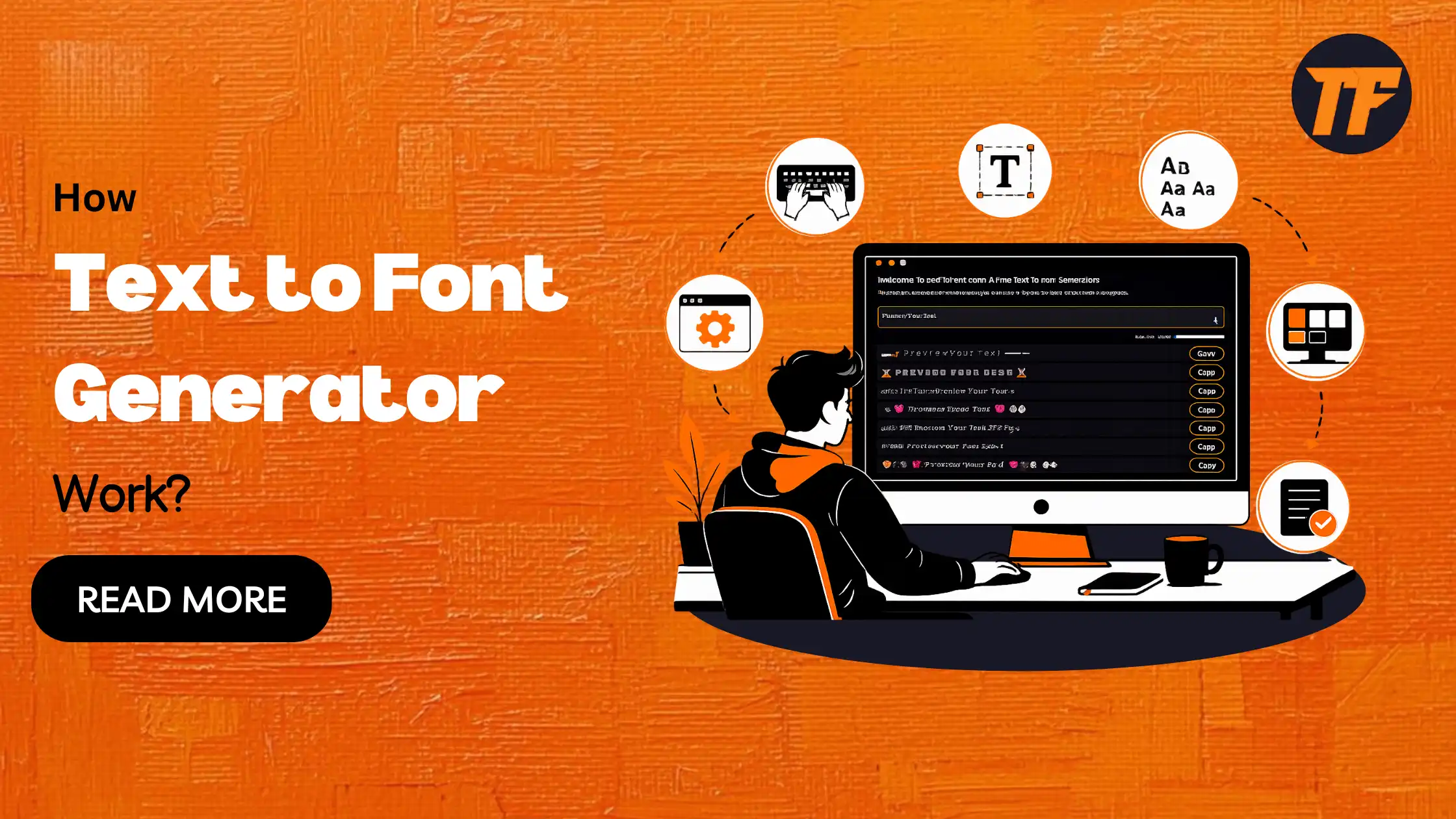
How Text to Font Generator Work?
Ever noticed those stylish usernames and bios on Instagram or Discord and wondered how people create them?
They are made using the Text to Font Generator, a simple tool that turns plain text into decorative styles using symbols already built into your keyboard's underlying character system.
No design software or font installation is involved. This article breaks down exactly how this tool works, where the styles come from, and why they display the way they do across different apps and platforms.
What Is the Text to Font Generator?
The Text to Font Generator is an online tool that takes normal text you type and converts it into stylized versions using special characters.
Instead of designing new letters, the tool pulls from a massive library of existing characters that happen to look like bold, cursive, gothic, or bubble letters. Add emojis and symbols into the mix, and you get text that stands out in bios, captions, usernames, and messages.
It's Not Actually Changing the Font
This is where most people get confused. When you use the Text to Font Generator, the font on your device does not actually change. What changes is the character itself. Each letter you type gets replaced with a completely different character that only resembles a font style but is technically its own unique symbol.
That is why you cannot copy this text into a document and expect it to behave like a real font. It will not resize the same way, and some styles may not render properly in every app.
How the Conversion Actually Works
Here is the step-by-step process behind the scenes:
You type your text using standard letters and numbers
The tool scans each character one at a time
Every character is matched against a pre-built table of lookalike symbols
The matching symbol replaces your original letter
Emojis and decorative symbols are added from separate character sets if selected
The final styled text is displayed and ready to copy
This entire process happens instantly because the tool is not generating anything new. It is simply substituting characters based on a reference table that was built in advance.
Unicode: The System That Makes This Possible
All of this is possible because of Unicode, a global standard that assigns a unique number to every character used in digital text. Unicode covers over 140,000 characters, including letters from different alphabets, mathematical symbols, emojis, and decorative variants of the standard alphabet.
A specific section called the Mathematical Alphanumeric Symbols block is where most fancy font styles come from.
It was originally created for math notation, but it happens to include bold, italic, script, and double struck versions of every letter. The tool simply borrows these characters and displays them as font styles.
Real Fonts vs Generated Text
Real Fonts
Generated Text
What it is
A design file installed on a device
A different Unicode character
How it works
Changes how existing letters are drawn
Replaces the letter entirely
Where it works
Only in apps that support the font file
Anywhere Unicode is supported
Copy paste behavior
Loses styling when pasted elsewhere
Keeps styling everywhere
This difference explains why generated text works across almost any app without needing to install anything, while a real font only works where it has been installed.
Where the Emojis and Symbols Come From
Emojis and symbols work the same way as fancy letters. They live in their own dedicated sections of Unicode, separate from the alphabet blocks.
When the Text to Font Generator combines emojis, symbols, and stylized letters into one output, it is pulling from multiple Unicode ranges at once and stitching them together into a single string of text.
A Quick History Behind Popular Styles
Some of the most popular styles have interesting origins:
Gothic and Fraktur: rooted in old religious manuscripts and early printed books
Double struck: originally created by hand on chalkboards to fake bold lettering in math
Squared letters: first introduced for Japanese television broadcast labels
Monospace: designed for typewriters, where every character needed equal width
None of these were built for social media, but Unicode preserved them, and tools like the Text to Font Generator repurpose them for modern use.
Why Fancy Text Sometimes Doesn't Display Right
Occasionally, generated text doesn’t display properly. This happens when the device or app you are using does not support that particular
Unicode character. Since the Text to Font Generator relies on your device's built-in character rendering, not everything is guaranteed to display the same way everywhere.
Older devices, certain apps, and some fonts within those apps simply do not include every Unicode character, which causes gaps in support.
Where You Can Use Generated Text
Because Unicode is a universal standard, generated text works across most major platforms, including:
Instagram bios, captions, and comments
TikTok captions and profile names
Discord nicknames and server names
WhatsApp and Facebook messages
Gaming usernames on platforms like Roblox and Steam
Support can vary slightly depending on the app version or device, but the vast majority of modern platforms handle it without issues.
Is It Safe and SEO Friendly?
Generated text is safe to use since it is made entirely of standard Unicode characters, not scripts or code.
That said, it is not ideal for search engine optimization. Search engines are built to recognize standard letters, so heavily stylized text in page titles or headings can hurt readability and indexing.
It works best in bios, captions, and casual content rather than core website copy.
How to Use a Text to Font Generator
Using the tool takes only a few seconds:
Type or paste your text into the input box
Browse through the available font styles
Add emojis or symbols if you want extra flair
Click on the style you like to copy it
Paste it into your bio, post, or message
There is no signup or installation required, and you can repeat the process as many times as you like.
Conclusion
The Text to Font Generator works by replacing standard letters with visually similar Unicode characters rather than changing your device's actual font.
This simple process makes it easy to create stylish text that can be copied and pasted across most apps and platforms without installing anything. Understanding how it works also helps you use fancy text more effectively while avoiding compatibility and SEO issues where plain text is the better choice.
Frequently Asked Questions (FAQs)
Is the text from a font generator a real font?
No, it is not a real font. It is made of separate Unicode characters that only resemble different font styles.
Why does some fancy text show up as boxes on certain devices?
This happens when the device or app does not support that specific Unicode character. It is a display limitation, not an error in the tool.
Can I use generated text in a Word document?
Yes, since it is Unicode based, but it will not resize or behave exactly like an installed font would.
Is using a text to font generator safe?
Yes, it only produces standard Unicode text with no hidden code or scripts involved.
Will fancy text hurt my SEO if I use it on my website?
It can, especially in titles and headings, since search engines are optimized to read standard letters. It is better suited for bios and social captions.

Admin
Admin is a professional and creative specializing in the latest stylish font styles for social media and brand promotion. With a passion for modern typography and digital trends, Admin helps users create eye-catching text that stands out online.