Content
- What Is the Gaming Font Generator?
- Why Gamers Need a Stylish Font Generator
- Key Features of the Gaming Font Generator
- How to Use the Gaming Font Generator
- Types of Gaming Fonts You Can Create
- Where to Use Your Stylish Gaming Fonts
- Tips for Choosing the Right Gaming Font
- Common Issues When Using Fancy Gaming Fonts
- Conclusion
- Frequently Asked Questions
Best Gaming Font Generator: Create Stylish Gaming Fonts Easily
Gaming is all about personalization, from custom skins and loadouts to profile banners and clan tags. A plain text username, though, rarely reflects that same creativity. The Gaming Font Generator fixes this by turning ordinary text into bold, stylish, and eye-catching fonts in seconds, no downloads or design skills required.
You can also add symbols and emojis to give your name extra personality. This guide walks you through what the tool does, how to use it, and how to pick a style that actually fits your gaming identity.
What Is the Gaming Font Generator?
The Gaming Font Generator is a free online tool that converts plain text into stylishish fonts for gaming profile, ready-to-copy fonts built for gamers. Instead of just changing the look of your text with images or downloadable fonts, it uses special Unicode characters that work almost anywhere online, from game usernames to social bios.
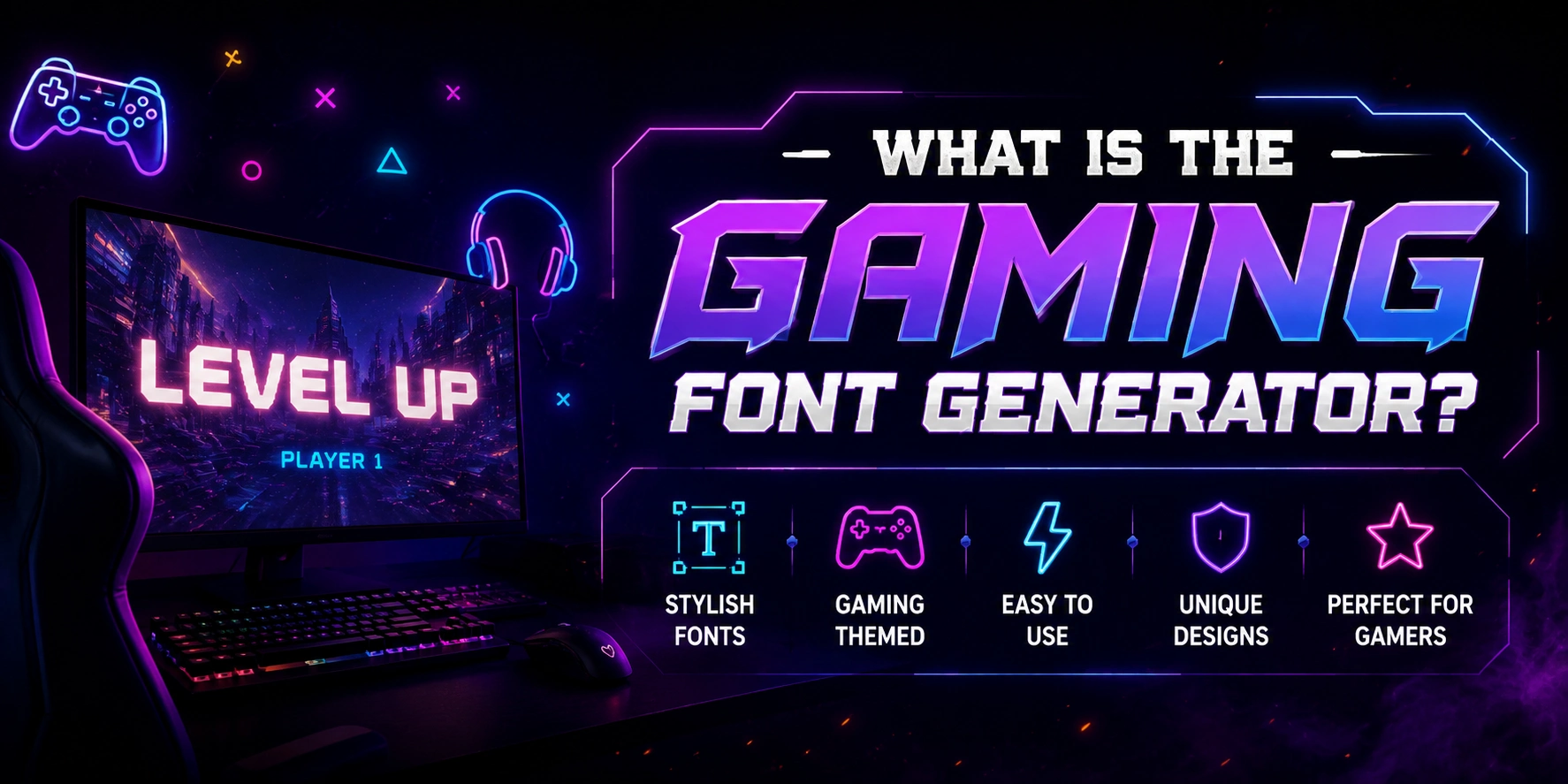
Along with font styling, the tool also lets you add symbols and emojis to your text, so your name doesn't just look stylish; it looks personalized.
How does the Gaming Font Generator Work?
The Gaming Font Generator swaps your regular letters with Unicode characters that are visually styled but still readable as text. Since Unicode is a universal standard, these styled characters can be copied and pasted into games, apps, and websites without needing any special fonts installed on the other end.
Why Gamers Need a Stylish Font Generator
A generic username doesn't say much about you. A styled one does. Here's what a good gaming font actually helps gamers with:
Standing out in leaderboards, clan lists, and match lobbies
Building a recognizable brand if you stream or create content
Making your Discord server or channel name feel more personal
Expressing your gaming persona, whether that's aggressive, cute, retro, or futuristic
Key Features of the Gaming Font Generator
Wide Range of Font Styles
The Gaming Font Generator offers a large collection of styles, from bold and blocky to glitch, pixel, gothic, and tattoo-inspired fonts. This variety makes it easy to find a style that matches your gaming persona instead of settling for a generic look.
Built-In Symbols and Emojis
Beyond just changing your font, the tool lets you add symbols and emojis directly to your text. This gives you more room to personalize your username or bio without needing a separate app or tool.
Instant Preview
As soon as you type your text, the tool generates and displays all available styles right away. You can browse through the options in real time and see exactly how each one looks before deciding.
One-Click Copy and Paste
Once you find a style you like, copying it takes a single click. There's no need to manually select text or worry about formatting issues when pasting it elsewhere.
No Sign Up or Downloads Required
The Gaming Font Generator works entirely in your browser. You don't need to create an account, install software, or download any fonts to use it.
Cross-Platform Compatibility
Since the tool relies on Unicode characters, the fonts it generates work across most platforms, including:
Games like PUBG, Free Fire, Roblox, and Minecraft
Discord servers, channels, and bios
Social media platforms like Instagram, TikTok, and X
Completely Free to Use
There are no hidden charges or premium-only styles. Every font, symbol, and emoji option is available at no cost, making it accessible for casual users and streamers alike.
How to Use the Gaming Font Generator
Getting a stylish gaming font takes less than a minute:
Type your text into the input box
Browse through the instantly generated font styles
Click on your favorite style to copy it
Paste it into your game, bio, or chat
That's it. No sign up, no software, and no waiting.
Types of Gaming Fonts You Can Create
The Gaming Font Generator offers a wide range of styles, each suited to a different vibe. Here's a quick breakdown of the most popular options and where they work best:
Bold and Blocky: Great for usernames that need to grab attention instantly
Glitch and Cyberpunk: Suits horror, sci-fi, or edgy themed profiles
Pixel and Retro: Perfect for classic, 8-bit inspired gaming aesthetics
Gothic, Tattoo, and Freaky: Works well for dark, aggressive, or clan style branding
Symbols and Emoji Combos: Ideal for adding decorative flair around your text
Each style serves a different purpose, so it helps to think about the mood you want your name to give off before picking one.
Where to Use Your Stylish Gaming Fonts
Once you've generated a font, you can use it almost anywhere text is supported:
In game usernames and display names for titles like PUBG, Free Fire, Roblox, Minecraft, and Fortnite
Discord server names, channel names, and bios
Streaming platforms like Twitch and YouTube for channel names and overlays
Social media bios and posts on Instagram, TikTok, and X
Tips for Choosing the Right Gaming Font
Picking a font isn't just about what looks cool. A few things are worth keeping in mind:
Match the font's mood to your persona: aggressive, minimal, cute, or retro
Prioritize readability, especially for usernames people need to recognize and remember
Check platform compatibility before locking in a style
Avoid overloading your name with too many symbols or emojis, since it can hurt readability
Common Issues When Using Fancy Gaming Fonts
Sometimes styled text doesn't show up the way you expect. Here's why, and how to fix it:
Some platforms don't fully support certain Unicode characters, which is why they don't show your styled text properly and display empty boxes or question marks instead.
Some games restrict special characters in usernames for consistency or technical reasons
If you run into display issues, switch to a simpler, more widely supported style like bold or serif, since these tend to work across almost every platform
Conclusion
A stylish username can make a real difference in how you're seen across games and social platforms. The Gaming Font Generator makes it simple to create a name that stands out, with no downloads, sign-ups, or design skills needed.
Just type your text, pick a style, add a symbol or emoji if you like, and copy it in seconds. It's a quick way to build an identity that actually feels like yours, match after match.
Frequently Asked Questions
Is the Gaming Font Generator free to use?
Yes, the Gaming Font Generator is completely free. There's no sign-up or payment needed to generate and copy fonts.
Do I need to download or install anything?
No installation is required. Everything works directly in your browser, and you simply copy and paste the result.
Will fancy fonts work on Discord, Instagram, and in-game usernames?
In most cases, yes, since these platforms support Unicode text. Some games may limit certain special characters, so it's worth testing your chosen style first.
Can I add emojis and symbols along with the font style?
Yes, the Gaming Font Generator lets you add emojis and symbols alongside your styled text for extra personalization.
Are there any character limits or restrictions?
The tool itself doesn't impose strict limits, but the platform you're pasting into might. Always check your game or app's username rules before finalizing your name.

Admin
Admin is a professional and creative specializing in the latest stylish font styles for social media and brand promotion. With a passion for modern typography and digital trends, Admin helps users create eye-catching text that stands out online.