Content
If You Download Fonts Often, You Should Know About Trojan Fonts
Finding the right font is an essential part of cultivating a recognizable brand image or conveying a message in an unmistakable way. Browsing and downloading fonts has become natural to designers, so much so that even the most tech-savvy among them don’t give downloading and installing new fonts a second thought.
However, even something this innocuous can be misused to infect your devices or gain unauthorized access to systems and data. Font Trojans are a threat you shouldn’t ignore. Learn more about what they are, how to recognize them, and how to approach font downloads safely.
What are Trojan Fonts?
The term Trojan font refers to a file that disguises itself as a font but has malicious intent. This can happen in two main ways.
The first is when a file looks like a font but isn’t. For example, it may contain the familiar .ttf extension but actually end in .exe, meaning it's an executable. It's common to keep file extensions hidden on Windows, so this won't arouse suspicions. You may download such a file directly or encounter it in a ZIP file, either alone or hidden among legitimate font files.
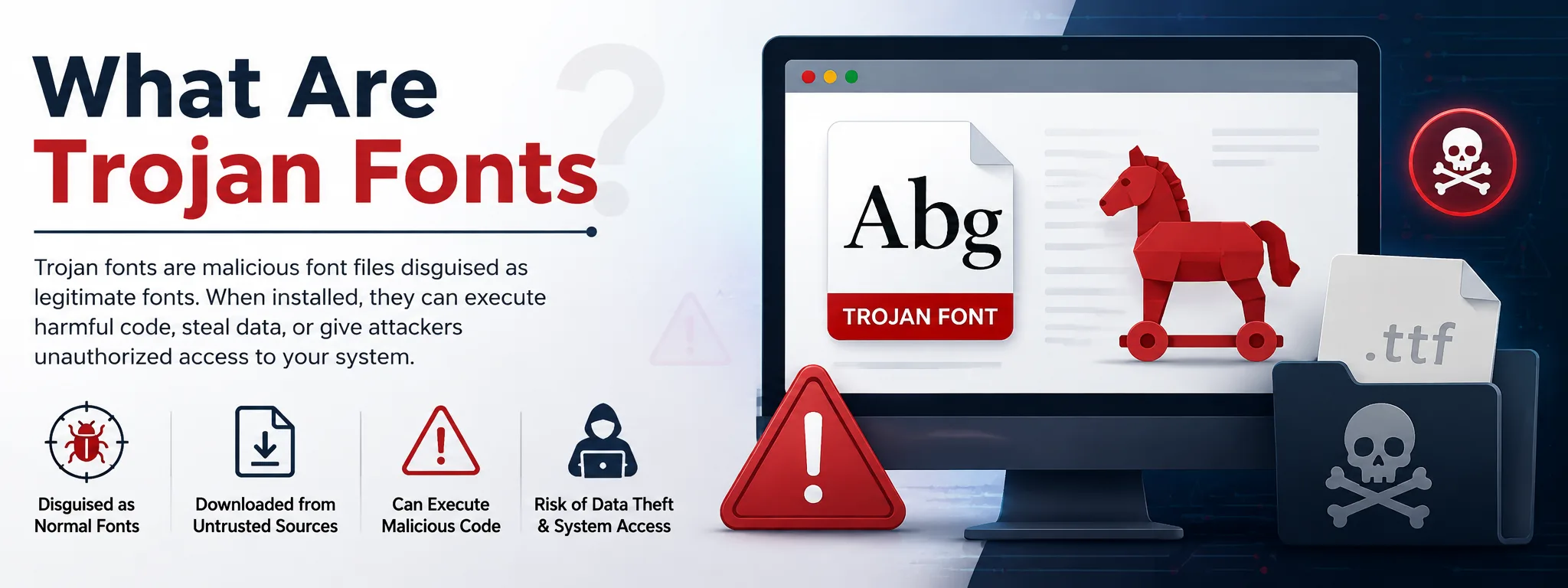
A Trojan may also look like a legitimate font file but contain malicious code. Microsoft previously issued a security patch that addressed an exploit in Windows’ font handling that let fonts execute code on the infected system and even gain user privileges.
What to Know About Trojan Fonts Before Downloading Fonts Online
Before downloading a font, it helps to understand how Trojan fonts can disguise themselves and what risks you may encounter when getting fonts online. Here are some key things to know before downloading and installing fonts from the internet:
Trojan Fonts Can Look Like Normal Font Files
Trojan fonts can be designed to look like ordinary font files, making them difficult to spot at first glance. A file may use a familiar font extension or appear alongside legitimate fonts while hiding malicious code or behavior.
This is why you should not assume a file is safe simply because its name, icon, or extension looks familiar. The source of the font matters just as much as the file itself.
Font File Extensions Can Be Misleading
File extensions can sometimes hide what a file actually is. Font files contain data that maps characters, including Unicode characters, to specific designs, but their extensions do not always tell you whether a file is safe.
For example, a malicious executable may be disguised with a font-like name or hidden extension, especially when Windows is set to hide known file extensions.
Free Fonts Aren’t Always Safe to Download
A free font is not automatically dangerous, but you should be more careful when downloading one from an unfamiliar website. Some sites may bundle fonts with unwanted software or use misleading download buttons to get you to install something else.
There is also a legal concern. A font being offered for free does not necessarily mean the creator has given permission for anyone to use or redistribute it.
Font Download Sites Can Be Risky
The website you use to find a font can affect your security. Unfamiliar sites may use deceptive download buttons, fake alerts, or instructions that ask you to disable security software before downloading a file.
Stick to reputable font libraries, the font creator's official website, or other sources you can verify. Be especially cautious if a site asks you to install extra software or change your security settings just to get a font.
Scanning Fonts Before Installation Adds Protection
Scanning downloaded font files with your antivirus or security software can help detect malicious files before they are opened or installed. This is especially useful when you download fonts from a source you have not used before.
You should also keep your operating system and design software updated. Security updates can fix vulnerabilities that attackers could otherwise use to exploit your device.
Are There Trojan Font Warning Signs?
Any non-archive file that doesn’t use a recognizable font extension is suspicious. Font files also don’t usually come with dedicated installers. While these signs don’t always mean you’re dealing with a Trojan, it’s wise to double-check the source.
Pay attention to what the website asks you to do. Some may tell you to disable Microsoft Defender or allow unrelated permissions. Others may falsely claim that you need to install a special font to view their text, which is almost always harmful.
Finally, be cautious of expensive fonts offered for free on lesser-known websites. Even if the font isn’t infected, using it may still violate the author’s copyright.
How to Download Fonts Safely?
To download fonts safely, you'll either want to contact the author directly or download them from known legitimate online font libraries. Even then, you should scan any downloaded files for viruses to make sure they’re not harmful.
It’s a good idea to check the contents of ZIP files before unpacking them, especially if they contain executables or .bat files instead of expected fonts.
How you browse the internet when searching for fonts can also impact security. For example, visiting sketchy websites over public Wi-Fi may trigger drive-by malware downloads and expose you to account-stealing session hijacking attacks.
Downloading a VPN when connecting to such networks is a sensible precaution. The VPN will encrypt the connection to prevent monitoring and local tampering. Better providers may also block known harmful websites, reducing the risk of infection when searching for fonts on lesser-known sites.
Finally, keep your operating system and design software updated. This helps prevent known exploits from affecting your device.
One last note on VPNs: steer clear of the free ones, since they may sell your data in exchange. If you're after a premium service but still want an affordable plan, check out deals from well-known providers — Surfshark YouTube promo codes, for example. With that, you'll be secure on all fronts.
Final Thoughts
Trojan fonts can be difficult to recognize, but a few simple precautions can reduce the risks of downloading them. Pay attention to file extensions, download sources, and suspicious installation requests.
Scan fonts before installing them and keep your operating system and design software updated. By staying cautious and using trusted sources, you can enjoy new fonts without unnecessarily putting your device, data, or accounts at risk.
Frequently Asked Questions (FAQs):
1. Can a free font contain malware?
Yes, a free font can contain malware if it comes from an untrusted source. Always check where the font comes from and scan it before installation.
2. How can I tell if a font download is suspicious?
Look for unusual file extensions, dedicated installers, or websites asking you to disable security software. These signs do not always mean a font is malicious, but they warrant caution.
3. Should I scan fonts before installing them?
Yes, scanning downloaded fonts can help detect malicious files before they reach your system. This is especially important when downloading from an unfamiliar source.
4. Are font download websites safe?
Not all font download websites are safe, especially lesser-known sites with misleading download buttons or unusual requirements. It is better to use trusted font libraries or the font creator’s official website.
5. How can I download fonts more safely?
Download fonts from reputable sources, check their file extensions, and scan them before installation. You should also keep your operating system and design software updated.

Admin
Admin is a professional and creative specializing in the latest stylish font styles for social media and brand promotion. With a passion for modern typography and digital trends, Admin helps users create eye-catching text that stands out online.