Content
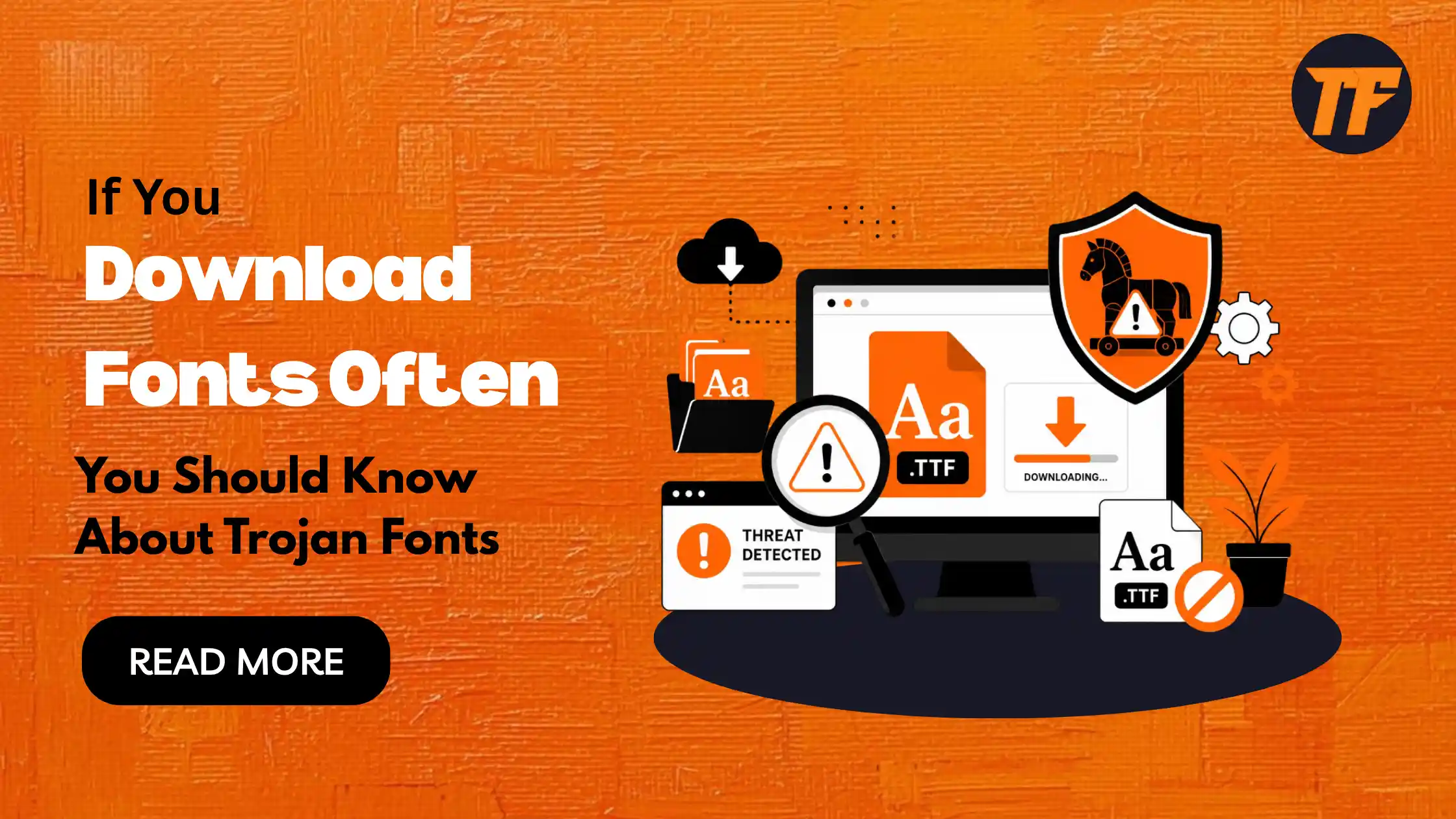
If You Download Fonts Often, You Should Know About Trojan Fonts
Finding the right font is essential for building a recognizable brand image, but downloading untrusted files can expose your device to hidden risks like a font Trojan.
Browsing and downloading fonts has become so common to designers that even experienced users may often install new fonts without considering the potential risks.
Downloading fonts from unfamiliar websites can expose your device to malware and other security threats.
Understanding what font Trojans are and how to download fonts safely can help you assess whether a font download website is trustworthy.
What are Trojan Fonts?
The term Trojan font refers to a file that disguises itself as a font but has malicious intent. This can happen in two main ways.
The first is when a file looks like a font but isn’t. For example, it may contain the familiar .ttf extension but actually end in .exe, meaning it's an executable.
It's common to keep file extensions hidden on Windows, so this won't arouse suspicions. You may download such a file directly or encounter it in a ZIP file, either alone or hidden among legitimate font files.
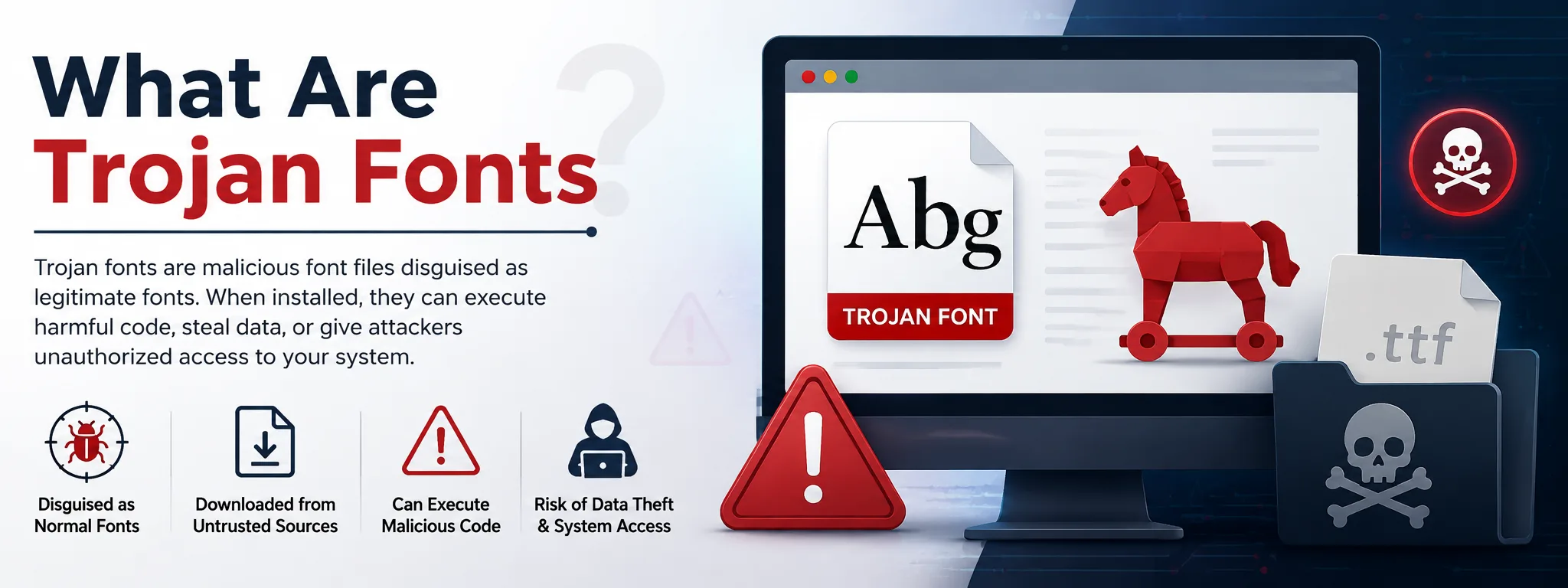
Microsoft previously issued a security patch that addressed an exploit in Windows’ font handling that let fonts execute code on the infected system and even gain user privileges.
What to Know About Trojan Fonts Before Downloading Fonts Online
Before downloading a font, it helps to understand how Trojan fonts can disguise themselves and what risks you may encounter when downloading fonts online.
Trojan Fonts Can Look Like Normal Font Files
As mentioned above, Trojan fonts can be designed to look like ordinary font files, making them difficult to spot at first glance.
This is why you should not assume a file is safe simply because its name or icon looks familiar. The source of the font matters just as much as the file itself.
Font File Extensions Can Be Misleading
File extensions can sometimes hide what a file actually is. Font files contain data that maps characters, including Unicode characters, to specific designs, but their extensions do not always tell you whether a file is safe.
For example, a harmful executable can look just like a font file because Windows is configured by default to hide file extensions like .exe.
Free Fonts Aren’t Always Safe to Download
A free font is not automatically dangerous, but it doesn't meant that every free font download website is safe. Some sites may bundle fonts with unwanted software or use misleading download buttons to get you to install something else.
There is also a legal concern. A font being offered for free does not necessarily mean the creator has given permission for anyone to use or redistribute it.
Font Download Sites Can Be Risky
The website you use to find a font can affect your security. Unfamiliar sites may use deceptive download navigations, fake alerts, or instructions that ask you to disable security software before downloading a file.
Stick to reputable font libraries, the font creator's official website, or sources you can easily verify. Be especially cautious if a site asks you to install extra software or change your security settings just to get a font.
Scanning Fonts Before Installation Adds Protection
Scanning downloaded font files with your antivirus or security software can help detect malicious files before they are opened or installed. This is especially useful when you download fonts from a source you have not used before.
You should also keep your operating system and design software updated. Security updates can fix vulnerabilities that attackers could otherwise use to exploit your device.
Are There Trojan Font Warning Signs?
Any non-archive file that doesn’t use a recognizable font extension is suspicious. Font files also don’t usually come with dedicated installers. While these signs don’t always mean you’re dealing with a Trojan, it’s wise to double-check the source.
Pay attention to what the website asks you to do. Some may tell you to allow unrelated permissions while others may falsely claim that you need to install a special font to view their text, which is almost always harmful.
Be cautious of expensive fonts offered for free on lesser-known websites. Even if the font isn’t infected, using it may still violate the copyright laws.
How to Download Fonts Safely?
To download fonts safely, contact the font creator or download them from known legitimate online font libraries. Scan downloaded files before installation and check ZIP contents for unexpected executables or .bat files.
When searching for fonts on public Wi-Fi, Downloading a VPN can help encrypt your connection and reduce exposure to local network monitoring. However, a VPN cannot guarantee protection against malicious font files or unsafe websites.
If you're considering a premium VPN at a lower price, reputable providers like Surfshark YouTube promo codes may help you find available deals.
Final Thoughts
Trojan fonts can be difficult to recognize, but a few simple precautions can reduce the risks of downloading them. Pay attention to file extensions, download sources, and suspicious installation requests.
Scan font files before installing them and keep your operating system and design software updated. By staying cautious and using trusted sources, you can enjoy new fonts without unnecessarily putting your device, data, or accounts at risk.
Frequently Asked Questions (FAQs):
1. Is Font.download safe?
Font.download has mixed community reports, including concerns about malware detections and unauthorised font distribution. Although some users report no issues, downloading fonts from trusted libraries such as Google Fonts is a safer choice.
2. Can TTF files contain viruses?
Yes, font files can pose security risks if they exploit vulnerabilities in software that processes them. Files disguised as TTF fonts may also turn out to be executable malware. Download fonts from trusted sources, scan files before installation, and keep your operating system updated.
3. Is FontZone safe?
ScamAdviser rates FontZone (fontzone.net) as very likely safe. However, this rating does not guarantee that every download is free from malware. Scan downloaded files before installing them and avoid suspicious installers or unexpected software.

TextToFont Editorial Team
The TextToFont Editorial Team publishes practical guides, tutorials, contributed and partner content covering typography, font generators, Unicode text styles, digital design, creative software, and emerging technology. Each article is reviewed for relevance, accuracy, clarity, and usefulness before publication on TextToFont.